
We all accumulate information throughout our lives, from school lessons to work procedures and everything in between. Over time, this knowledge becomes outdated, irrelevant, or buried under the weight of new information.
Personal Knowledge Management (PKM) is a way to keep track of what you know, build on it, discard what no longer serves you, and easily access what you need when needed. This guide will show you how to do just that.
You’ll learn tips and tricks to help you navigate the PKM process, including using a free AI note-maker to recall information and boost your productivity instantly.
One of the best tools to level up your PKM processes is Constella's AI notes manager. This free, easy-to-use note-maker uses artificial intelligence to help you instantly recall important information, organize your notes, and even find connections between seemingly unrelated topics.
What is Personal Knowledge Management?

Personal Knowledge Management (PKM) encompasses various processes that assist individuals in gathering, organizing, storing, and accessing their knowledge. It is a bottom-up strategy that helps people learn, grow, and prepare for society's challenges.
Why PKM Matters
The world is increasingly complex. Society faces growing volumes of noisy information and knowledge. As knowledge workers, lifelong learners, and members of modern society, we have to adapt and learn to deal with this reality. We need to stay on top and adjust quickly. We must excel at critical thinking, deep thinking, and creative thinking. That's the only way for us to cope with the burden and noise of the modern world. Personal Knowledge Management (PKM) in particular—and Knowledge Management (KM) in general—are part of the solution. They can help us become better humans.
What Happens When We Don't Use PKM
Most knowledge workers and lifelong learners rely heavily on their brains to retain information. Unfortunately, human memory is unreliable. Over time, recalling information becomes more difficult, and the process of learning slows down. By externalizing our thinking, such as through writing or visual aids, we can reduce overwhelm and think more deeply.
How PKM Can Help
We need to externalize our thinking to feel less overwhelmed and think more deeply. Human brains are incredible, but they are mainly optimized for survival. Our mental knowledge management and knowledge organization systems are not for deep thinking. One obvious limitation we have is our tiny short-term memory. It's impossible to retain more than a few items at a time in our short-term memory, making it impossible to think deeply about interconnected ideas and their relationships.
To think deeply, we have no choice but to externalize our thinking. One way of externalizing our thinking is by writing things down. Writing is thinking. Another approach is to create visualizations (e.g., mind maps), drawings, etc. Whenever I write an article, I think much more deeply about the ideas I'm covering than I'd be able to if I were only using my brain. Logical thinking and analysis lead to thoughts, observations, ideas, and conclusions, but storing the intermediary results of our mental processes is almost mandatory.
That's why having Post-It notes and/or whiteboards is so helpful for brainstorming sessions! Without this, we would forget most of the interesting things that come up, and we wouldn't be able to go further. But there's more! Writing down our ideas and thoughts on paper or using digital tools enables deep thinking. Once ideas are in front of our eyes, whether on a wall with
Post-It notes, on an infinite canvas, or in a note-taking tool such as Obsidian, it becomes much easier to go deeper on any topic we are exploring, as we can see the ideas in front of us and explore different aspects, topics, and sub-topics. Finally, once you accept that it's helpful to externalize your thinking, the next step is to consider this a habit to create and maintain. This brings us to Personal Knowledge Management (PKM), which is focused on the idea that we can make personal knowledge bases for ourselves and leverage those to think better.
Related Reading
- PKM Tools
- Personal Knowledge Management Tools
- Second Brain Apps
- Second Brain Method
- Heptabase Alternative
- Zettelkasten Note Taking
Types of Knowledge in Knowledge Management

Explicit Knowledge – The Straightforward Stuff
Explicit knowledge is structured information that’s easy to document, share, and learn from—like a report containing call center performance metrics. In knowledge management, explicit knowledge is the most accessible type. The information is most straightforward to store in a database for others to reference.
Implicit Knowledge – The Bridge Between Theory and Practice
Implicit knowledge is the application of learned (explicit) knowledge, such as watching a webinar about video conferencing software and then trying it out with clients. This type of knowledge management contains valuable insights that can help your business operate more efficiently. Implicit knowledge can also help improve employee performance by bridging the gap between training and real-world scenarios.
Tacit Knowledge – The Hidden Insights That Drive Success
Tacit knowledge is information gained through experience or intuition, like knowing a customer enjoys chatting about baseball before placing their order. This type of knowledge is more challenging to define, document, and share. However, tacit knowledge can have a significant impact on business operations. For instance, the more employees interact, the better they understand each other’s tacit knowledge. Over time, this can boost team performance and create a more efficient organization.
Declarative Knowledge – The Facts
Declarative knowledge is factual information or static principles, such as the date your company was founded. This type of knowledge management is easy to identify, document, and share. Declarative knowledge can help improve business operations by providing helpful contextual information to teams so they can perform their jobs more efficiently.
Procedural Knowledge – The How-To Information
Procedural knowledge describes how to do something, like how-to articles about setting up your email on a new device. This type of knowledge management can help improve business operations by providing clear guidance to employees so they can perform tasks correctly and efficiently.
7 Tips for Efficient Personal Knowledge Management

1. Use Constella
Transform your note-taking approach with Constella. It's a tool that uses an infinite canvas to help you capture and connect your ideas. Constella's AI notes manager enables you to build your knowledge base without the constraints of traditional folder structures. Research 10 times faster with Constella's AI search that makes finding information instantaneous. For busy knowledge workers and researchers, Constella will change how you capture, find, and connect your ideas.
2. Define Your Goals
Before starting a PKM system, defining your goals and purpose is crucial. A clear purpose lays a foundation for your PKM system and helps you pick a relevant tool to do the job. Here are some key questions you can ask yourself to help clarify your strategy:
- What are my overall objectives?
- What specific problems am I trying to solve?
- What kind of knowledge gatherer do I want to be?
- What information sources will I be gleaning from?
Imagining your perfect workflow helps you create a PKM system that aligns with how you naturally think.
3. Develop a Consistent Capture Habit
Once you define clear goals for your PKM system, create a routine of capturing any information that might be useful. You can record anything: an article, a quote, or a quick thought. You can speed up the information-capturing process and minimize the friction by using web clippers, a quick note function (if a tool supports it), voice memos, and other integrations.
We recommend taking a few minutes at the end of each day to capture any information or ideas you encounter. Avoid relying solely on memory; make it a habit to record information and determine its importance afterward. Ultimately, it’s better to have some duplicate or obscure information than to miss something important.
4. Organize Your Knowledge
In addition to jotting down quick notes and ideas, sorting your information in your digital repository is vital. Based on your preferred tool, there are several ways to structure information for clarity. You can use tags (#hashtags), backlinks, folders, sub-folders, smart folders (where the system organizes relevant notes based on set rules), and more.
You can use different formatting options like bold text and highlighting to prioritize key information, link-related notes by forming a web of interconnected ideas, a ‘Daily note’ to capture tasks, ideas, relevant links, and more. Ultimately, it's about actively using your knowledge as you accumulate it rather than letting it sit in a digital graveyard.
5. Create Visual Representations
Visual representation delivers a powerful way of understanding and interacting with information. You can create mind maps and utilize infinite whiteboards, concept maps, diagrams, sketches, and knowledge graphs to combine text and visuals to unlock a new level of creativity and productivity. It's a must-have practice for your PKM system and lets you see the big picture, improve recall and retention, boost creativity, simplify complex information, and communicate ideas effectively.
6. Customize Your PKM System
You shouldn’t settle with the default look and functionalities of your PKM tool. Most of them offer a bunch of customization options to boost your PKM setup to the next level. For instance, Evernote has a Home menu, which is fully customizable with different widgets to suit my note-taking preferences.
7. Consistently Evaluate and Refine Your PKM Setup
Your PKM system needs periodic check-ups to ensure it's running smoothly. We recommend setting a recurring weekly, monthly, or quarterly reminder by blocking out time in your calendar to evaluate and refine your PKM setup. You can remove unnecessary notes from your PKM system, organize relevant ones for better clarity, and remove other bottlenecks. By consistently reviewing your PKM setup, you will ensure that it remains a valuable tool to keep you productive over the long term.
Related Reading
- Slite Alternatives
- Roam Research Alternatives
- Joplin Alternatives
- Notion Knowledge Management
- Coda Alternatives
- SiYuan Alternatives
- Logseq Alternatives
12 Best Personal Knowledge Management Tools
1. Constella
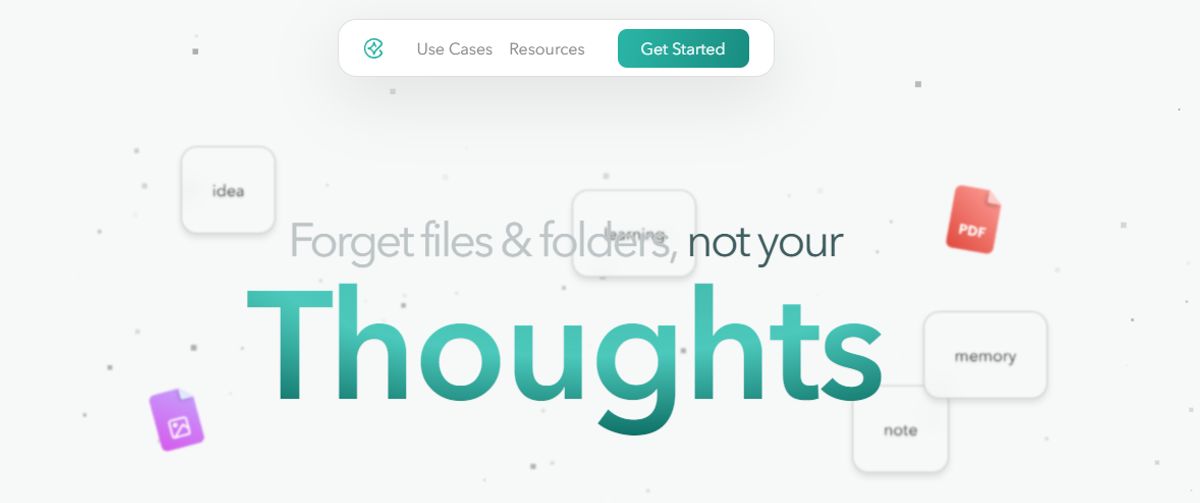
Constella transforms knowledge management with an infinite canvas powered by AI. Capture, connect, and organize your ideas smoothly. The tool's AI assistant helps you build and navigate your knowledge base without the constraints of traditional folder structures. Whether you're a researcher drawing connections across numerous papers or someone who wants a more intuitive way to organize your thoughts, Constella can help you research 10 times faster.
2. Obsidian

Obsidian is a powerful, markdown-based personal knowledge management (PKM) tool designed to help students effectively organize and connect their ideas. The app lets you jot down notes and graphically visualize their relationships. Whether building a personal wiki, creating mind maps, or developing a second brain, Obsidian offers unparalleled flexibility and control, making it a standout choice for students seeking to better their productivity and learning. Apart from building a personal knowledge base and wiki, I also like how Obsidian doubles as knowledge-sharing software, letting you publish personal wikis securely on the web.
Pros
- Brainstorm, research, and map out your ideas with the Canvas feature.
- Extend functionality with community-created plugins or personalize the interface to match your workflow and preferences.
- Keep your data secure on your device and access it anytime, even without an internet connection.
Cons
- Extensive customization options and markdown syntax may feel overwhelming for beginners.
- Obsidian focuses on individual workflows with no built-in team collaboration features.
3. Notion
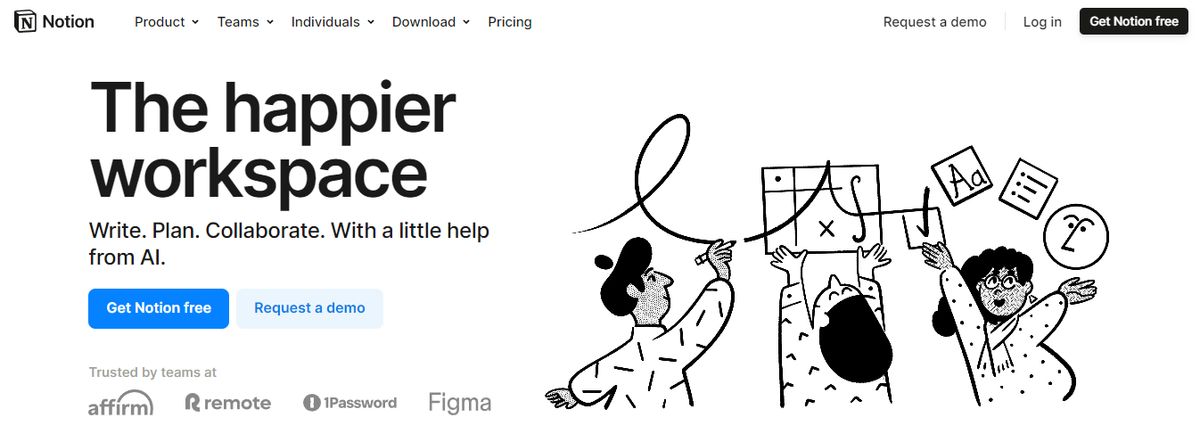
The notion is an all-in-one personal knowledge management tool for teams and organizations. It helps you collectively build a simple and valuable knowledge base with your team. In addition to text, it allows you to add or drag and drop images, videos, audio files, and even link pages in your knowledge base. From managing client data and brainstorming ideas to tracking project milestones, Notion AI makes finding relevant information from your base easy. I also love how the AI writing tool provides note-editing and summarizing capabilities to enhance your knowledge base.
Pros
- Share knowledge, assign tasks, and collaborate in real-time with built-in tools for teams and projects.
- Create and link structured databases to manage projects, track clients, and organize resources.
- Access 20,000+ templates for creating company wikis, meeting notes, etc.
Cons
- Limited functionality without an active internet connection hinders productivity during travel or outages.
- Using Notion’s mobile app might feel clunky and slow.
4. Evernote
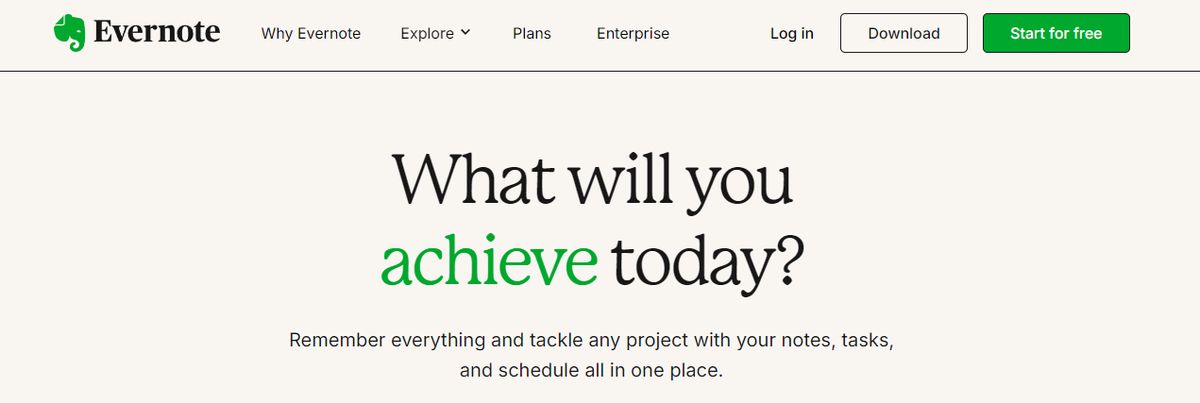
Evernote is a comprehensive personal knowledge management (PKM) and note-taking tool designed to help professionals capture, organize, and access information smoothly across devices. As the name suggests, it lets you jot down random thoughts and store important files and documents to develop a knowledge base. What I like about Evernote is its functionality to record audio notes for personal and professional purposes.
Pros
- Digitize physical documents directly into Evernote to easily access relevant documents, papers, and lists.
- Quickly locate information within your notes using natural language queries.
- Easily sync information across devices to access it anytime from anywhere.
Cons
- Some users find the mobile app less user-friendly than the desktop version.
- The free version offers a limited storage capacity.
5. Tettra
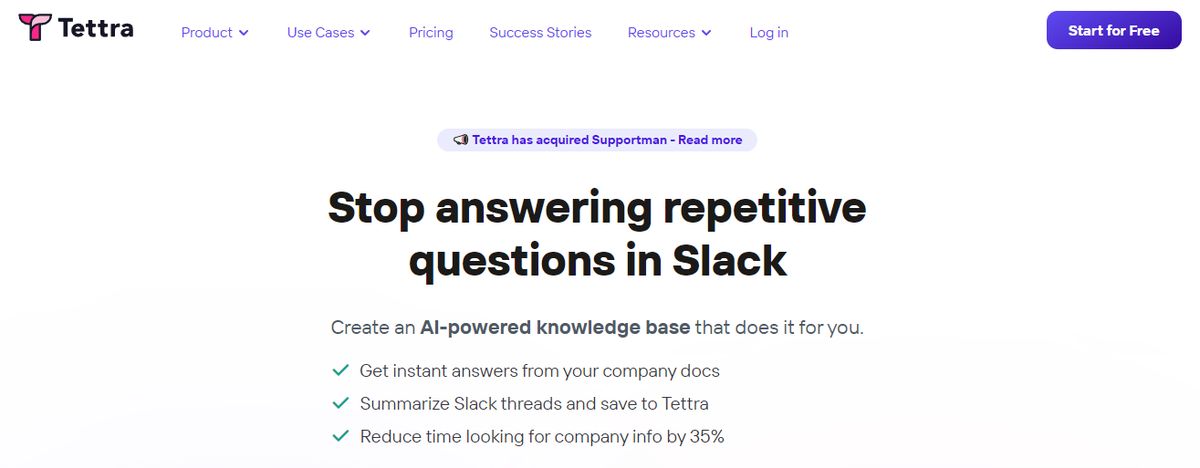
Tettra is a good software for building a centralized knowledge base and managing overall company knowledge. With Tetra’s simple editor, you can create new documentation or export existing content from tools like Google Docs, Notion, etc. Suitable for growing organizations, Tettra offers features such as AI-driven content suggestions and verification workflows to maintain accuracy and public knowledge-sharing capabilities.
Pros
- Get answers to team questions from Tetra’s AI assistant, Kai.
- Verify content on a set schedule with the help of subject matter experts through knowledge automation.
- Add media and cross-link files within the knowledge base.
Cons
- Provides limited formatting features compared to other personal knowledge management tools.
- Users may find the Professional subscription too expensive.
6. Bloomfire
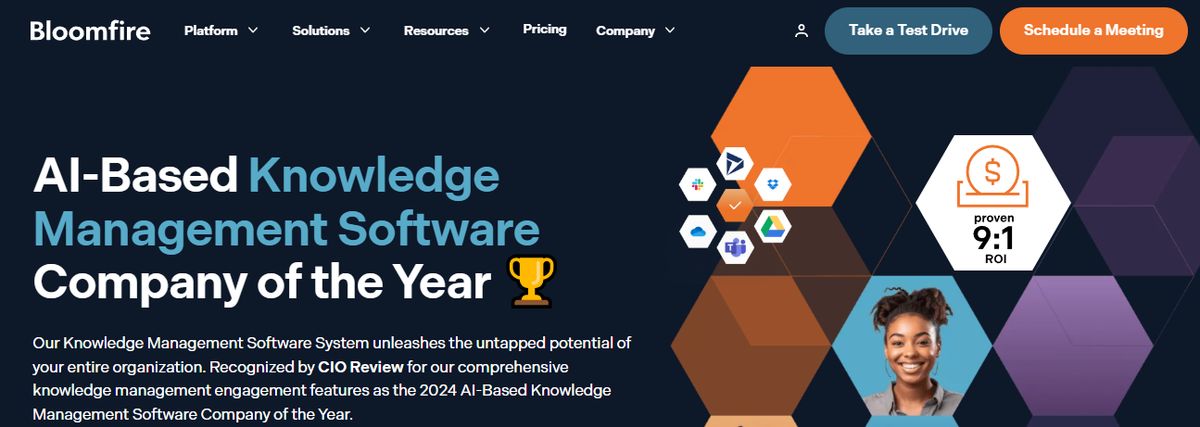
Bloomfire is a scalable AI-driven knowledge management platform for small to multinational enterprises of all sizes. Designed to centralize and democratize information within organizations, the platform helps professionals efficiently gain, organize, and share knowledge. How? Through building secure and searchable repositories. It provides content authoring and moderation tools to ensure only the most relevant and accurate content is published, enabling your teams to make reliable data-driven decisions.
Pros
- Find relevant information with the advanced search functionality that indexes every word in all types of content, including videos.
- Promote knowledge sharing and collaboration through interactive discussions and forums.
- Track engagement metrics and gain insights into content performance with the dedicated analytics suite.
Cons
- The search feature can display too many results, leaving users confused.
- No free trial or version is available.
7. Logseq
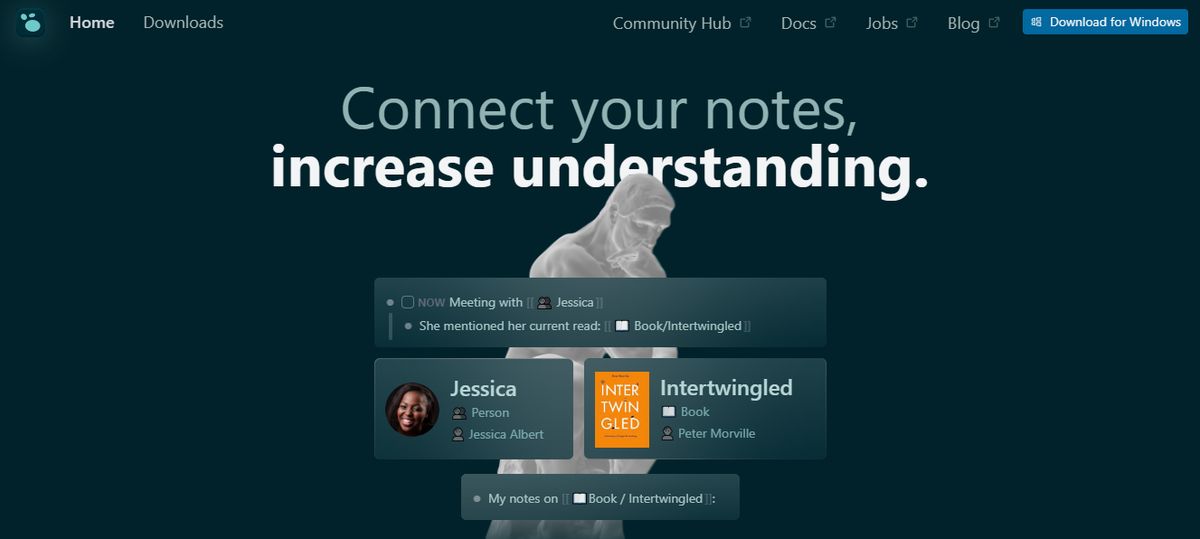
Logseq is a privacy-first, open-source platform for personal knowledge management. Built around an outliner-based structure, users can organize thoughts, notes, and ideas in a clean, hierarchical format. With its ability to create a networked knowledge base using bidirectional links and tags, Logseq mirrors how the brain processes information, making it ideal for managing complex projects, writing, and learning.
Pros
- Visualize your notes and their connections with a graph view.
- Tailor your workflow with 150+ themes and 30+ plugins available through Logseq’s active open-source community.
- Store data locally on your device with the offline-first approach.
Cons
- As the data amount increases, Logseq can become glitchy.
- The mobile app is still evolving and currently has limited functionalities.
8. Mem.AI

Mem.ai is an AI-powered personal knowledge management tool for researchers, managers, content creators, and entrepreneurs. Think of this AI tool as your assistant—it organizes your notes, summarizes insights, drafts tailored content, and digs up answers to your questions. In addition, the platform integrates with various productivity tools, allowing users to consolidate information from different sources into a unified workspace.
Pros
- Automatically categorize and link related notes through AI to discover connections.
- Effortlessly retrieve information based on context and content through advanced search capabilities.
- Manage complex information with a user-friendly interface.
Cons
- Offers limited offline functionalities.
- AI assistance is dependent on internet connectivity.
9. Roam Research

Another great note-taking PKM tool is Roam Research. Popular among researchers, writers, and lifelong learners, this tool is designed for non-linear thinking and idea organization. Roam helps students create a ‘networked thought’ system, connecting concepts and notes to mirror how the brain naturally works. Bidirectional linking on Roam enables you to create a web of interconnected notes and quickly identify relationships between disparate pieces of information.
Pros
- Generate a daily note to help you keep track of your thoughts and ideas on a day-to-day basis.
- Refer to and reuse pieces of text across different notes.
- Store your notes as plain text files, making it easy for you to read and share them.
Cons
- Roam Research’s design is not aesthetically pleasing.
- Some users may find its pricing costlier than other tools due to the free options.
10. Document360
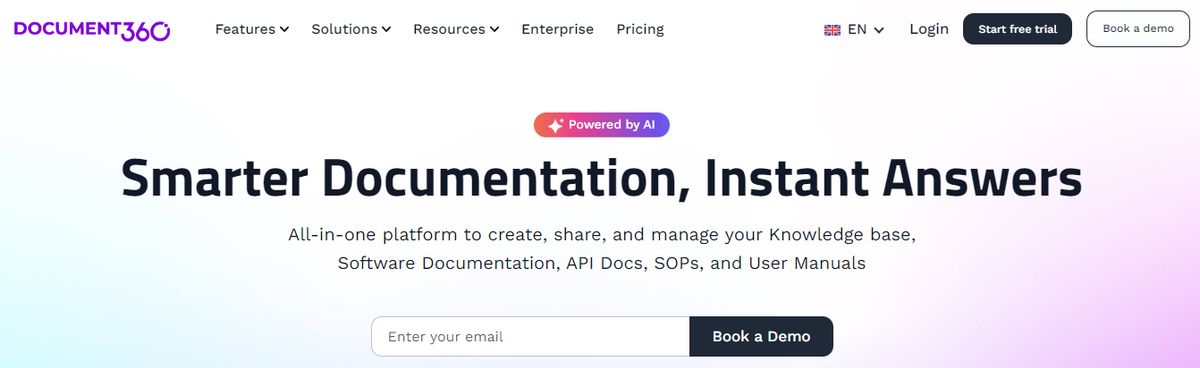
Another all-in-one workspace software for building customizable knowledge bases is Document360. This software helps you personalize your knowledge base with branded colors. It helps create dynamic, searchable, multilingual user manuals, SOPs, how-to guides, and other documents. Ideal for professionals seeking to streamline documentation processes, Document360 offers a user-friendly interface that caters to technical and non-technical users. Plus, it gives AI functionalities to simplify tackling all documentation needs.
Pros
- Improve the context and relevance of documentation with real-time AI feedback.
- Get insights into user behavior and content effectiveness to optimize knowledge management strategies.
- Connect with popular tools like Slack, Microsoft Teams, Zendesk, and Intercom to build a cohesive workflow across platforms.
Cons
- A few features are only available through costly add-ons.
- New users might require time to fully leverage the platform’s extensive capabilities.
11. TiddlyWiki
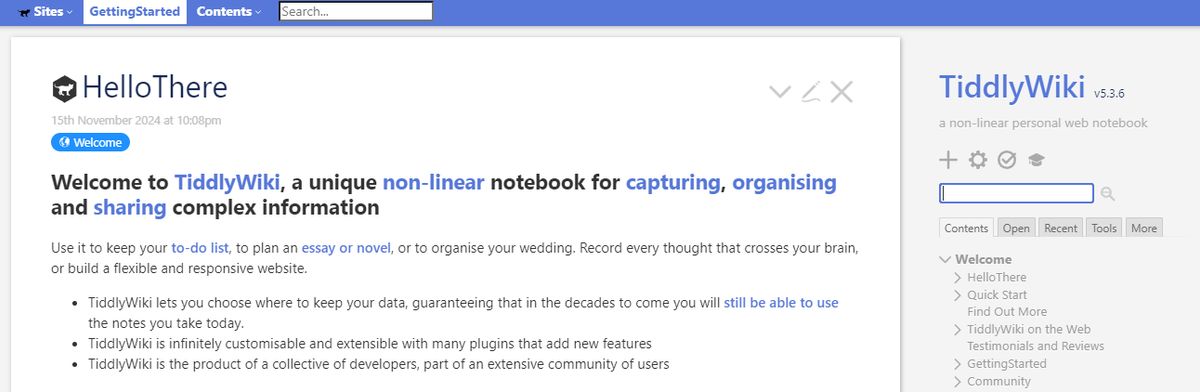
TiddlyWiki is a unique, open-source personal knowledge management (PKM) tool that allows professionals to capture, organize, and share information within a non-linear framework. It helps you plan and manage to-do lists, essays, novels, projects, etc. Functioning as a self-contained HTML file, it operates efficiently across various platforms without complex installations.
Pros
- Use the tool in different languages, with TiddlyWiki offering 20+ languages as plugins.
- Extensively customize and modify the interface and functionality to align with your needs.
- Get help from the vibrant community of users and developers.
Cons
- Team collaboration in real-time is an issue because the tool is primarily designed for individual use.
- Task management through big files may create performance issues.
12. Guru
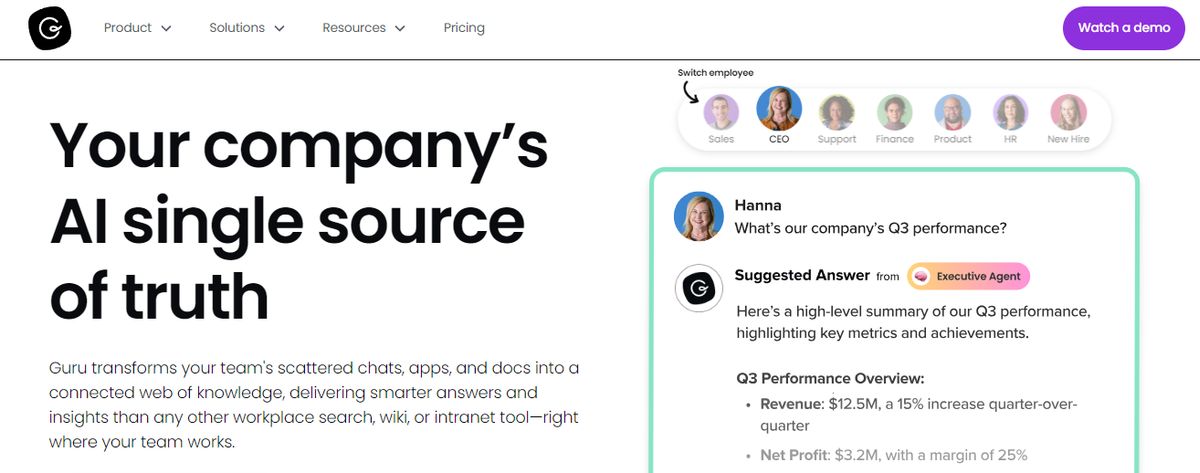
Guru is an AI-powered knowledge management platform that converts your company’s collective knowledge into a single, centralized, and up-to-date Wiki for your employees. The AI search feature provides instant, personalized responses to your employees’ questions, enabling them to get back to their assigned tasks with clarity. Guru allows teams to maintain a single source of truth, ensuring that information is accurate, up-to-date, and easily retrievable—qualities integral to improving operations and making informed decisions.
Pros
- Create a personalized intranet that serves as a centralized hub for company information.
- Connect to your existing apps, chats, and documents through AI. Provides role-based access control functionalities.
Cons
- Guru offers limited customization options compared to other software.
- There is a chance of outdated or duplicate content with the growth of the knowledge base.
Research 10 Times Faster with Constella
Let's face it. The old-school way of taking notes and managing information is limiting. It's like stuffing your research into a box and burying it in the backyard. You never know when you'll need it, and when you finally dig it up, it's probably ruined and totally out of date. Constella reimagines note-taking with an infinite canvas that lets you capture and connect ideas effortlessly, powered by AI search that makes finding information instantaneous.
Whether you're a researcher trying to draw connections across numerous papers or someone who wants a more intuitive way to organize your thoughts and files, Constella's AI assistant helps you build and navigate your knowledge base without the constraints of traditional folder structures.
Constella transforms how you capture, find, and connect your ideas, perfect for busy knowledge workers and researchers limited by conventional note-taking tools. Research 10 times faster with Constella's AI notes manager.
Related Reading
Want more insights like this?
Subscribe to get short productivity tips and useful summaries of new tools every week.
Want more insights like this?
Subscribe to get short productivity tips and useful summaries of new tools every week.