Consider you sitting down with a blank page, ready to tackle a new project, but instead of jumping right in, you find yourself staring at a vast, empty universe. No matter where you go, you can’t shake the feeling that there’s a better way to manage this mess somewhere. Personal Knowledge Management, or P.K.M., is a big part of any project.
It’s how we collect, organize, and make sense of information, and it can help relieve that overwhelming feeling of chaos. The notion is one of the most popular tools for P.K.M. But in this guide, we’ll explore some Notion alternatives so you can find the tool that best suits your style and get started on your project.
One helpful tool we'll cover is Constella’s AI notes manager. It can help you organize your notes and quickly and efficiently find what you need, even if you don’t know you are looking for it.
What is Notion?
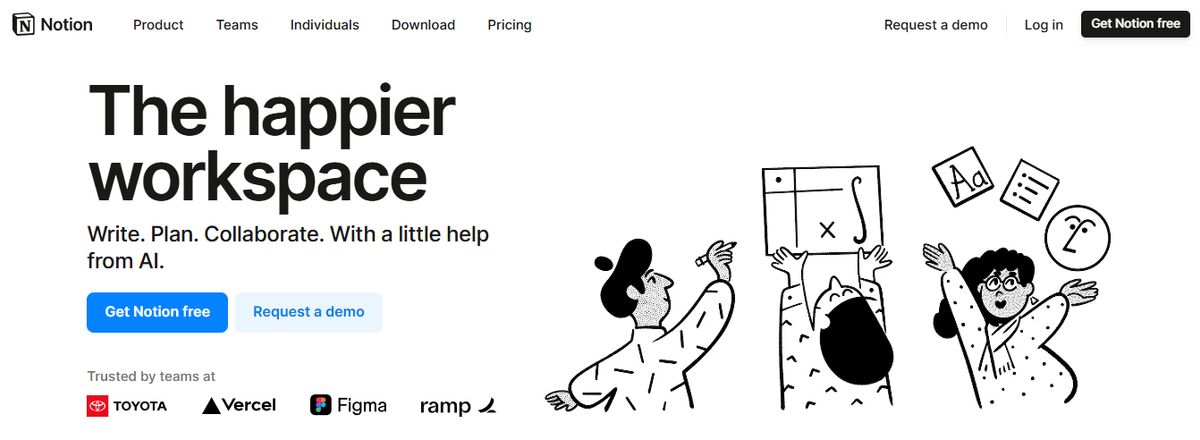
Notion is a highly versatile productivity application that helps you manage notes, tasks, calendars, and projects in one place. The software is available on all devices, including macOS, Windows, iOS, Android, and the web. Notion also uses a no-code layout that lets users build customized workspaces for personal or team use. It is a compelling tool for individuals and teams to stay organized and manage knowledge.
Notion Is Like an Open Canvas
Notion functions like an open canvas for documentation. You start by creating pages, and for each new page, you can create a new mini-app for your work. For example, if you want to make a way to track your holidays as a team, you can do that on a new page. Each page allows you unlimited opportunity thanks to the feature databases that enable users to, once learned, create a database that best suits them in a view that they think best fits their needs. You could have a calendar for all your upcoming content, a list of the projects you need to work on, or a table (excel style) of all the new customers you're speaking with as your mini CRM. The notion is basically up to you to build it, which takes some education.
Related Reading
- PKM Tools
- Personal Knowledge Management Tools
- Second Brain Apps
- Second Brain Method
- Heptabase Alternative
- Zettelkasten Note Taking

Notion's Free Tier: An Overview of Features and Limits
Notion offers a free version for individuals. This plan limits file uploads to 5MB, collaboration to 10 guests, and page history to seven days. You can make as many notes as you want and use almost all the features without paying. The free version is compelling, although OneNote has an even more generous free version.
Notion Plus Pricing: What You Get for $10 a Month
Notion Plus ($10 per person per month or $96 per year) removes the file size restriction, gives 30 days of page history, and lets you invite up to 100 guests. This tier is meant for individuals, not business users. All things considered, $10 per person per month is a high price for a personal note-taking app.
Notion Business Plan: Robust Features for Team Use
Notion Business ($18 per person per month or $180 per person per year) gives you a 90-day page history, the ability to invite up to 250 guests, bulk PDF exports of your pages, support for single sign-on, and a few other features for businesses.
Notion Enterprise Plan: Custom Pricing for Large Organizations
Notion also has an Enterprise plan with custom pricing. That version includes everything in Business plus unlimited page history and standard enterprise-grade features, such as user provisioning, advanced security and controls, and an audit log.
1. Constella
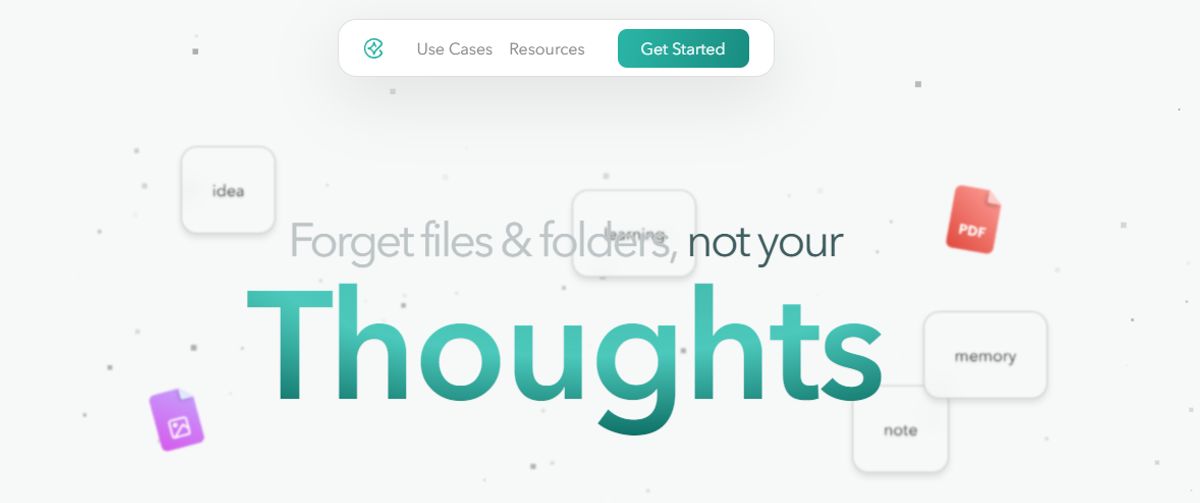
Constella transforms note-taking using an infinite canvas that allows users to capture and connect ideas effortlessly. Powered by an AI search assistant, finding information is instantaneous. Suppose you're a researcher trying to draw connections across numerous papers or want a more intuitive way to organize your thoughts and files.
In that case, Constella's AI assistant helps you build and navigate your knowledge base without the constraints of traditional folder structures. This tool is perfect for busy knowledge workers and researchers limited by conventional note-taking tools. Constella transforms how you capture, find, and connect your ideas. Research 10 times faster with Constella's AI notes manager.
2. OneNote
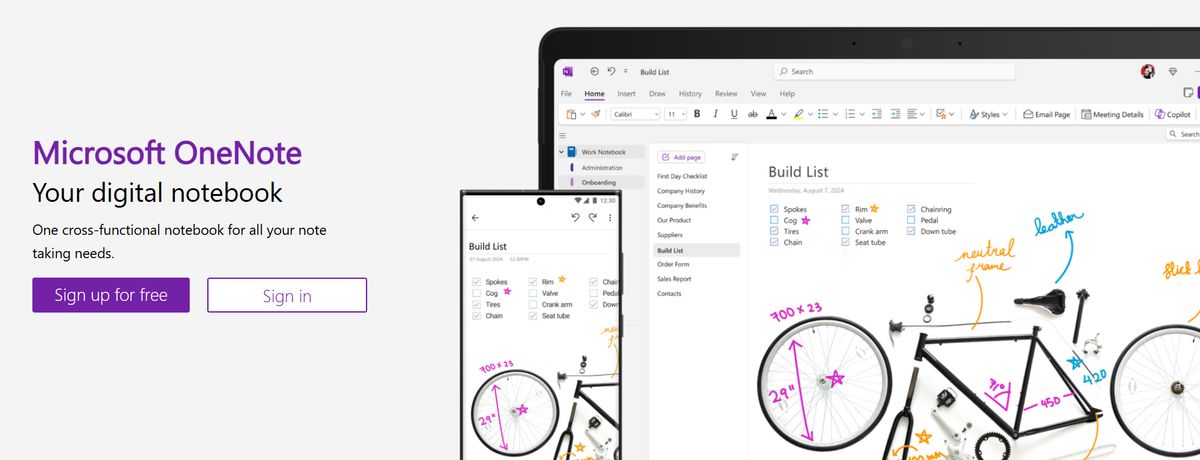
The Microsoft OneNote app is another powerful note-taker. Like Box Notes, Quip, and Zoho Notebook, it has basic collaboration feature options to work on notes together.
Pros
- Supports handwritten notes.
- You can easily share your notes and folders via email or URLs.
- Tons of simple, handy shortcuts.
- Access to sticky note features.
Cons
- The mobile app interface isn’t as intuitive as the web app.
- The app can’t alphabetically sort note pages.
3. Bear
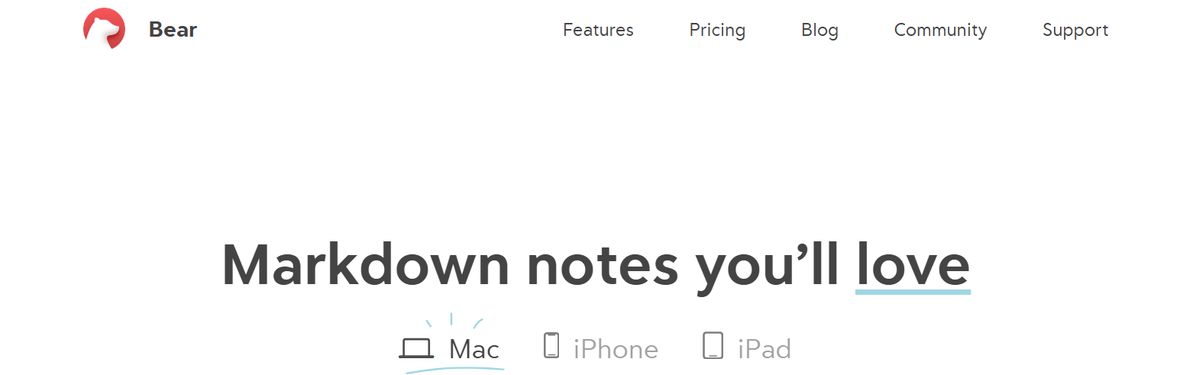
Bear is a flexible note-taking app for macOS and iOS that features rich text editing, organization tools, and markdown support. Users can create notes in various formats, including text, images, links, and files, and organize them using tags, folders, and search functionality. Bear also offers themes, focus mode, and encryption for secure note-taking.
Pros
- Excellent Markdown Support: Seamless integration with Markdown formatting allows quick and efficient note-taking with minimal distractions.
- Smooth Apple Ecosystem Integration: As an Apple-centric app, Bear syncs flawlessly across Mac, iPad, and iPhone devices using iCloud.
- Intuitive Tagging System: An easy-to-use hashtag system for effective note organization and retrieval. Good Export Options: You can export notes in various formats, such as plain text, HTML, and PDF.
Cons
- Limited Platform Availability: Bear is only available on Apple devices, making it inaccessible for users on Windows or Android.
- No Web Interface: Users cannot access Bear Notes through a web browser.
4. Roam Research

Another great note-taking PKM tool is Roam Research. Popular among researchers, writers, and lifelong learners, this tool is designed for non-linear thinking and idea organization. Roam helps students create a ‘networked thought’ system, connecting concepts and notes to mirror how the brain naturally works.
Pros
-The first thing you need to know about Roam Research is that it focuses on creating interconnected knowledge. This platform uses a Directed Acyclic Graph (DAG) structure for flexible information organization, allowing you to develop a web of knowledge that seamlessly connects concepts, ideas, and information. It's like having a neural network for your thoughts!
- Roam Research offers a daily note-focused approach, reducing cognitive load and organizational overhead. By creating a new daily note every day, you can focus on what matters most to you in the moment without getting bogged down by trying to organize everything all at once.
- Roam supports many file extensions, allowing you to incorporate text, images, audio, and video into your notes. Plus, there's no cap on data usage, so you can store as much information as you want without worrying about running out of space.
Cons
- One downside to Roam Research is its higher price compared to alternatives like Obsidian. While Roam offers many features and functionality, the cost might be a barrier for some users. -Another potential con is Roam Research’s perceived slow development. Some users feel that Roam doesn't release as many significant improvements as its competitors, which could be frustrating for those looking for the latest and greatest features.
5. Google Keep
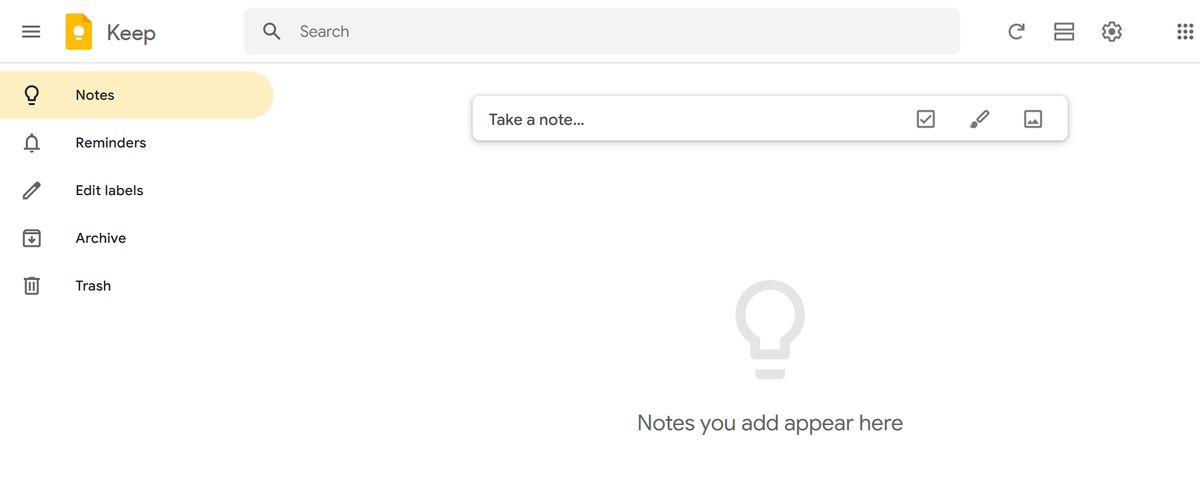
Google Keep is one of the many Google apps. It’s also one of the best Notion alternatives in the market today. With a simple, easy-to-use interface, it’s no surprise that it was one of the most downloaded note-taking apps in 2019.
Pros
- Supports rich text formatting.
- Set reminders and add to-do lists to your notes.
- The mobile apps are completely free.
- Intuitive drag-and-drop interface is similar to post-it notes.
Cons
- No alternate themes on this app.
- Lacks task management abilities.
- No desktop app for Windows, Linux, or macOS platforms.
6. Document360
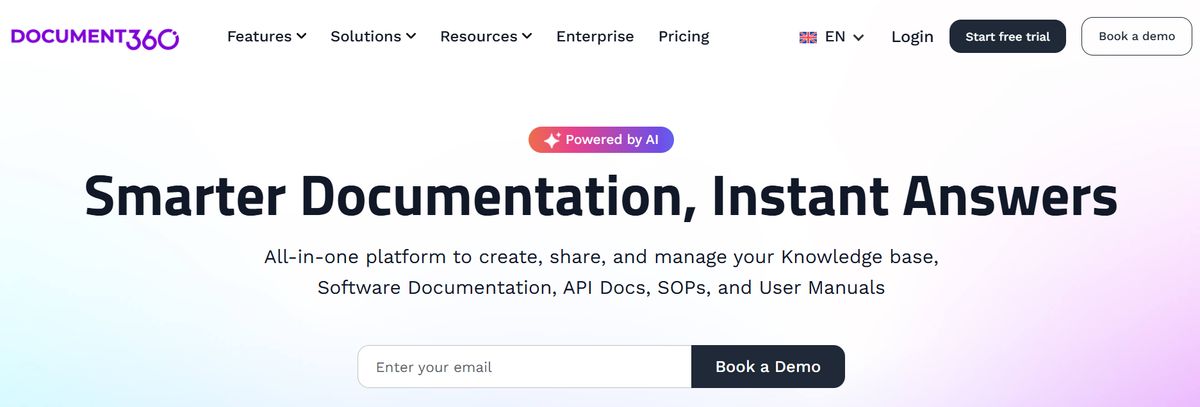
Another all-in-one workspace software for building customizable knowledge bases is Document360. This software helps you personalize your knowledge base with branded colors. It helps create dynamic, searchable, multilingual user manuals, SOPs, how-to guides, and other documents. Ideal for professionals seeking to streamline documentation processes, Document360 offers a user-friendly interface that caters to technical and non-technical users. Plus, it provides AI functionalities to simplify tackling all documentation needs.
Pros
- Improve the context and relevance of documentation with real-time AI feedback.
- Get insights into user behavior and content effectiveness to optimize knowledge management strategies.
- Connect with popular tools like Slack, Microsoft Teams, Zendesk, and Intercom to build a cohesive workflow across platforms.
Cons
- A few features are only available through costly add-ons.
- New users might require time to fully leverage the platform’s extensive capabilities.
7. nTask
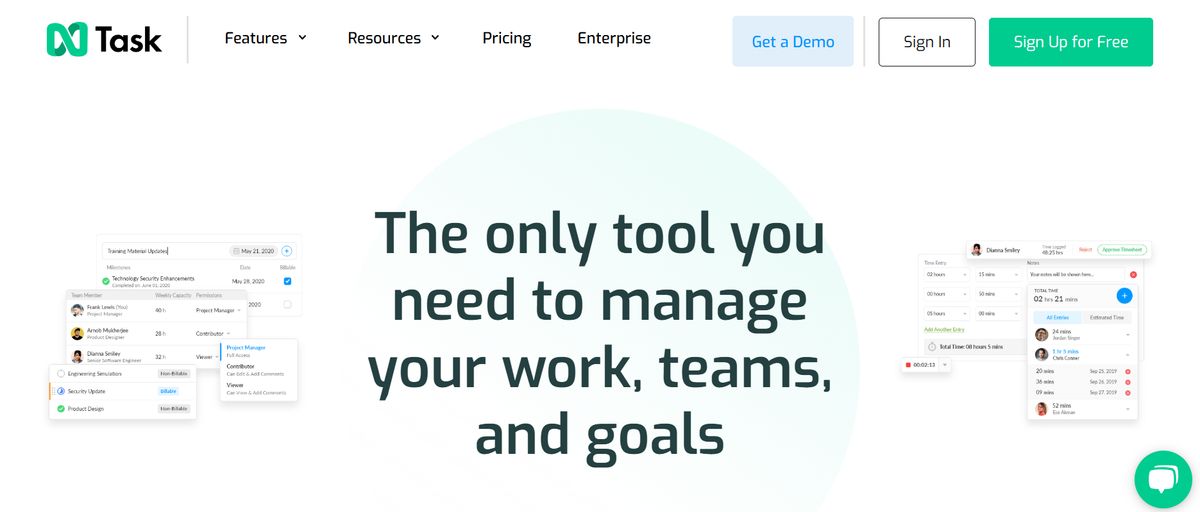
This Notion alternative has capabilities for note-taking, task management, project management based on notes and brainstorming sessions, meeting integrations module, etc.
Pros
- Affordable pricing plans.
- Easily export data in multiple file formats.
- Intuitive user interface with a minimal learning curve.
- Interactive Gantt charts, checklists, risk management modules, etc.
Cons
- Cannot alphabetically sort tasks and notes.
8. Nuclino
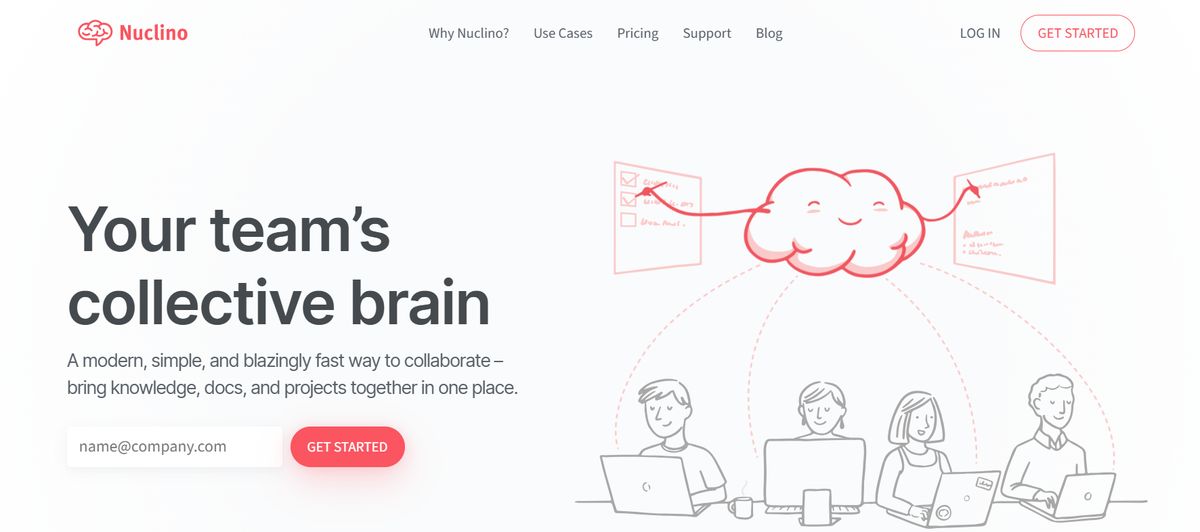
Nuclino is a relatively new all-purpose productivity suite with features to create documents, brainstorm ideas, and manage tasks. It is one of the many apps that work on building a digital brain/neural network. In my experience, Nuclino is too focused on being a knowledge base or a repository of information. It aims to simplify complex processes instead of making space for them. This can be restrictive, especially when you have sprawling ideas/projects.
Pros
- Collaborative with documents where you can make notes, tag people, create tasks, embed files, etc.
- Simple features and minimal UI ensure speed.
- Suitable for developers who are used to keyboard shortcuts and hotkeys.
- Includes SSO, controls, audit logs, access rights, and other security features.
Cons
- Optimized for simplicity, which can be unsuitable for big databases and complex use cases.
- Lack of custom branding, themes, and styles.
- It can be challenging for fast-growing startups to scale Nuclino as the organization grows.
9. Apple Notes
Apple Notes is available on all Mac and iOS Apple devices. In recent years, Apple Notes received a considerable upgrade, making notes more accessible across all devices within the Apple ecosystem. Apple Notes is the most secure for note-takers on the go, along with FaceID, TouchID, or password. While Apple Notes might be the first obvious choice for Apple users, if you’re looking for a better notes hierarchy experience, it’s pretty limited compared to Microsoft OneNote’s notebooks, sections, and pages.
Pros
- An Apple Pencil with a compatible iPad can create an instant note from the Lock Screen.
- Gallery view allows users to find the note they’re looking for quickly.
- Automatic iCloud sync across all Apple devices.
Cons
- Limited formatting options.
- Not a full-fledged note editor.
- Low storage space (additional space available at an extra cost).
10. Obsidian
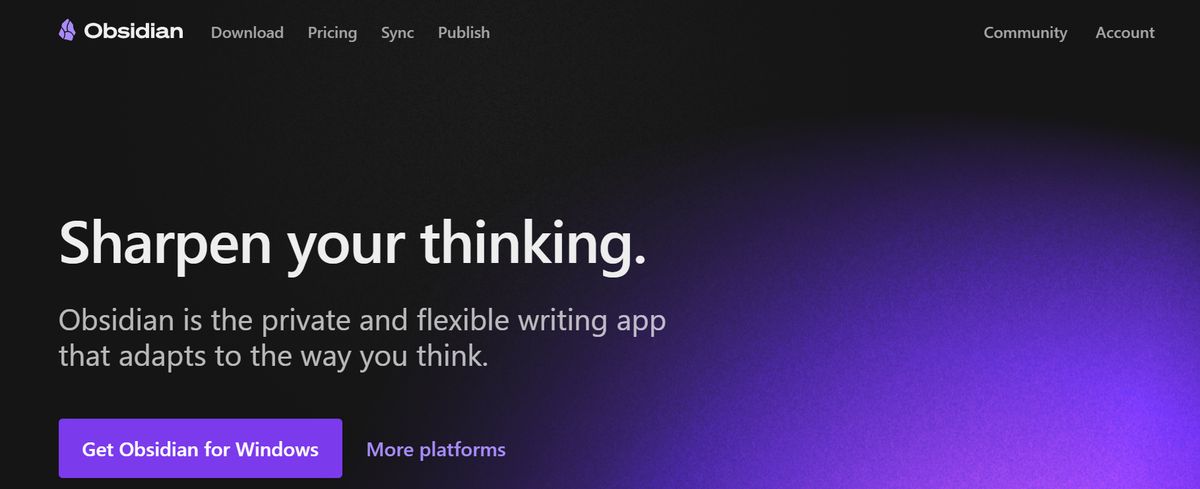
Obsidian is a personal knowledge base that can be expanded to organizational needs. It induces many features for writing, note-taking, and documenting. It is a powerful alternative to Notion because of the way it visualizes the relationships between notes, creating an engaging and interactive graph. From information about product development to George Washington, identify patterns and record them like your brain would. I used Obsidian to record my general learning and write for ideas. Add journaling to it, and it makes for a good personal wiki. However, multi-device sync with Obsidian is complex, which was a significant deterrent for me.
Pros
- Markdown for simple and portable formatting.
- Bi-directional linking between notes, ideas, concepts, etc.
- Numerous plugins and themes for customizability.
- No lock-in due to open and non-proprietary files.
Cons
- You can have a steep learning curve with several decisions when structuring your information.
- Markdown style might not have the unlimited flexibility some brand teams might need.
- Not the most aesthetically simple or pleasing.
11. ProofHub
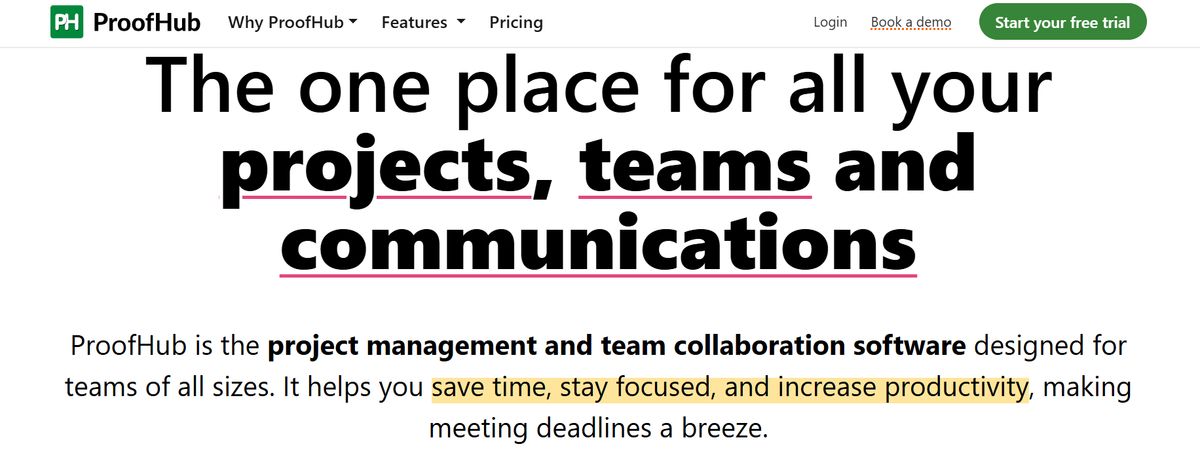
As an excellent Notion alternative, ProofHub offers advanced project management and team collaboration features, as well as an intuitive and helpful note-taking app. With an easy-to-interface, this feature-rich software helps teams stay in ultimate control of their tasks, projects, and communications.
Pros
- All-in-one tool.
- Flexible task management.
- Easy file sharing.
- Powerful collaboration features.
- Simple, no per-user pricing.
Cons
- A limited number of app integrations.
- No free plan.
- No Linux support.
12. Slite
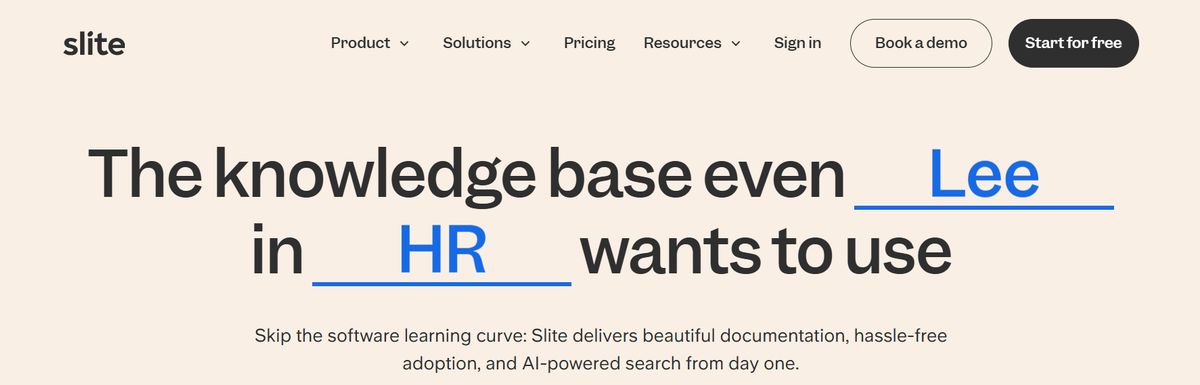
Slite is a new AI-powered collaborative knowledge base platform that enables organizations to create a single source of truth for all their information. As I tried various tools, I primarily took to Slite because its collections feature keeps related documents organized, filtered and sorted as needed. With pre-existing note-taking templates for multiple use cases and the ability to create your own, Slite is excellent for streamlining knowledge management. However, Slite is a knowledge base, and that’s that. To go from information to action, you need a different tool.
Pros
- Designed to adapt to all note-taking, including company wiki, meeting notes, process documentation, etc.
- Each note can include text, images, tables, and embeds of files like Google Docs or Miro boards.
- Automation to create recurring docs and reminders.
- AI features for spell checks, summarizing, simplifying language, change of tone, and more.
Cons
- Lacks advanced project management features.
- No built-in visual collaboration features, such as Whiteboard or Mind Maps.
13. Milanote
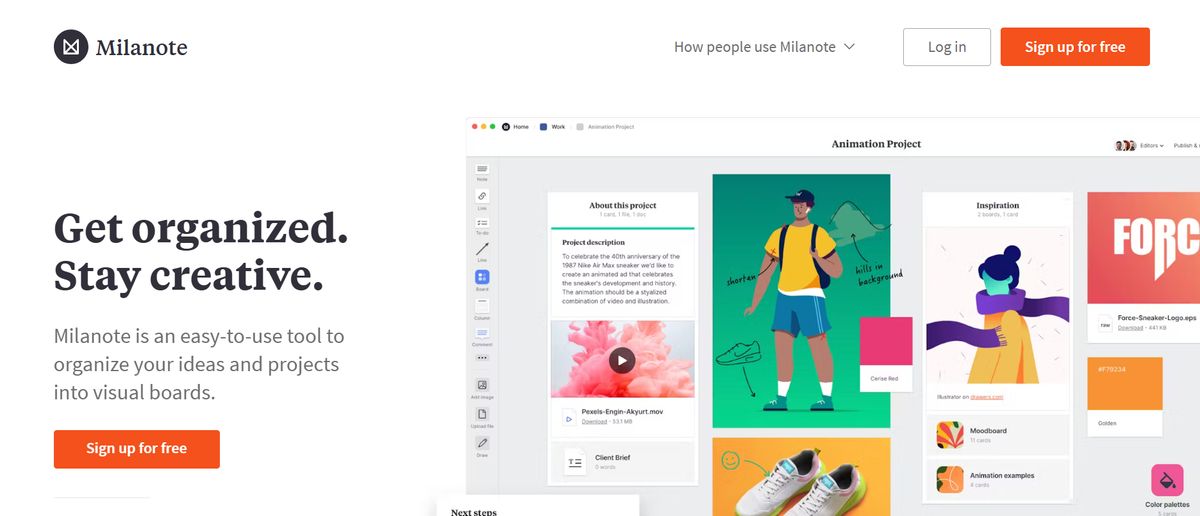
Milanote is a web-based app for visual collaborators like product designers and photographers. It’s a flexible visual workspace for creating mood boards, capturing notes, and getting feedback on design concepts. The downside is that Milanote might be a challenging program to adjust if you’re uncomfortable with a scrapbook-style layout. You can easily misspend hours organizing notes and figuring out a system not meant for how you think and capture notes.
Pros
- Notes encrypted both at rest and in transit.
- Videos, animated GIFs, fonts, and more are accepted.
- Built-in templates available.
Cons
- Not suitable for text-based or hierarchical outline users.
- Limited integrations.
- The learning curve is steep.
14. Notability
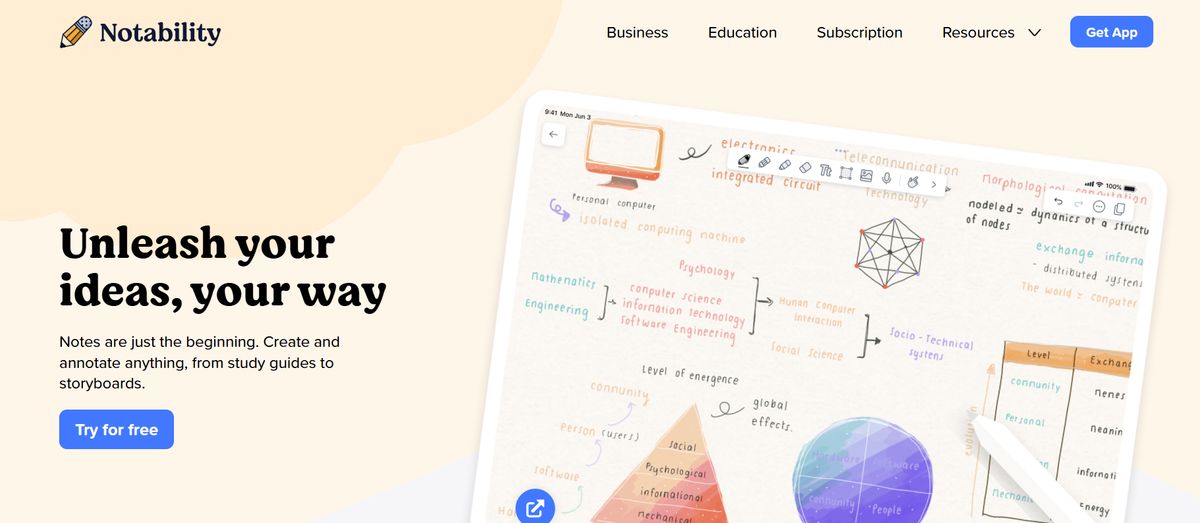
Notability is one of the popular subscription-based note-taking apps for tablet users. Combined with a stylus, this is an excellent option for paperless students taking lecture notes in the classroom. Notability’s clean UI, basic features, and built-in toolset make opening a quick note and drawing in seconds easy. What will make the switch from OneNote to Notability worth the cost, and why? If you prefer writing with a stylus 75% of the time.
Pros
- Budget-friendly option for stylus users.
- Community-made notes available for download.
- Mix between text and imagery.
Cons
- Not a suitable project management tool.
- Auto-backup is a paid feature.
- Expensive subscription plan.
15. Good Notes
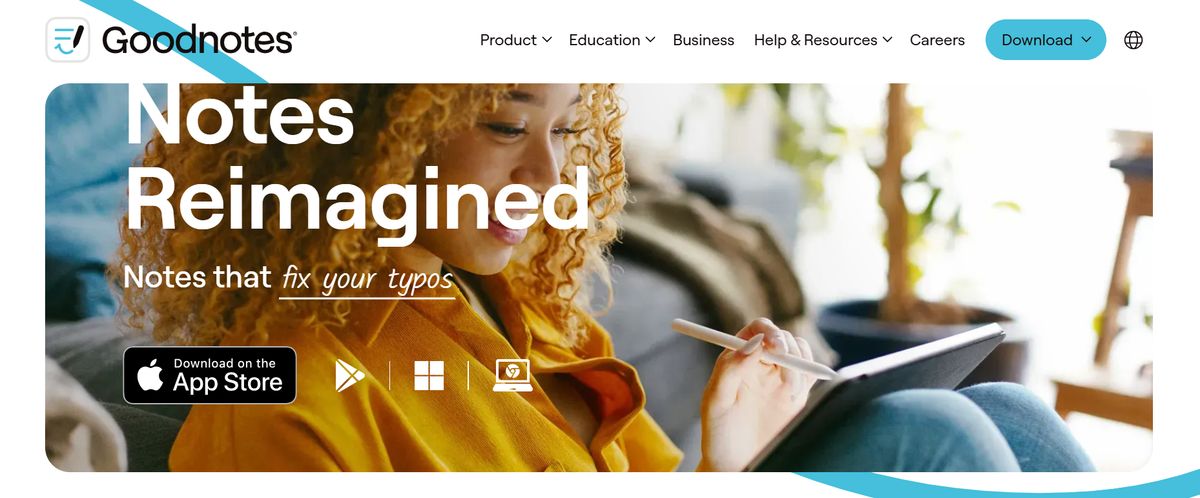
GoodNotes is an intelligent digital paper and social app for students who want to create shared notes with others studying the same subjects worldwide. This feature (at no extra cost) called Community allows users to create their profile for others to view their documents. While the Community feature is an incredible tool for people to connect, note-taking features are limited or non-existent compared to Notability.
Pros
- Built-in flashcards study mode.
- Shared Documents feature gives you a shareable link to collaborate.
- No extra cost for the Mac app.
Cons
- Not suitable for high-stakes project planning.
- Limited plans available.
- No task management features.
16. Notejoy

Notejoy is for teams who favor easy, real-time collaboration. Users can quickly integrate features such as note reactions and library overviews into conversations. It can also seamlessly import existing notes from OneNote! If you’re looking for a digital note-taking app for personal use, other OneNote alternatives will support your writing goals.
Pros
- Available on multiple platforms, including web, desktop, and mobile.
- Web Clipper is a browser extension.
- Rich syntax highlighting across a wide variety of languages.
Cons
- Not a suitable project management tool.
- Text editing options are limited compared to other software on this list.
- No drawing tools.
17. Workflowy
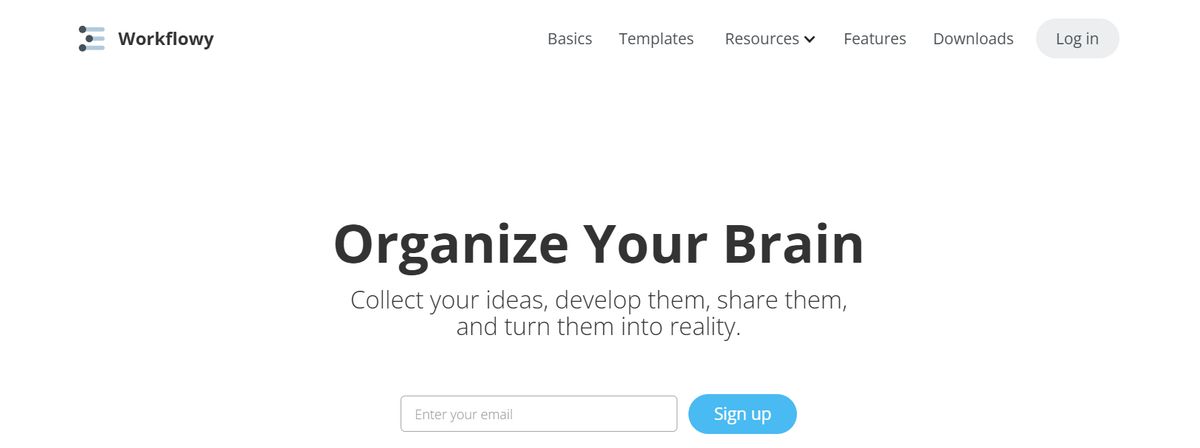
Workflowy is a hierarchical note-taking app built to capture, organize, analyze, and share content. Notes are organized into nesting structures that can also convert to Kanban boards. This allows users to view their work at a high level or zoom into specific details. Don’t have enough time to look at a shared note from a colleague? Easily save the note to view later. This alternative to OneNote is intuitive for anyone to use. Still, select heavy note-takers and businesses that depend on remote collaboration will benefit (and get their money’s worth) from the platform.
Pros
- Mobile app for iOS and Android.
- Keyboard shortcuts allow organized content to expand or collapse seamlessly.
- Backlinks to anything.
Cons
- Monthly bullet point limit in the free plan.
- Not suitable for free-form writing.
- Limited formatting features.
Related Reading
- Slite Alternatives
- Roam Research Alternatives
- Joplin Alternatives
- Notion Knowledge Management
- Coda Alternatives
- SiYuan Alternatives
- Logseq Alternatives
Pros and Cons of Notion

The Good Stuff: Pros of Notion
1. Flexibility and Customization
One of Notion’s strongest selling points is its flexibility. Whether you are a student, a freelancer, a project manager, or a CEO, Notion can be tailored to your specific needs. You can create and customize notion pages and databases for almost anything, from personal journals and class notes to intricate project timelines and customer relationship management (CRM) systems.
This flexibility extends to the various views you can apply to your data, such as Kanban boards, calendars, and lists. These can be customized with different properties and filters to show precisely what you need. For instance, the board view allows for a visual representation of tasks, enhancing the management of unlimited projects.
2. Integration with Other Tools
Notion’s ability to integrate with other tools is another significant advantage. Seamless integration with tools like Slack, Google Drive, Trello, and Zapier means you can consolidate your work into a single platform. This integration is not just about convenience; it can significantly enhance workflow efficiency. For instance, you can link your Notion tasks to your Google Calendar, ensuring you never miss a deadline, or connect it to Slack for instant updates on your team’s work.
3. Collaborative Features
Notion excels in this area. Its real-time collaboration feature ensures team members can work together seamlessly, even miles apart. You can assign tasks, leave comments, mention teammates, and track progress, all in real time. This makes Notion an excellent tool for team-based projects, whether you’re a small startup or a large corporation. The collaborative nature of Notion helps in keeping everyone on the same page, facilitating smoother and more efficient teamwork. This can benefit small teams, allowing for efficient coordination and task management.
The Bad Stuff: Cons of Notion
1. Learning Curve
One of the main drawbacks of Notion is its steep learning curve. New users may initially find Notion’s interface overwhelming, mainly if used to simpler, more straightforward productivity tools. The sheer number of features and customization options can be daunting. However, the possibilities are virtually limitless once you get past this initial hurdle. To ease this transition, Notion offers numerous templates and community resources. Extensive online tutorials, user forums, and even courses are dedicated to helping users master Notion. Additionally, a dedicated success manager can significantly reduce the learning curve by providing personalized guidance for those on the enterprise plan.
2. Performance Issues
Another potential downside is performance issues, especially with large data sets. Notion can become slow and unresponsive when handling large databases or complex pages with numerous elements. This can be frustrating and impact productivity. However, there are ways to optimize data management to mitigate these issues. Regularly archiving old data, minimizing the use of heavy elements like large images, and keeping your workspace organized can help maintain Notion’s performance. It’s worth noting that with unlimited page history available on specific plans, you can always revert to previous versions without losing data.
3. Limited Offline Access
Notion’s reliance on internet connectivity can be a significant limitation for some users. Most of Notion’s features require an internet connection, so you might find this limiting if you often work offline or in areas with unstable internet. While Notion offers limited offline capabilities, these are less robust than other productivity tools. This can be a deal-breaker for users who need constant access to their notes and projects without the internet. The free tier offers a good starting point, but its offline capabilities are still limited compared to other tools.
Research 10 Times Faster with Constella
Notion is a powerful tool that organizes information like a database, making it easy to create custom layouts for notes, documents, and files. However, its complex interface can feel overwhelming. While Notion has a lot of flexibility, it also has many limitations for researchers who need to organize their information in a way that helps them analyze and make sense of it.
Constella is a less complicated alternative that lets you manage your research intuitively to make connections and analyze your information faster. If you like the idea of Notion but wish it were more geared toward research and academic work, you’ll appreciate Constella.
Related Reading
Want more insights like this?
Subscribe to get short productivity tips and useful summaries of new tools every week.
Want more insights like this?
Subscribe to get short productivity tips and useful summaries of new tools every week.