

Consider your brilliant idea to capture, organize, and expand before inspiration fades. You open your digital notes app. You stare at the blank page, unsure how to begin. You decide to write a list. Next, you create a separate page to explore a vital subtopic. Then, you get distracted by the app’s organization system, wondering if you should use this tool.
Sound familiar? If you’ve ever felt stuck while trying to manage your knowledge, you're not alone. A solid research and note-taking tool can help you quickly organize your thoughts instead of creating unnecessary friction that stifles creativity.
This guide explores how to find a good Heptabase alternative to help with your personal knowledge management. As we go along, I'll show you how Constella's free AI notes manager can help you achieve your objectives, like using an AI note-maker to recall information instantly.
Constella's AI notes manager can help you achieve your goals. Whether you want to get organized, structure your notes, build connections between ideas, or recall information instantly, this powerful and intuitive tool can help you get there.
What is Heptabase?
Heptabase is a visual note-taking application offering whiteboards, journals, and connected notes. This tool combines mind mapping and brainstorming to help users create visual notes for learning. With Heptabase, you can use it for any of the three use cases: research for grabbing ideas and expanding knowledge; learning for using mind maps and visualizing what you have learned; and crafting and managing projects using Kanban boards.
Exploring the Key Features of Heptabase
Heptabase is packed with features that help users with visual note-taking. Let's explore some of the standout capabilities of this tool.
Journal Module
The Journal module lets you record fragments, inspirations, or to-dos to meet daily note-taking needs. However, unlike the log modules of Logseq, which allow continuous scrolling pages, Heptabase’s daily journals are independent pages. You can only switch between them by clicking the date at the top, which disrupts the continuous review action.
Heptabase could draw on the design of Capacities. The Calendar module of Capacities offers various time ranges, allowing you to switch between month, week, three days, and one day. As for the shortcuts, it would be best to refer to the design of Notion Calendar, drawing on the strengths of many.
Map Whiteboard Module
If a specific topic or project piques your interest, you can create a large whiteboard in the Map module and make particular note cards on the whiteboard.
Card Library Module
The whiteboard is just one way to aggregate and display cards; cards created anywhere are genuinely stored in the Card Library.
Tag Module
All cards can be tagged with specific labels, and all labels will be aggregated in the Tag module on the sidebar. You should be familiar with this feature structure if you have used Evernote.
The standout feature of Heptabase is that when you click on a specific tag, the cards scattered across different whiteboards are all gathered into a single table. Then, just like the database of Notion or the multidimensional tables of Feishu, you can continue to add more fields to these cards.
We can also switch from the Table view to the Board view, and according to Heptabase’s product development roadmap, gallery view and graph view functionalities will be added in the future.
Task Module
All to-do items on the cards will be centrally collected in the Task sidebar. Still, the Task module is a barely usable semi-finished product, only possessing the most basic task management functions and requiring more updates and optimizations.
Highlight Module
Heptabase can directly read and annotate PDF files and integrate with the read-later software Readwise. All the articles you have read, and the paragraphs you have annotated will automatically become a highlighted card, which will then be centrally stored in the Highlight tab.
Heptabase Price Plans
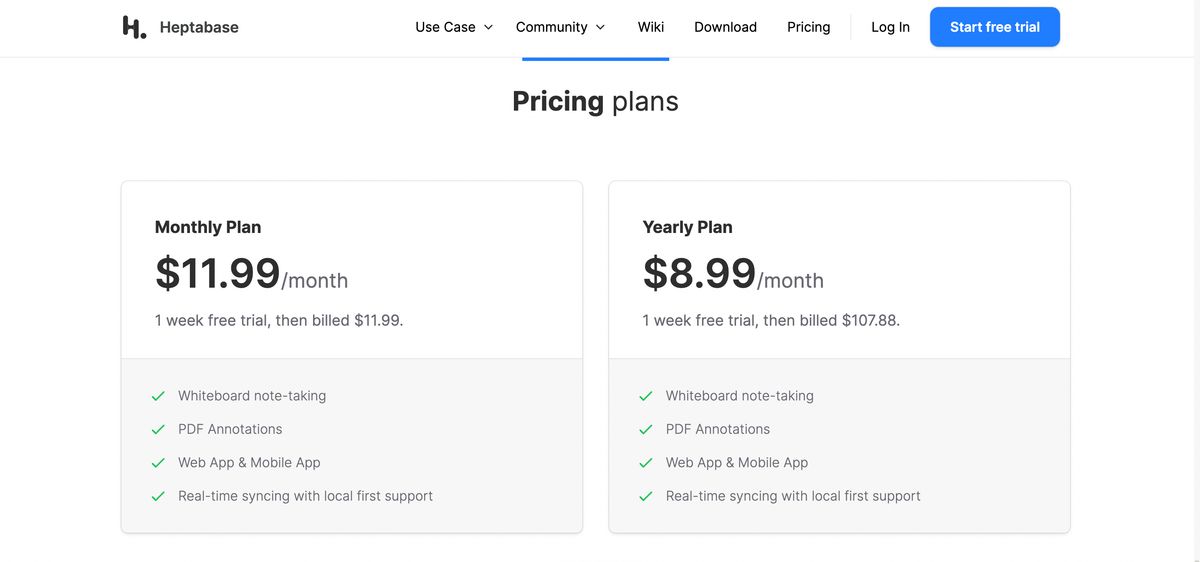
Heptabase's pricing starts at $8.99 per month. This figure is 28% higher than similar services. There is no free plan, but users can take advantage of a seven-day trial. It's worth noting that you must start a subscription to access the trial.
Related Reading
- PKM Tools
- Personal Knowledge Management Tools
- Second Brain Apps
- Second Brain Method
- Zettelkasten Note Taking
15 Best Heptabase Alternative Tools for Note-Taking
1. Constella: The Infinite Canvas for Note-Taking
Constella reimagines note-taking with an infinite canvas that lets you capture and connect ideas effortlessly, powered by AI search that makes finding information instantaneous. Whether you're a researcher trying to draw connections across numerous papers or someone who wants a more intuitive way to organize your thoughts and files, Constella's AI assistant helps you build and navigate your knowledge base without the constraints of traditional folder structures. Constella transforms how you capture, find, and connect your ideas, perfect for busy knowledge workers and researchers limited by conventional note-taking tools. Research 10 times faster with Constella's AI notes manager.
2. Notion: The Customizable Note-Taking App
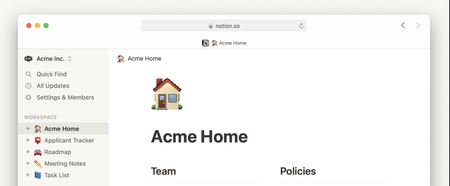
Notion’s note-taking experience supports various content types, including images, text notes, bookmarks, videos, and code. You can add these to your notes with intuitive controls such as drag-and-drop and slash commands. We loved its customization options. They allowed us to tailor our workspace for different personal and team needs, such as changing privacy settings to keep confidential meeting notes private or sharing them with team members when needed.
One pet peeve the team had with Notion is the maze of organization; you’re sometimes lost in the app, and the breadcrumbs aren’t always helpful. On the other hand, it is pretty popular with people who want to create databases and wikis. Go figure. The UX is sometimes hit or miss; the windows you’d like to open as separate pages often open as popups. Of course, it depends on your personal preference. While testing the app, I tinkered with Notion AI to discover how it can simplify note-taking and organization.
I listed a few tasks, mainly related to a new product launch, and Notion AI quickly auto-filled the steps I had to follow to accomplish those tasks. While they were not entirely accurate, the tool did a fair job. The platform works well for cross-functional teams where collaboration is a must. Comments and real-time editing offer a smooth way to ideate with remote teams, collect and provide feedback quickly, and keep everyone on the same page.
Notion's best features
Create custom templates and integrate your database into notes. Access important information quickly via the sidebar. Write and format notes using Markdown. Focus on what you’re writing with an immersive experience that makes everything else fade away for the time being.
Notion limitation
The complex feature sets and UI can be daunting for new users. It does not offer any screen recording or transcription feature. .
3. Microsoft OneNote: The Collaborative Note-Taking App
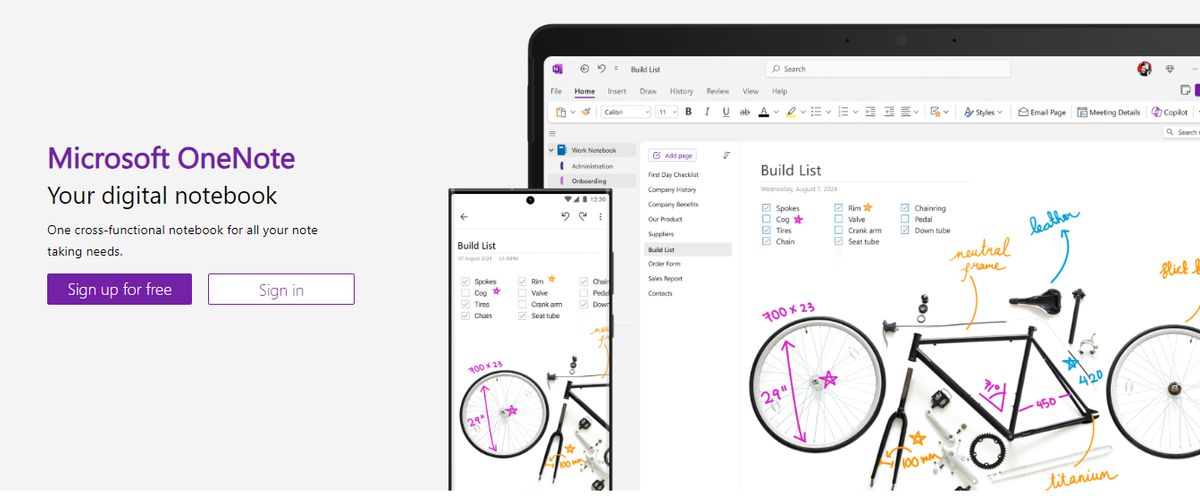
Microsoft OneNote provides note-taking tools for different inputs, including typing, handwriting, and drawing. You can incorporate content from the web directly into your notes, refining the research and documentation process. I’ve always found OneNote’s organization to be great. It’s so simple to get to what you’re looking for with the fewest clicks. The other thing I love is that the app is less rigid and more fluid across text, numbers, and images. You can quickly add a formula, a table, or an image to the same note.
The fluidity of this approach is appreciated—it feels like a natural note-taking and journaling experience. OneNote templates provide a convenient starting point for organizing your notes, whether planning a project, keeping track of tasks, or journaling. Our team tested its relatively smooth collaboration features. You can work in tandem (on grocery lists, party shopping, or work to-dos) with family members or your team, and your notes get updated in real time. The interconnectedness of the Microsft suite always makes it its USP and its limitation—it depends on who you ask.
Microsoft OneNote’s best features
Recreate the feel of a physical binder with separate sections and pages in the Digital Notebook Layout. Convert handwritten notes to typed text. Sync your notes across devices and platforms, keeping the continuity of thought intact. Access your notes even when you’re offline.
Microsoft OneNote limitations
Users need to have a Microsoft 365 subscription to access the tool. Provides integration mainly with Microsoft products, which is limiting for users of other ecosystems
4. Google Keep: The Digital Bulletin Board
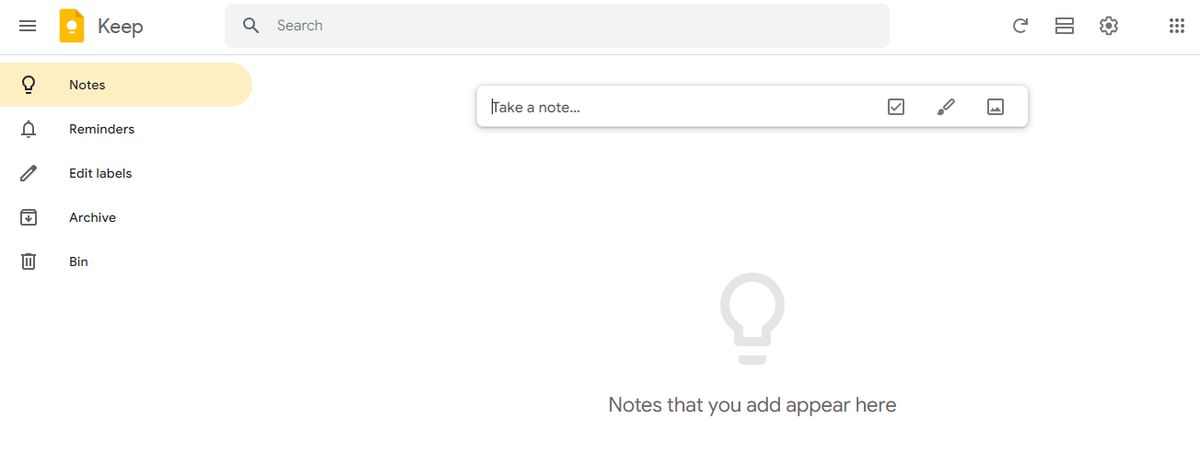
Google Keep allows users to effortlessly capture content, including notes, lists, photos, and audio, and organize it on a digital bulletin board. Sharing notes among family and friends is simple. For example, you can share a shopping list and see updates in real-time as items are checked off—there is no need for back-and-forth communication. I like Google Keep’s voice note feature. When I’m in a rush and need to jot down something important, I can simply record a voice memo instead and transcribe it into text later—fast and efficient! Like Apple Notes, anything more complex or advanced you want from the tool is a struggle.
You might think Google would make more effort to combine the Keep experience with Google Tasks and Calendar, but it’s not happened. They continue to be disparate experiences, which can be frustrating if you want an all-in-one software or expertise.
Google Keep’s best features
Get reminded of your to-dos at the right place and at the right time with time-based and location-based reminders. Organize notes using labels and colors. Integrate your notes smoothly with Google Docs, Calendar, and other apps within the Google ecosystem. Pin notes to your device's home screen and stays on top of priority tasks.
Google Keep limitations
It is more suitable for quick notes rather than detailed, lengthy note-taking. The features are too essential for complex note organization.
5. Joplin: The Open-Source Note-Taking App

Joplin is an open-source note-taking application that helps you put your thoughts into words and securely access them across Windows, MacOS, Windows, Linux, and iOS. The tool supports multimedia notes, including images, videos, PDFs, and audio files. Its sharing and collaboration features are smooth. It allowed me to share my notes with friends, family, and colleagues and work alongside them on the notes without hassle.
There was also an option to save a note (on the internet) and share the link with others—an easy way to share task lists, company wikis, or meeting notes with a large group of people. Joplin offers extensive customization options through plugins, custom themes, and text editors (such as Rich Text and Markdown), ensuring you can tweak the tool to your liking. While it’s an open-source app, it maintains data privacy with End-To-End Encryption (E2EE). Your notes will be accessible only to you unless you choose to share them.
Joplin's best features
Format your notes with Rich Text or Markdown. Save web pages or take screenshots directly with the Web Clipper extension (available for Chrome and Firefox). Work offline and take down notes on the go.
Joplin limitations
The interface is not as user-friendly as some commercial options, limiting its appeal to less tech-savvy users. Syncing requires more setup than other mainstream note apps.
6. Bear: The Markdown Note-Taking App
Bear is a Markdown-based note-taking app that allows you to format and organize different types of content (including text, photos, tables, and to-do lists) within a single note. I loved its aesthetics, especially the minimal user interface—it made me feel less anxious when I was toying with the app, even though I had a massive task list to tick off! Bear is available on Mac, iPhone, and iPad. It’s a great choice if you’re more inclined toward the Apple ecosystem and looking for something more visually pleasing than Apple Notes.
Opting for the paid version, Bear PRO unlocks advanced features, such as OCR search capabilities and exporting notes into multiple formats (PDF, HTML, DOCX, and JPG). It’s worth the money if you’re into designing. Bear best features Format your notes with a simple Markdown Organize notes with flexible tagging systems Use folding to focus on one section at a time section and hide the rest Customize the app with beautiful themes Bear limitations Available only on iOS and macOS, which limits its use to the Apple ecosystem. Some basic features, like iCloud sync and exporting options, require a subscription.
7. Simplenote: The No-Fuss Note-Taking App
Simplenote is a no-fuss note-taking app that syncs across multiple devices and platforms, including Android, iOS, Mac, Windows, Linux, and web browsers. Notes update automatically in real-time across all devices—there’s no need to look for a ‘sync’ button! I found the version history feature to be the most useful. Sometimes, I create a detailed note on a topic, and once the job is done, I edit the note with new content.
Later, if I want to retrieve that note, it’s not possible anymore. Simplenote is a savior in such cases—it backs up notes with every change, so I can look up what I had written down days, weeks, or even months ago. The interface is quite similar to Apple Notes, but there’s no option to add images or sketches.
Simplenote best features
Organize notes using tags and retrieve them quickly with the instant search functionality of this Android note-taking app. Collaborate with friends and team members by sharing lists, posting instructions, or publishing notes online. Write, preview, and publish notes in Markdown format.
Simplenote limitations
There is no option to insert tables. Lacks any aesthetic appeal.
8. Obsidian: The Note-Taking App for Large Databases
Obsidian is a helpful note-taking app for people like me that has hundreds or thousands of notes on their devices. What I love the most about this tool is the interlinking and bi-directional linking—you can connect notes, ideas, people, places, and more. For example, I saved multiple notes on different marketing campaigns, all for the same product. Linking helped me keep everything integrated and access relevant notes quickly.
An interactive graph also identifies hidden patterns within notes and visualizes their relationship. On that note, I’ve been a big fan of Obsidian and Notion. But if I have to assess Notion vs Obsidian head-to-head, I’ll pick Notion any day, as its note-sharing and collaboration features are way smoother. Obsidian is excellent if you want to spend much time using the tool. If you’re looking for collaboration or integration features where you can push out information or tasks to support your productivity workflow—it’s not built for that.
Obsidian's best features
Brainstorm, research, and ideate on Canvas—your personal space—track version history of notes for up to one year. Curate a personalized experience with plugins and themes. Control which files you want to sync with which devices.
Obsidian limitations
Collaborating with others on notes is a complex process. The mobile version is primarily a desktop app but is not as robust or user-friendly.
9. Apple Notes: The Simple Note-Taking App

Apple Notes is a simple but efficient note app that works across all devices. This could become your go-to tool if you’re deep into the Apple ecosystem. It’s still the most straightforward app if you work within the Apple domain—summon it anytime on my Mac from the bottom right corner, and it pops up earnestly. Syncing is mostly great; copying something on the phone and pasting it on my desktop is magic. The little things that boost the experience. Ask more of the app, and you’ll be disappointed.
Moving the text around, formatting and indenting are not easy. Any more advanced use cases are not supported. You can save multiple types of content, including images, web links, handwritten notes, maps, PDFs, and sketches. I do prefer Apple Notes’ scanning feature to scan documents directly from my iPhone—there is no need for third-party scanners! The documents are saved directly within Notes as PDFs.
Apple Notes’ best features
Create notes, edit lists, organize notes into folders, and manage attachments. Pin priority notes on top for quick access. Add tags to sort and find notes efficiently.
Apple Notes limitations
Are limited to users within the Apple ecosystem.
10. Evernote: The Note-Taking App You Never Forget
With Evernote, it’s a case of never forgetting your first love. I spent years tinkering with Evernote to build my ideal experience and workflow, but it never came together. From notes, tasks, and schedules to your favorite resources from the web, Evernote makes it easy to save anything you want on your chosen device. I could quickly integrate Evernote with ClickUp, Google Calendar, Slack, and Microsoft Teams, so all my standups, client meetings, and reminders automatically synced with Evernote. The tool is also available offline, so it’s comforting to know I’ll still be able to access my notes if I’m camping or traveling without internet access.
Evernote’s AI-powered search functionality is quick and intuitive. It works across PDFs, documents, and images, so searching through many notes and content is never an issue. The Tasks feature lets you outline project steps and assign responsibilities to others—a great way to collaborate with your team on the go.
Evernote's best features
Save snippets from the web directly into their notes with Web Clipper Scan, and digitize, and organize paper documents with your phone’s camera. Edit notes and tasks in real-time and keep all contributors on the same page.
Evernote limitations
A limited free version that pushes users towards a premium subscription.
11. Logseq: The Knowledge Management Tool
Like most note-taking apps, Logseq is designed to help you organize and manage your knowledge effectively. What sets this AI tool apart is its outline-based structure and linked references that allow you to create dynamic internal links between notes. For instance, you can link meeting notes to project tasks for smooth tracking. This Logseq feature is great for building a personal knowledge graph, visualizing connections between ideas, and structuring tasks or projects.
Logseq's best features
Summarize notes, organize knowledge bases, and optimize workflows with AI tools. Organize notes visually with a graph view for better context. Manage tasks directly within notes using this markdown note-taking app.
Logseq limitations
It’s not ideal for real-time collaborative editing and teamwork. Some users have reported that its built-in sync feature is unreliable, hindering productivity.
12. Anytype: The Visual Knowledge Management Tool
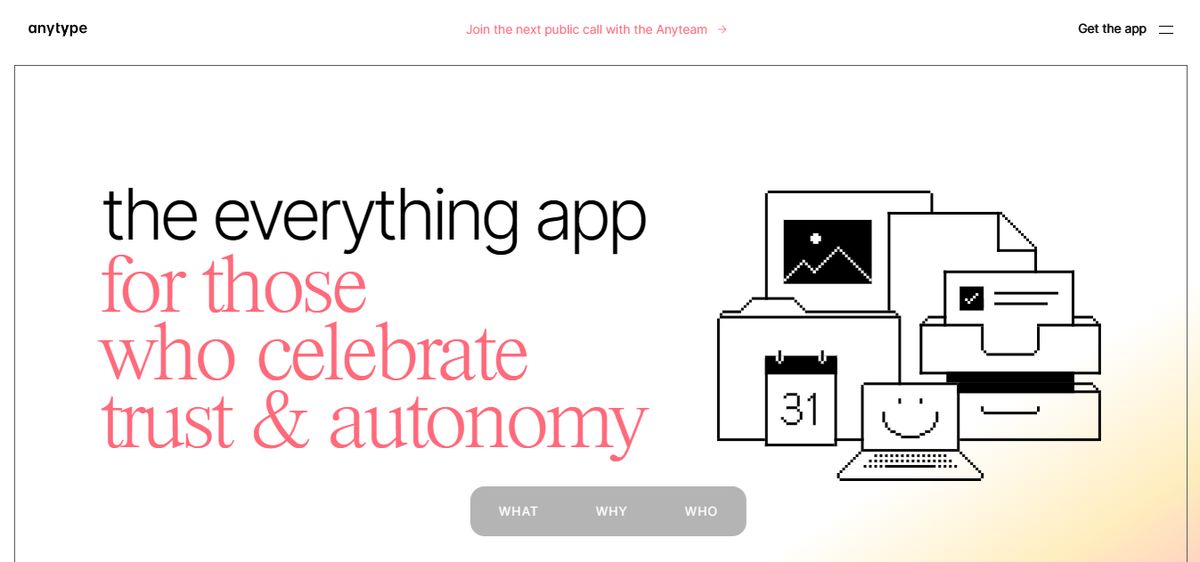
AnyType is a versatile, offline-first note-taking and project management tool designed to help you organize your thoughts, tasks, and projects in a highly visual and interconnected way. It combines features like graph view, templates, and custom “types” (e.g., tasks, books, contacts) to create a dynamic knowledge base. AnyType’s AI features, such as automated task linking and knowledge graph generation, simplify managing complex workflows, making it a strong competitor to Obsidian.
AnyType's best features
Create interconnected content for a second brain knowledge base. Use offline-first mode to access and edit notes anytime, anywhere. Customize note-taking templates for particular tasks or workflows, unlike other apps.
AnyType limitations
The free plan offers only 1 GB of network storage, which may be restrictive for some users. Unlike some competitors, it focuses solely on note-taking and lacks the broader features of an all-in-one productivity tool.
13. Roam Research: The Interconnected Note-Taking App
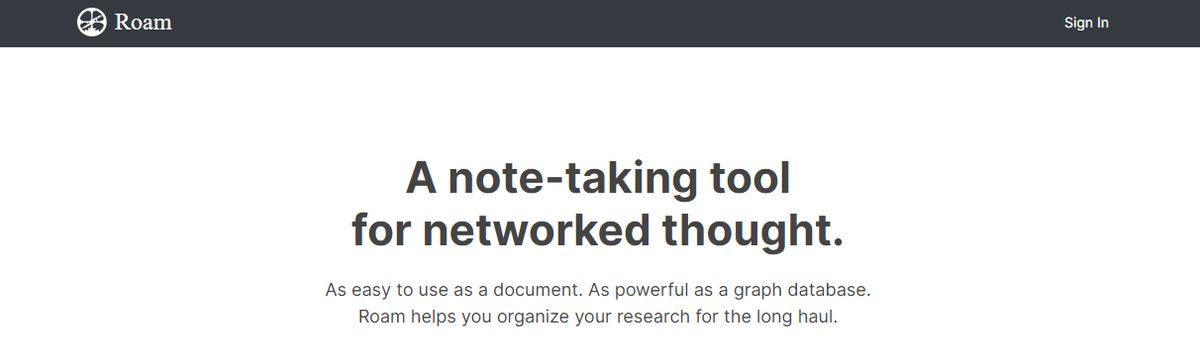
With Roam Research, you can create interconnected notes that visualize relationships between ideas. It also serves as an essential project management tool, suitable for researchers, writers, and team members handling complex tasks, fostering non-linear thinking. Roam also integrates AI to help summarize notes and generate insights, ensuring mobile users can stay productive. Its advanced feature set, like daily notes for journaling and block references to reuse specific text, makes it ideal for synthesizing vast information.
Roam Research's best features
Organize research effortlessly using tagging and bidirectional links—access block references to reuse or quote text across projects. Generate structured insights from plain text editor notes.
Roam Research limitations
It offers no free plan, making it inaccessible for personal use. Some users have noted that it lacks diverse formatting options for customization.
14. Coda: The Document Management Tool with Notetaking Features
Coda brings the simplicity of a plain text editor with advanced features to help individuals and teams manage tasks, projects, and documents smoothly. Its unique ability to combine text, tables, and integrations into a single note makes it ideal for tasks like tracking projects, creating visual representations, and managing team activities. Coda’s AI-powered features, such as workflow automation and data summarization, boost productivity and minimize manual effort, making it an excellent tool for efficiently handling various tasks.
Coda's best features
Build custom docs using building blocks like tables and visuals to create tailored solutions. Integrate smoothly with tools like Gmail, Slack, or Jira. Automate workflows and create automated updates and notifications for recurring tasks
Coda limitations
Its formatting and personalization features can feel restrictive. Users have noted that some features aren’t optimized for mobile devices.
15. Mem.AI: The AI-Powered Note-Taking Tool
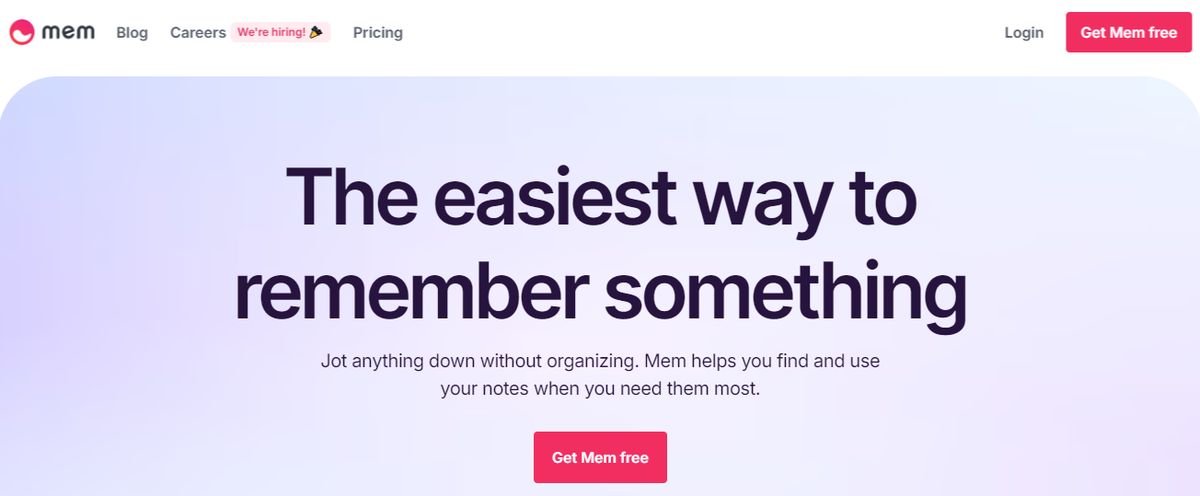
Mem.ai is an AI-powered note-taking tool that simplifies organizing thoughts and tasks. Its advanced AI features allow you to group related notes and suggest connections. Whether managing personal projects or working with a team, Mem.ai streamlines productivity by automating manual tasks like categorizing and retrieving notes. Mem.ai secures your data using encryption and two-factor authentication. It also provides effortless search functionality, allowing you to instantly access notes using Smart Search, even without remembering specific keywords.
Mem.ai's best features
Collaborate in real-time with shared workspaces for team productivity. Integrate with key tools like Google Calendar, Slack, and Zapier for a better workflow. Generate insights quickly with Mem Chat, which assists in brainstorming and decision-making.
Mem.ai limitations
There is no official support for non-English languages, as its AI is optimized for English only. There is no free plan; it requires users to subscribe to a costly paid option.
Pros and Cons of Heptabase
Pros of Heptabase: Why It’s One of the Best Personal Knowledge Management Tools on the Market
Heptabase stands out from other note-taking applications thanks to its impressive user experience. The platform makes it easy to create notes, break down complex ideas and concepts, and tackle large projects that require lots of information.
Notes in Heptabase exist in a "physical" online space instead of just a list format like traditional note-taking apps. This unique approach enhances how information is organized and interacted with, which aids in minimizing confusion.
Heptabase also offers a variety of features that transform it into a comprehensive tool, including a journal, tags, databases, properties, to-dos, and more, rather than just a basic note-taking application.
Cons of Heptabase: What to Keep in Mind Before Choosing This Tool
While Heptabase has many great features, performance can lag with large whiteboards, hampering the smooth operation.
The web application is slow, buggy, and suffers from poor synchronization, impacting the overall user experience.
Related Reading
- Slite Alternatives
- Roam Research Alternatives
- Joplin Alternatives
- Notion Knowledge Management
- Coda Alternatives
- SiYuan Alternatives
Research 10 Times Faster with Constella
Constella reimagines note-taking with an infinite canvas that lets you capture and connect ideas effortlessly, powered by AI search that makes finding information instantaneous. Whether you're a researcher trying to draw connections across numerous papers or someone who wants a more intuitive way to organize your thoughts and files, Constella's AI assistant helps you build and navigate your knowledge base without the constraints of traditional folder structures.
Constella transforms how you capture, find, and connect your ideas, perfect for busy knowledge workers and researchers limited by conventional note-taking tools. Research 10 times faster with Constella's AI notes manager.
Related Reading
Want more insights like this?
Subscribe to get short productivity tips and useful summaries of new tools every week.
Want more insights like this?
Subscribe to get short productivity tips and useful summaries of new tools every week.



