

You should organize all your notes from a recent project on your chosen app. But after a few hours, you still struggle to find a logical structure for your notes. As you stare at the mess on your screen, you wonder if you should have chosen another application like Notion.
If you've faced similar challenges with Coda, you can explore alternatives to Coda. This guide shares valuable insights to help you find a suitable Coda alternative for your personal knowledge management goals, like noting down and managing notes efficiently.
One tool that can help you achieve your objectives is Constella's AI notes manager. This application can help you organize, summarize, and manage notes efficiently so you can get back to what matters—your project.
What is Coda?
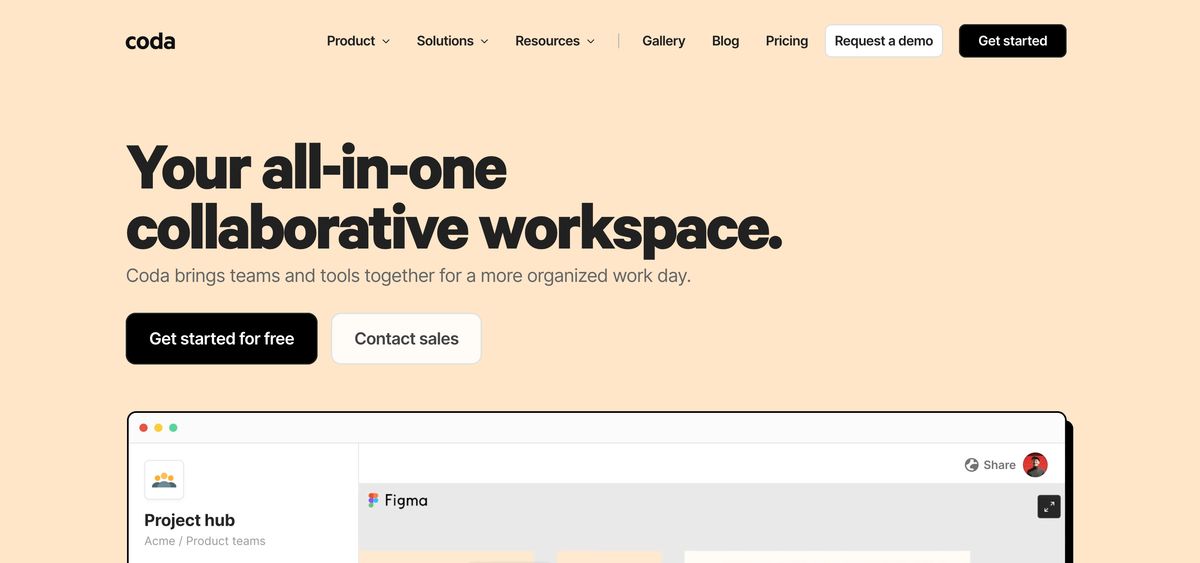
Coda is a no-code tool for teams to manage projects, knowledge & workflows. Coda is a customizable tool with formulas and AI abilities for better management of your team knowledge. It also comes with enterprise-ready tools. It is owned and managed by Grammarly. Coda is advanced, allowing teams to build workspaces to their liking.
With Coda, much like Notion, you can craft whatever experience you like thanks to the no-code, building block layout with templates to help newbies to Coda too. For a team, this allows you to build anything from a place to manage content to a Kanban board for upcoming projects and even a team wiki for knowledge stored to avoid it being trapped in silos like Slack.
Coda Price Plans

Free Plan: Perfect For Beginners
Coda's Free plan is an excellent option for anyone starting the platform. It includes basic features like collaborative docs, unlimited doc size for unshared docs, and powerful building blocks like tables, charts, and forms. You can also try Coda AI for free on this plan.
Pro Plan: $10/Doc Maker/Month
The Pro plan adds more advanced features for $10 per month per Doc Maker (billed annually). It includes unlimited doc size, 30-day version history, hidden pages, custom domains and branding, and access to Pro Packs. Doc Makers also get some Coda AI credits included.
Team Plan: $30/Doc Maker/Month
The Team plan enables collaboration across teams and tools for $30 per month per Doc Maker (billed annually). It includes everything in Pro plus unlimited automations, version history, doc locking, folder access management, cross-doc syncing, Team Packs, group training, and more Coda AI credits for Doc Makers.
Enterprise Plan: Custom Pricing
The Enterprise plan provides large organizations with advanced security, support, and customization. It includes everything in Team plus SAML SSO, user provisioning, advanced access controls, audit events, a SOC 2 report, Enterprise Packs, access to Coda experts, and the most Coda AI credits. Pricing is customized based on the organization's needs.
The cost of Coda depends on the number of Doc Makers, as Editors are always free. This unique "Maker Billing" model can save growing teams money compared to per-seat pricing.
Related Reading
- PKM Tools
- Personal Knowledge Management Tools
- Second Brain Apps
- Second Brain Method
- Heptabase Alternative
- Zettelkasten Note Taking
17 Best Coda Alternatives for Personal Knowledge Management
1. Constella: Rethink Note-Taking With AI-Powered Assistance
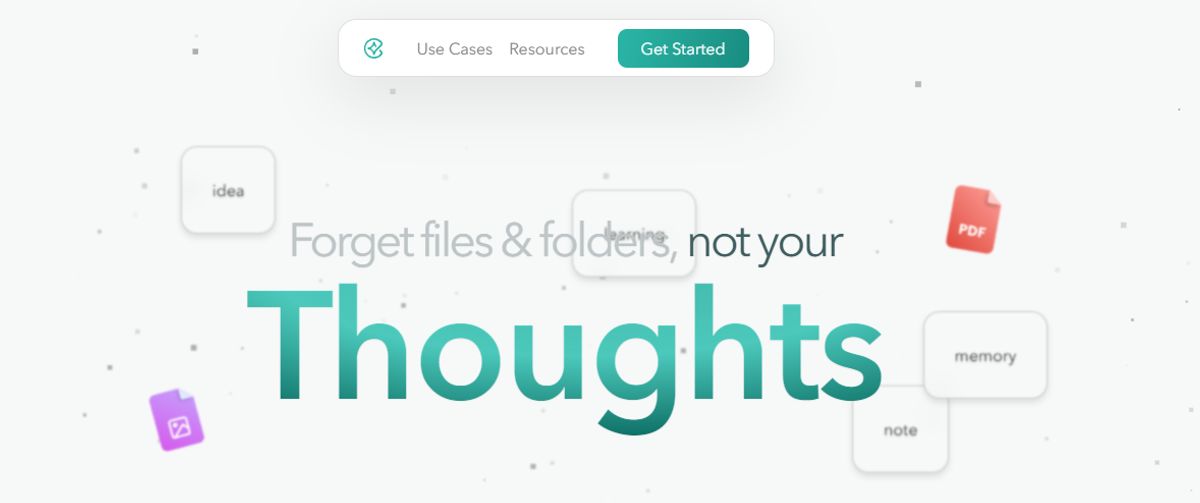
Constella reimagines note-taking with an infinite canvas that lets you capture and connect ideas effortlessly. Whether you're a researcher trying to draw connections across numerous papers or someone who wants a more intuitive way to organize your thoughts and files, Constella's AI assistant helps you build and navigate your knowledge base without the constraints of traditional folder structures.
Constella transforms how you capture, find, and connect your ideas, perfect for busy knowledge workers and researchers limited by conventional note-taking tools. Research 10 times faster with Constella's AI notes manager.
2. Nuclino: A Lightweight Personal Knowledge Management Tool for Teams
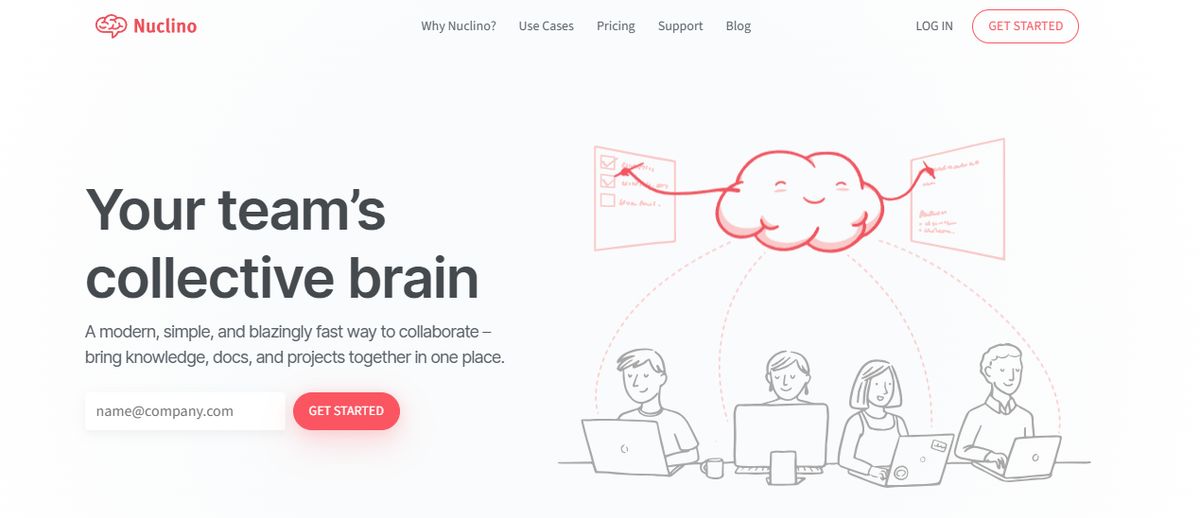
Nuclino is a lightweight and easy-to-use productivity tool that combines knowledge base, note-taking, and project management functionalities. It’s designed to help small teams and individuals streamline their work processes and enhance collaboration.
Pros
- Fast, Simple Interface: Easy to navigate and use, reducing the learning curve for new users.
- Excellent for Small Teams: Provides essential features without overwhelming complexity, making it ideal for small projects.
Cons
- Limited Advanced Features: Might be unsuitable for larger teams with complex needs.
- Can Be Basic: It may not have all the features needed for more advanced project management tasks.
3. Tettra: Build a Centralized Knowledge Base for Your Team
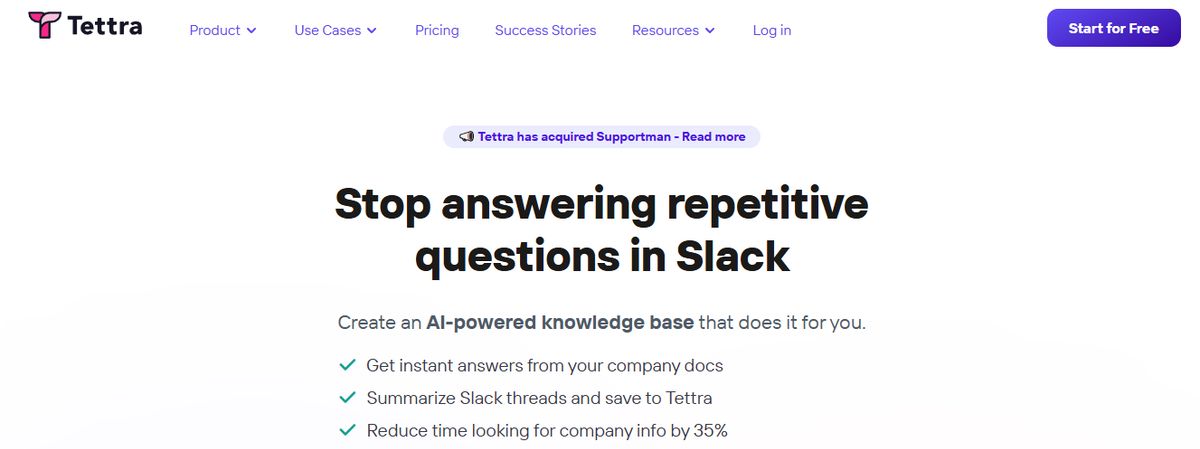
Tettra is a good software for building a centralized knowledge base and managing overall company knowledge. With Tettra’s simple editor, you can create new documentation or export existing content from tools like Google Docs, Notion, etc. Suitable for growing organizations, Tettra offers features such as AI-driven content suggestions and verification workflows to maintain accuracy and public knowledge-sharing capabilities.
Tettra best features
- Get answers to team questions from Tetra’s AI assistant, Kai.
- Verify content on a set schedule with the help of subject matter experts through knowledge automation.
- Add media and cross-link files within the knowledge base.
Tettra limitations
- Provides limited formatting features compared to other personal knowledge management tools.
- Users may find the Professional subscription too expensive.
Pros of Tettra
- AI-assisted answers right inside Slack (talk with your docs)
- Intuitive interface
- Native Slack integration
- Less learning curve
- Unique knowledge management features
Cons
- Lacks support for forums/discussion boards
- Limited document formatting
4. Confluence: Robust Knowledge Management and Team Collaboration Tools

Confluence is a powerful tool specializing in knowledge management and team collaboration, making creating, sharing, and collaborating on documents easy. Developed by Atlassian, it integrates smoothly with Jira, enhancing its utility for software development teams.
Key Features
- Document Collaboration: Create and collaborate on documents with your team, ensuring everyone is on the same page and reducing the risk of miscommunication.
- Integration with Jira: smoothly integrates with Jira for project tracking, making it an excellent choice for software development teams and project managers who need to track issues and tasks.
- Knowledge Base Creation: Organize and manage knowledge articles to build a comprehensive repository of information that the entire team can access.
Pros
- Great for Documentation: Provides powerful tools for creating and managing documents, ensuring that all information is easily accessible.
- Integrates Well with Jira: Enhances project tracking capabilities, making it a preferred choice for software development teams.
- Strong Collaborative Features: Facilitates teamwork and knowledge sharing.
Cons
- Can Be Complex for New Users: The extensive features may be overwhelming for new users, requiring a learning curve.
- May Become Expensive: Larger teams may find the costs add up quickly, especially if using premium features.
5. Evernote: A Popular Note-Taking Tool for Personal Knowledge Management
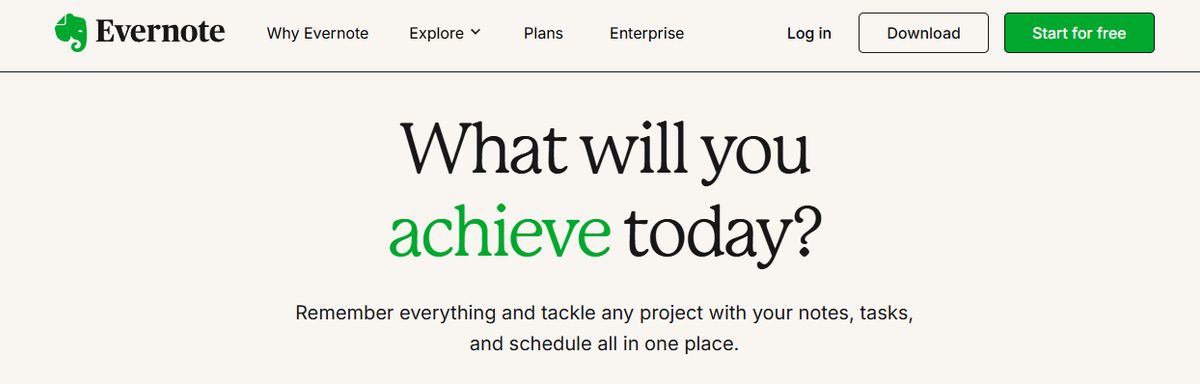
Evernote is a comprehensive personal knowledge management (PKM) and note-taking tool designed to help professionals capture, organize, and access information smoothly across devices. As the name suggests, it lets you jot down random thoughts and store important files and documents to develop a knowledge base. What I like about Evernote is its functionality to record audio notes for personal and professional purposes.
Evernote's best features
- Digitize physical documents directly into Evernote to easily access relevant documents, papers, and lists.
- Quickly locate information within your notes using natural language queries.
- Easily sync data across devices to access it anytime from anywhere.
Evernote limitations
- Some users find the mobile app less user-friendly than the desktop version.
- The free version offers a limited storage capacity.
Pros
- Effortless note-taking and syncing Powerful search OCR for images
- AI-enabled plain language search
- Excellent and customizable organization options
Cons
- The expensive Free version isn't worth using.
6. Notion: A Flexible Tool for Note-Taking and Project Management
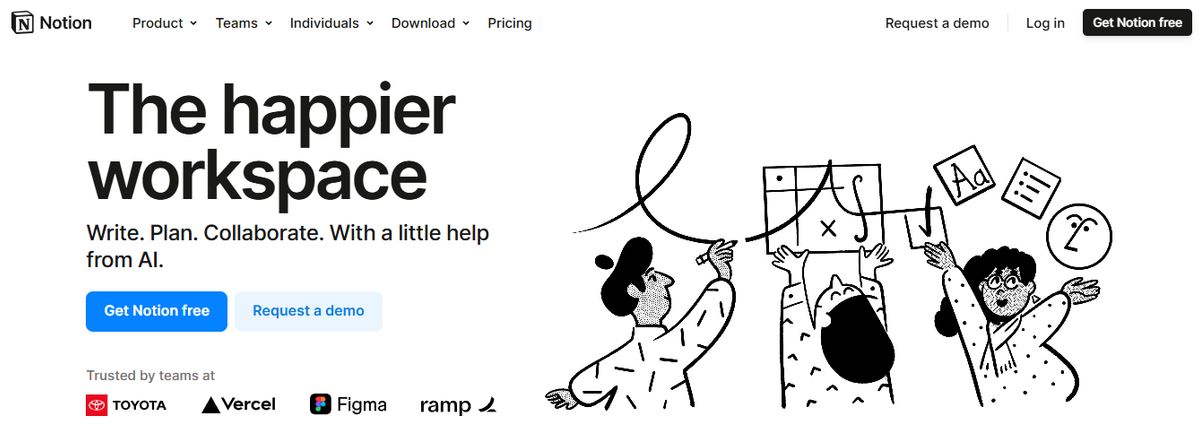
Notion offers a flexible workspace for note-taking, task management, and database creation, making it ideal for various projects. Known for its versatility, Notion allows users to customize their workspaces to fit their needs, whether for personal use, small teams, or larger organizations.
Key Features
- Customizable Templates: Use and create templates for different workflows, helping to standardize processes and save time.
- Integration with Various Tools: Connect with apps like Slack, Google Drive, and more, ensuring a smooth workflow across different platforms.
- Collaboration Features: Work with your team on shared documents and projects, enhancing teamwork and communication.
Pros
- Highly Customizable: Users can tailor Notion to meet their needs, from simple to complex workflows.
- Versatile: Suitable for various applications, from project management to note-taking and database creation.
- Great for Creative Projects: Offers flexibility and tools particularly useful for creative professionals.
Cons
- Steeper Learning Curve: New users might find Notion overwhelming due to its extensive features.
- Can Be Overwhelming for New Users: The vast array of features may take time to master.
7. Bear: A Notes App for Mac and iOS with Markdown Support
Bear is a flexible note-taking app for macOS and iOS that features rich text editing, organization tools, and markdown support. Users can create notes in various formats, including text, images, links, and files, and organize them using tags, folders, and search functionality. Bear also offers themes, focus mode, and encryption for secure note-taking.
Pros
- Excellent Markdown Support: smooth integration with Markdown formatting allows quick and efficient note-taking with minimal distractions.
- Smooth Apple Ecosystem Integration: As an Apple-centric app, Bear syncs flawlessly across Mac, iPad, and iPhone devices using iCloud.
- Intuitive Tagging System: An easy-to-use hashtag system for effective note organization and retrieval.
- Good Export Options: Ability to export notes in various formats like plain text, HTML, and PDF.
Cons
- Limited Platform Availability: Bear is only available on Apple devices, making it inaccessible for users on Windows or Android.
- No Web Interface: Users cannot access Bear Notes through a web browser.
8. Clickup: A Versatile All-in-One Project Management Tool

ClickUp is an all-in-one platform designed to replace multiple apps, offering a comprehensive suite of project management tools. It’s known for its versatility and the ability to consolidate various functions into one platform, making it a popular choice for teams looking to streamline their workflows.
Key Features
- Task Management: Organize and prioritize tasks easily, ensuring nothing falls through the cracks.
- Document Collaboration: Collaborate on documents within the platform, eliminating the need for separate document management tools.
- Time Tracking: Monitor time spent on tasks and projects to improve productivity and ensure accurate billing.
Pros
- Comprehensive: Offers a wide range of features that can replace multiple tools, streamlining workflows.
- Affordable: Provides extensive functionality at a reasonable price point.
- Highly Customizable: Users can tailor the platform to meet their needs, enhancing productivity.
Cons
- Can Be Overwhelming for New Users: The extensive features might be daunting for those new to project management tools.
- Steep Learning Curve for Advanced Features: Advanced features may require time to master, potentially slowing down initial adoption.
9. Obsidian: A Markdown-Based PKM Tool for Building a Personal Wiki
Obsidian is a powerful, markdown-based personal knowledge management (PKM) tool designed to help students effectively organize and connect their ideas. The app lets you jot down notes and graphically visualize their relationships. Whether building a personal wiki, creating mind maps, or developing a second brain, Obsidian offers unparalleled flexibility and control, making it a standout choice for students seeking to better their productivity and learning. Apart from building a personal knowledge base and wiki, I also like how Obsidian doubles as knowledge-sharing software, letting you publish personal wikis securely on the web.
Obsidian's best features
- Brainstorm, research, and map out your ideas with the Canvas feature.
- Extend the functionality with community-created plugins or personalize the interface to match your workflow and preferences.
- Keep your data secure on your device and access it anytime, even without an internet connection.
Obsidian limitations
- Extensive customization options and markdown syntax may feel overwhelming for beginners.
- Obsidian focuses on individual workflows with no built-in team collaboration features
Pros
- Boosts Productivity Enhances Learning Customizable Interface
Cons
- Slight Learning Curve Requires Regular Maintenance
10. Airtable: A Database-Spreadsheet Hybrid

Airtable combines a database's potential with a spreadsheet's simplicity, providing a versatile project management and collaboration platform. It is designed to be flexible and user-friendly, making it suitable for various applications.
Key Features
- Customizable Templates: Use and create templates for various types of work, helping to streamline processes and improve efficiency.
- Integration with Various Tools: Connect with apps like Slack, Google Drive, and more, ensuring a smooth workflow and reducing data silos.
- Collaboration Features: Organize and manage projects with your team, enhancing teamwork and communication.
Pros
- Highly Customizable: Offers extensive customization options to fit various needs.
- Versatile: Can be used for a wide range of applications, from simple task tracking to complex project management.
- User-Friendly Interface: Easy to navigate, making it accessible for all skill levels.
Cons
- Can Be Pricey: Advanced features and higher-tier plans can be expensive.
11. Roam Research: A Note-Taking Tool for Non-Linear Thinking
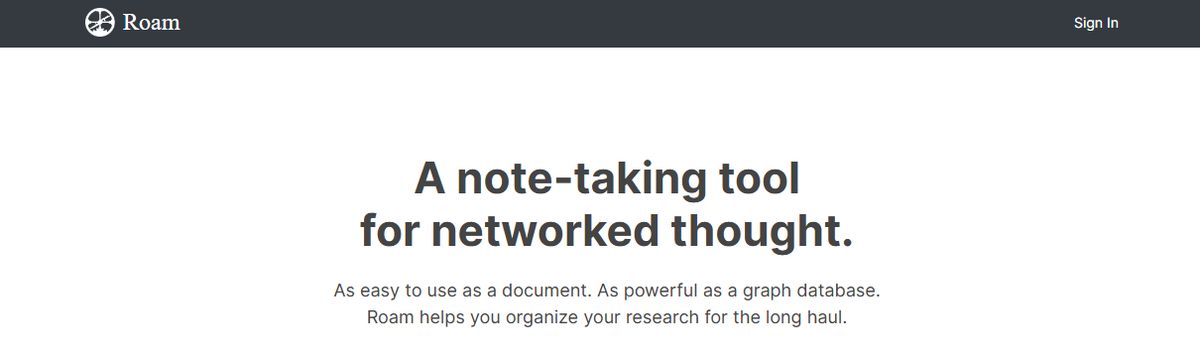
Another great note-taking PKM tool is Roam Research. Popular among researchers, writers, and lifelong learners, this tool is designed for non-linear thinking and idea organization. Roam helps students create a ‘networked thought’ system, connecting concepts and notes to mirror how the brain naturally works. Bidirectional linking on Roam enables you to create a web of interconnected notes and quickly identify relationships between disparate pieces of information.
Roam Research's best features
- Generate a daily note to help you keep track of your thoughts and ideas on a day-to-day basis.
- Refer to and reuse pieces of text across different notes.
- Store your notes as plain text files, making it easy for you to read and share them
Roam Research limitations
- Roam Research’s design is not aesthetically pleasing.
- Some users may find its pricing costlier than other tools due to the lack of free options.
Pros
- The first thing you need to know about Roam Research is that it focuses on creating interconnected knowledge.
- This platform uses a Directed Acyclic Graph (DAG) structure for flexible information organization, allowing you to develop a web of knowledge that connects concepts, ideas, and information smoothly.
- It's like having a neural network for your thoughts! Roam Research offers a daily note-focused approach, reducing cognitive load and organizational overhead.
- By creating a new daily note every day, you can focus on what matters most to you in the moment without getting bogged down by trying to organize everything all at once.
- Roam supports many file extensions, allowing you to incorporate text, images, audio, and video into your notes.
- Plus, there's no cap on data usage, so you can store as much information as you want without worrying about running out of space.
Cons of Roam Research
- One downside to Roam Research is its higher price than alternatives like Obsidian.
- While Roam offers many features and functionality, the cost might be a barrier for some users.
- Another potential con is the perceived slow development of Roam Research.
- Some users feel that Roam doesn't release as many significant improvements as its competitors, which could be frustrating for those looking for the latest and greatest features.
12. Quip: Collaborative Software with Integrated Documents and Spreadsheets
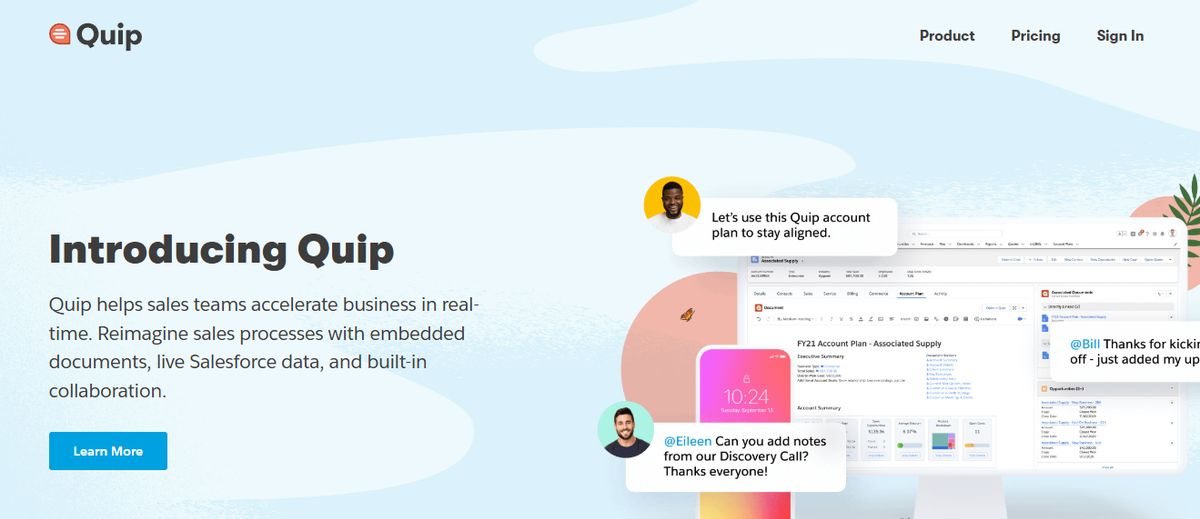
Quip is a collaborative productivity software for teams, integrating documents, spreadsheets, and chat into a unified workspace.
Key Features
- Real-Time Collaboration: Collaborate on documents and spreadsheets in real-time, enhancing team communication and efficiency.
- Document Sharing: Share documents and collaborate with your team, keeping all relevant information in one place.
- Task Lists: Manage tasks and projects within the platform, ensuring everything stays organized.
Pros
- Excellent for Team Collaboration: Facilitates real-time collaboration, improving team efficiency. - Integrates with Salesforce: smooth integration, making it ideal for sales teams.
- Strong Mobile Support: Excellent mobile apps for on-the-go access.
Cons
- Limited Project Management Features: May lack some advanced project management functionalities.
- Can Be Expensive: The cost can increase, especially for larger teams.
13. Guru: AI-Powered Knowledge Management

Guru is an AI-powered knowledge management platform that converts your company’s collective knowledge into a single, centralized, and up-to-date Wiki for your employees. The AI search feature provides instant, personalized responses to your employees’ questions, enabling them to get back to their assigned tasks with clarity. Guru allows teams to maintain a single source of truth, ensuring that information is accurate, up-to-date, and easily retrievable—integral to improving operations and making informed decisions.
Guru's best features
- Create a personalized intranet that serves as a centralized hub for company information.
- Connect to your existing apps, chats, and documents through AI.
- Provides role-based access control functionalities
Guru limitations
- Guru provides limited customization options compared to other software.
- There is a chance of outdated or duplicate content with the growth of the knowledge base.
Pros
- Team collaboration: Facilitates smooth knowledge sharing across teams by allowing users to create, edit, and access information collectively.
- Integrations with other tools: Can integrate with platforms like Slack and Microsoft Teams, providing access to information directly within the workflow.
- Relevant suggestions: AI-powered suggestions help users discover related information quickly and efficiently.
Cons of Guru note-taking
- Limited text customization: The text editor may not offer extensive formatting options, potentially impacting the visual presentation of complex information.
14. Microsoft OneNote: A Free Note-Taking Software from Microsoft
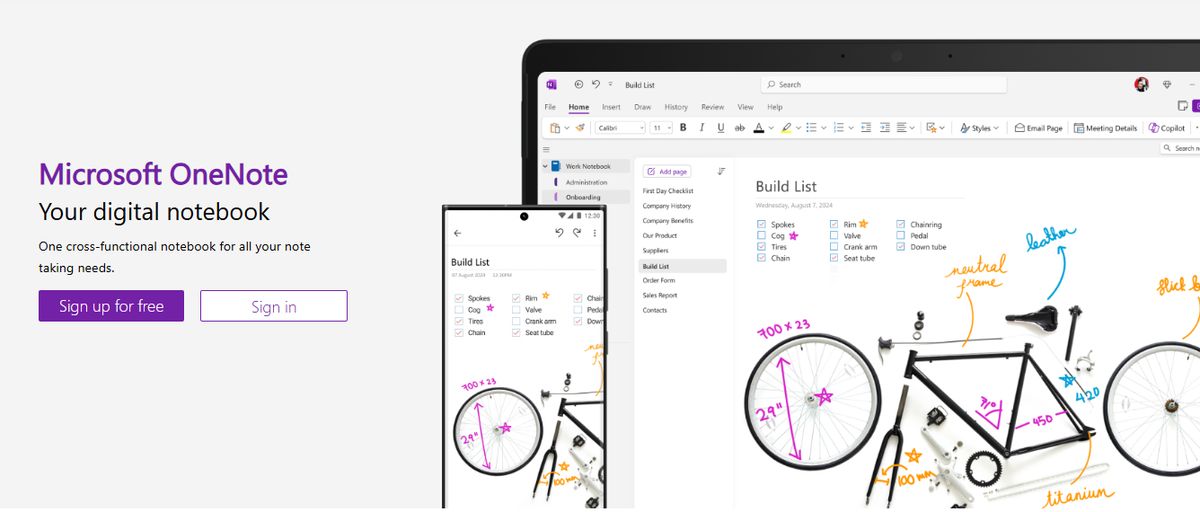
Microsoft OneNote is a digital note-taking app that integrates smoothly with other Microsoft Office tools, providing a powerful solution for organizing notes.
Key Features
- Note Organization: Organize notes into notebooks, sections, and pages, ensuring that all information is easily accessible.
- Multi-Device Sync: Access your notes from any device, allowing you to stay productive on the go.
- Integration with Microsoft Office: smoothly connect with other Microsoft Office apps, enhancing productivity.
Pros
- Great for Note-Taking: Provides powerful tools for capturing and organizing notes. smooth
- Integration with Office: Enhances productivity by integrating with other Microsoft apps.
- Free to Use: Offers comprehensive features at no cost.
Cons
- Limited Project Management Features: Primarily focused on note-taking, lacking some advanced project management functionalities.
- Can Be Overwhelming for New Users: The extensive features may take time to master.
15. Document360: A Knowledge Base Software for Building User Manuals
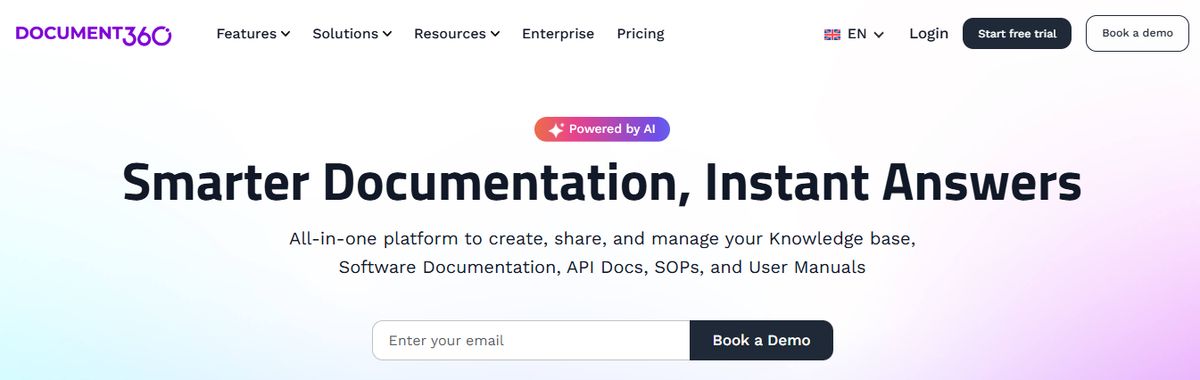
Another all-in-one workspace software for building customizable knowledge bases is Document360. This software helps you personalize your knowledge base with branded colors. It helps create dynamic, searchable, multilingual user manuals, SOPs, how-to guides, and other documents. Ideal for professionals seeking to streamline documentation processes, Document360 offers a user-friendly interface that caters to technical and non-technical users. Plus, it gives AI functionalities to simplify tackling all documentation needs.
Document360's best features
- Improve the context and relevance of documentation with real-time AI feedback.
- Get insights into user behavior and content effectiveness to optimize knowledge management strategies.
- Connect with popular tools like Slack, Microsoft Teams, Zendesk, and Intercom to build a cohesive workflow across platforms
Document360 limitations
- A few features are only available through costly add-ons.
- New users might require time to leverage the platform’s extensive capabilities fully
Pros
- Great Editor, Reliable Version, Control Smart File Management, Powerful Reports, and Analytics
16. Slite: A Documentation Tool for Teams
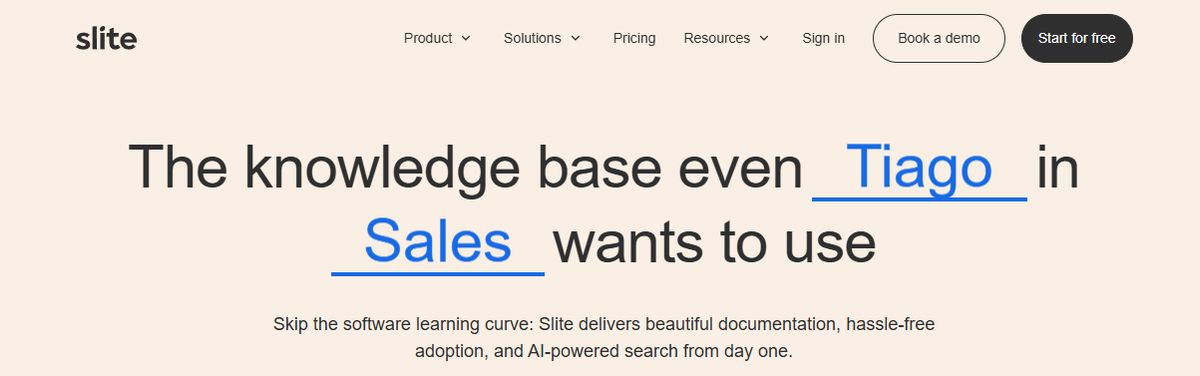
Slite is a collaborative documentation tool designed for teams, offering real-time collaboration and an easy-to-use interface.
Key Features
- Real-Time Collaboration: Work on documents with your team in real-time, enhancing teamwork and efficiency.
- Easy-to-Use Interface: Simple and intuitive interface for managing documents, making it accessible for all team members.
- Integration with Other Tools: Connect with apps like Slack, Google Drive, and more, ensuring a smooth workflow.
Pros
- Excellent for Team Collaboration: Facilitates real-time collaboration, improving communication and productivity.
- Intuitive: User-friendly interface that is easy to navigate.
- Strong Search Capabilities: Powerful search features make finding information quick and easy.
Cons
- Limited Task Management Features: Primarily focused on documentation, may lack some advanced project management functionalities.
- Can Be Pricey for Larger Teams: The cost can increase, especially for larger teams requiring premium features.
17. Logseq: A Free and Open-Source PKM Tool
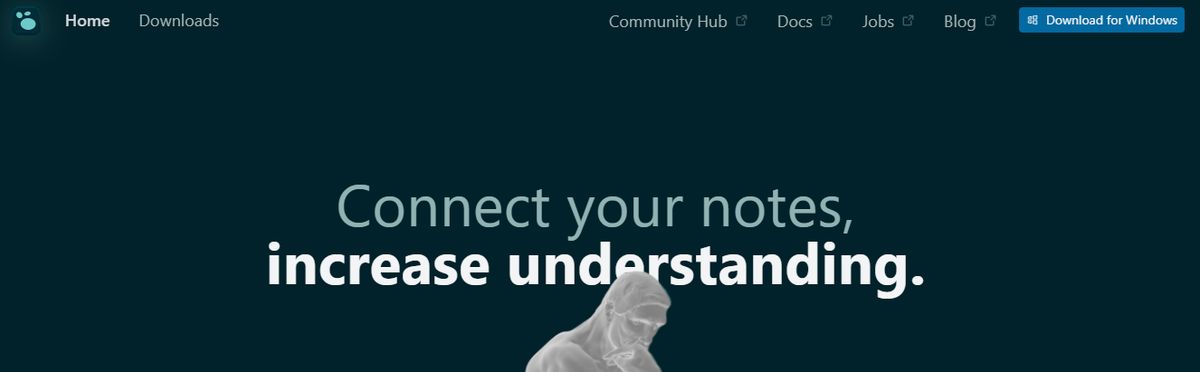
Logseq is an open-source note-taking and knowledge management app that uses a graph database to help users organize and connect their notes. Users create and link notes using markdown and visualize their connections using graph view. Logseq also offers features like backlinks, search functionality, and synchronization across devices for easy access to information.
Pros
- Visualize notes with whiteboard Custom themes developed by the community
- Privacy-focused note-taking.
- Great for building backlinks between notes.
Cons
- Can be challenging to learn and embrace. Not best for basic note-takers
Pros and Cons of Coda

Pros of Coda
Customization: Tailor Your Workspace to Suit Your Needs
Coda provides an impressive level of customization that allows you to build your functions and create tailored solutions for your team. The platform is flexible enough to adjust to the way you work—rather than forcing you to conform to a rigid structure. This is particularly useful for teams that need to experiment with software before settling on a solution or those with specific requirements.
Real-Time Collaboration: Boost Team Efficiency with Smooth Collaboration
Coda enables multiple users to collaborate on a document in real-time, enhancing team efficiency. Like Google Docs, you can see who else is viewing the doc, watch changes populate in real-time, and communicate with your team using comments.
Powerful Integrations: Connect Coda to Your Favorite Tools
One of the standout features of Coda is its ability to integrate with many other software and tools, including Zapier, Google Drive, and more. These powerful integrations can save time for operations teams and increase business efficiency by centralizing information and processes in Coda.
Centralization of Tasks: Reduce App Fatigue by Organizing Everything in One Place
Coda allows users to manage their daily tasks across multiple programs and databases, reducing the need to switch between applications. You can think of Coda as a customizable hub that lets you centralize information and processes from other tools, so you don’t have to waste time toggling between different software to get your work done.
Versatility: A One-Stop Solution for Many Users
Coda is highly adaptable and can be used for various tasks, from managing finances to tracking workouts. This versatility makes it a suitable solution for individuals and teams across multiple industries.
Cons of Coda
Limitations in API: Large Documents Can Cause Issues
When documents become too large, Coda's API fails, causing issues when integrating documents into other apps through Zapier. As a result, users may have to break their documents into smaller pieces to maintain functionality.
Steep Learning Curve: Prepare for a Challenge
New users may find it challenging to understand and utilize Coda's numerous features and language, requiring a significant amount of time to get the hang of it.
Complexity of Advanced Features: Not Everything Is User-Friendly
Using advanced features with custom integrations and complex widgets can be complicated, making some functionalities less user-friendly.
Lack of Statistical Analysis Features: Limits Use for Data Tasks
Despite its many features, Coda does not include a statistical analysis feature for tables and charts, limiting its use for tasks that require such analysis.
Scalability Issues: Performance Lags with Larger Tasks
Coda can become incredibly slow with very few rows, raising concerns about its scalability and performance for larger tasks.
Related Reading
- Slite Alternatives
- Roam Research Alternatives
- Joplin Alternatives
- Notion Knowledge Management
- SiYuan Alternatives
Research 10 Times Faster with Constella
Constella is a new note-taking app that helps you connect your thoughts using an infinite canvas. Capture information easily and unlock an intuitive way to organize your notes and files. With Constella's AI search and organization features, you can quickly find what you need without the constraints of traditional folders. Constella can transform how you capture and connect your ideas if you're a busy professional or researcher.
Related Reading
Want more insights like this?
Subscribe to get short productivity tips and useful summaries of new tools every week.
Want more insights like this?
Subscribe to get short productivity tips and useful summaries of new tools every week.


