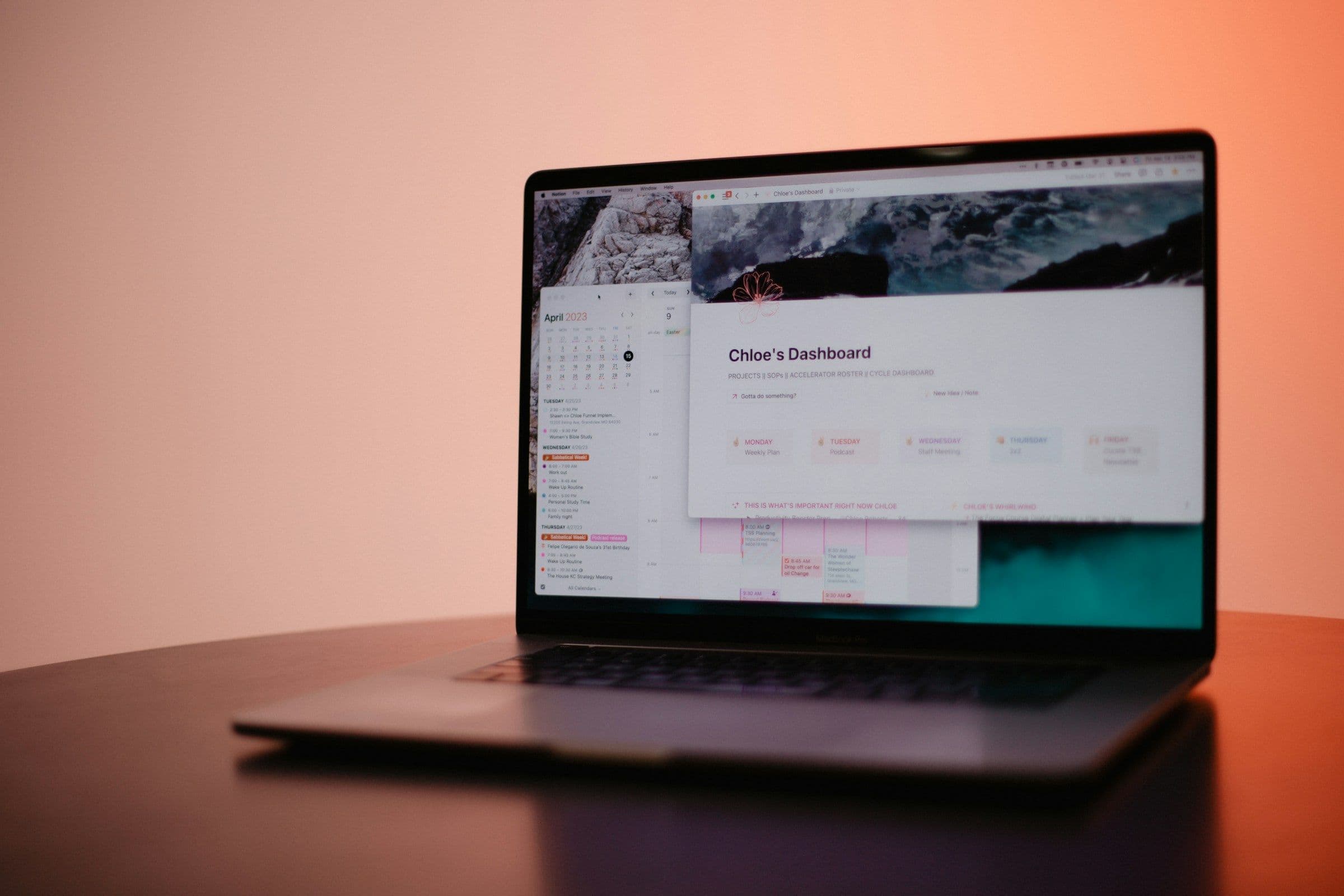
Have you ever felt overwhelmed by the sheer amount of information you encounter daily? Keeping track of it all can feel impossible between emails, messages, reports, and articles. With a second brain, you can offload all this information to an external source and organize it in a way that makes sense to you so you can access it later when needed.
The second brain code is about making this process as efficient as possible. In this guide, we’ll discuss building a second brain code and tailoring it to your needs so you can manage notes and other information with AI.
Constella’s AI notes manager is a valuable tool to help you achieve your goals. The software enables you to make notes and organize them according to your preferences so you can find what you need quickly.
Use Cases of Second Brain Notion Template
Task Management: Efficiently Capture and Prioritize Tasks
The Second Brain Notion Template allows you to capture and organize tasks efficiently. You can prioritize tasks based on urgency and importance. You can link tasks to specific projects to improve organization and clarify what needs to be done. Using the template's task management capabilities can improve productivity and make projects less overwhelming.
Project Tracking: Keep Projects on Track
With the Second Brain Notion Template, you can organize tasks by project to track project progress and ensure deadlines are met. By breaking projects down into individual tasks, the template helps reduce being overwhelmed. You can also assign tasks to specific team members to improve collaboration and accountability.
Note Organization: Store and Retrieve Notes with Ease
The Second Brain Notion Template provides a designated space for storing notes. You can create a separate page for different subjects or projects. You can organize notes on each page using headings, bullet points, toggle lists, and more. This will help you declutter your mind and make finding necessary information easier when needed.
Resource Management: Collect and Categorize Useful Materials
The Second Brain Notion Template allows you to store and organize various resources, including articles, links, digital downloads, videos, and any other insights you want to keep for future reference. You can tag these materials for easy retrieval and ensure you never lose valuable information that can help you with your projects or personal goals.
Goal Setting: Set and Track Personal and Professional Goals
The Second Brain Notion Template also features a dashboard to help you set and monitor goals across multiple life areas. You can customize each section to fit your needs and break goals into smaller, manageable tasks to make it easier to achieve them.
Inbox for Quick Capture: Reduce Distractions and Stay Focused
The Second Brain Notion Template has an "inbox" feature that lets you quickly jot down ideas, tasks, or resources without disrupting your workflow. You can later organize this information into their proper categories within the template for better structure and accessibility.
Benefits of Using Second Brain Notion Templates

Capture Information Quickly and Efficiently
Templates for Notion help you swiftly gather and organize information such as ideas, tasks, notes, and inspiration. Each template provides a pre-built structure that makes it easy to capture your thoughts and keep them organized in one place. Instead of getting lost in your brain's chaos, you can use Notion templates to find clarity and order.
Categorize and Structure Data
Once you've captured your information, you can use Notion templates to organize and structure your data. These templates allow you to categorize notes, tasks, and project resources to arrange everything for easy retrieval. Creating an organized second brain will reduce feeling overwhelmed and improve productivity.
Manage Projects and Tasks
Notion templates also help you manage your tasks and projects. With these templates, you get clear visibility into project progress, deadlines, and priorities, ensuring a smooth workflow. You can even use multiple templates across different areas of your Notion second brain to help you get organized, reduce chaos, and boost your productivity.
Interconnect Knowledge
Another benefit of using Notion templates to build a second brain is that they allow you to link related information. Using templates creates a cohesive web of knowledge that improves understanding and recall. This can transform your ability to process information, especially when studying or conducting research.
Boost Productivity
Using Notion templates to create your second brain can streamline workflows and improve productivity. A structured system to manage your day-to-day tasks and long-term goals makes staying organized and on top of your work much more manageable.
What is Constella?
Constella reimagines note-taking with an infinite canvas that lets you capture and connect ideas effortlessly, powered by an AI search that makes finding information instantaneous. Whether you're a researcher trying to draw connections across numerous papers or someone who wants a more intuitive way to organize your thoughts and files, Constella's AI assistant helps you build and navigate your personal knowledge base without the constraints of traditional folder structures. Constella transforms how you capture, find, and connect your ideas, making it perfect for busy knowledge workers and researchers limited by conventional note-taking tools. Research 10 times faster with Constella's AI notes manager.
Related Reading
- Second Brain Examples
- How to Build a Second Brain
- Tiago Forte Code
- Roam Research vs Obsidian
- Notion vs GoodNotes
10 Best Second Brain Notion Templates
1. Exploring Constella: Rethinking Note-Taking
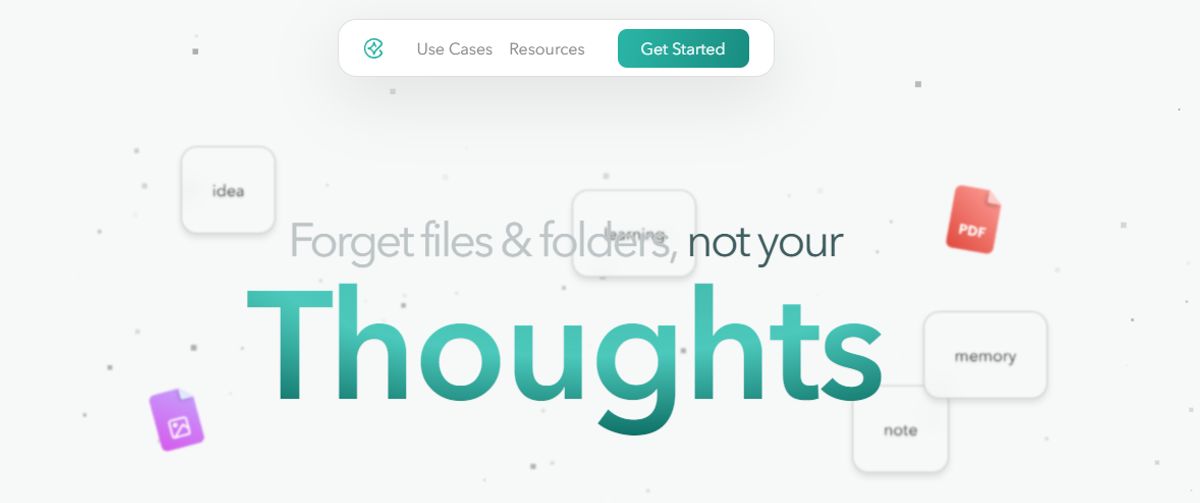
Constella transforms traditional note-taking into an experience that’s much more fluid and intuitive. The infinite canvas allows for effortless capture and connection of ideas, while an AI search function makes finding information instantaneous. This tool is handy for researchers looking to draw connections across numerous papers. It's also ideal for anyone wanting a more organic way to organize thoughts and files. Constella’s AI assistant helps users build and navigate their personal knowledge base without the constraints of traditional folder structures. Research 10 times faster with Constella's AI notes manager.
2. Notion Second Brain by Chris: A Holistic Approach
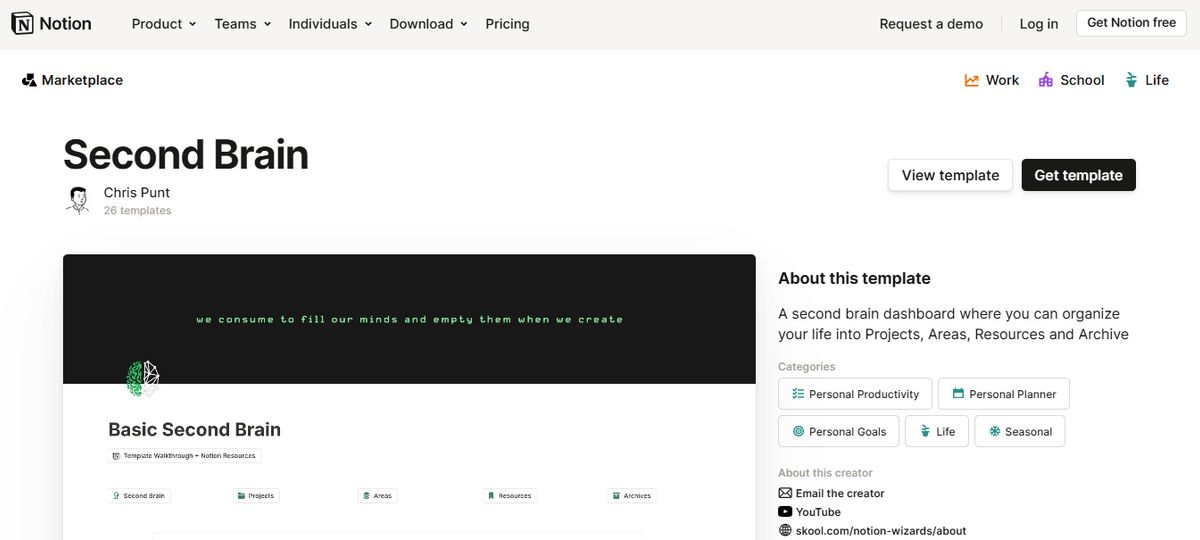
This Notion second brain template is designed to manage your tasks and thoughts smoothly. It features a dynamic habit tracker, a basic finance tracker, and a bullet journal, among other tools, ensuring that your brain can focus on creativity and problem-solving. With everything from PARA organization to a comprehensive CRM, this template is your all-in-one solution for personal and professional growth.
3. Second Brain OS: A Complete Life Management System
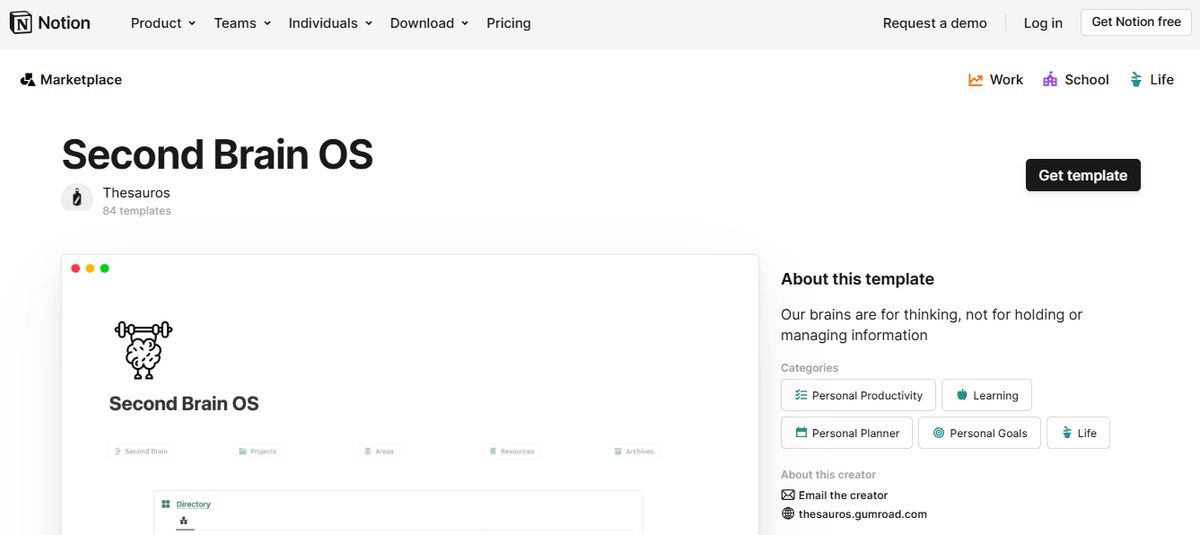
This Notion Second Brain is unlike others; it is a complete life management system. It consists of all the necessary features to manage your personal life and work in one place effectively. Organize your life with Notion Second Brain OS. Level up your organization with Notion Second Brain OS. Smoothly manage tasks, finances, goals, and everything in between. Build your digital brain now! Second Brain OS centralizes everything you need to organize your life in one place, from finances and projects to goals, habits, and more.
4. Notion Ultimate Life OS: An All-in-One Solution
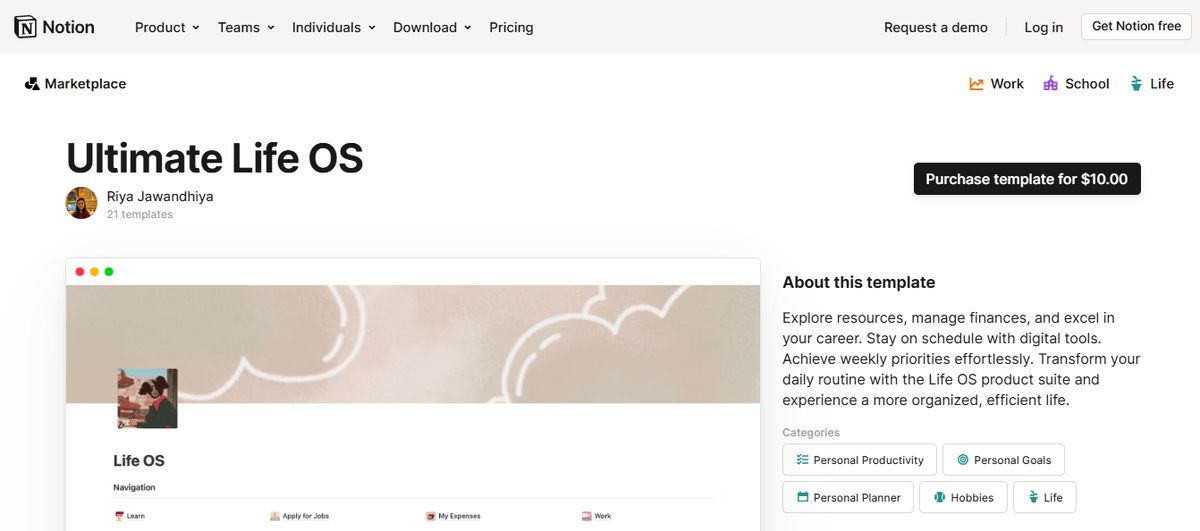
Ultimate Life OS is an all-in-one life management system built inside Notion that has everything you need to stay productive, organized, and healthy in one place. It is THE only Notion template you will ever need to manage, plan, and organize your life! With the Dynamic Notification Center, you will always have an overview of your Notion Life OS.
5. Notion Planner: Second Brain 1.0 Aims for Peak Organization
Template Created by OlsNotion. This holistic system is designed for peak organization. Navigate your objectives smoothly with an intuitive navigation bar, goals tracker, and week manager while fostering personal growth through a meticulous habits tracker and daily journals. This second brain Notion template simplifies task management. It enriches your reading experience with an advanced book tracker, making it a quintessential tool for anyone aiming to streamline their life and work.
6. Second Brain By Easlo: A Powerful Centralized System
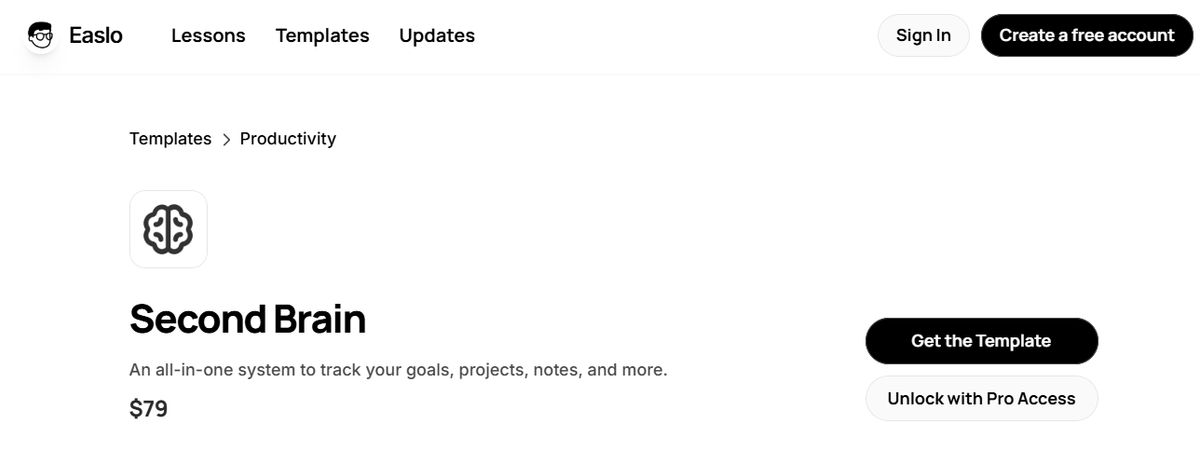
Unlock a powerful Notion system that centralizes your goals, projects, tasks, notes, and everything. Building upon Tiago Forte's PARA method, we've expanded its principles to offer a comprehensive productivity and knowledge management system.
What's Included
An all-in-one dashboard, Goal Setting, Project and task Management, Note-Taking System, Reference Management, Quotes and highlights, Reading List, Tutorials and examples, Lifetime Access to Updates, and Access to an Exclusive Community on Circle.
7. Superior Second Brain in Notion: Capturing Every Valuable Thought
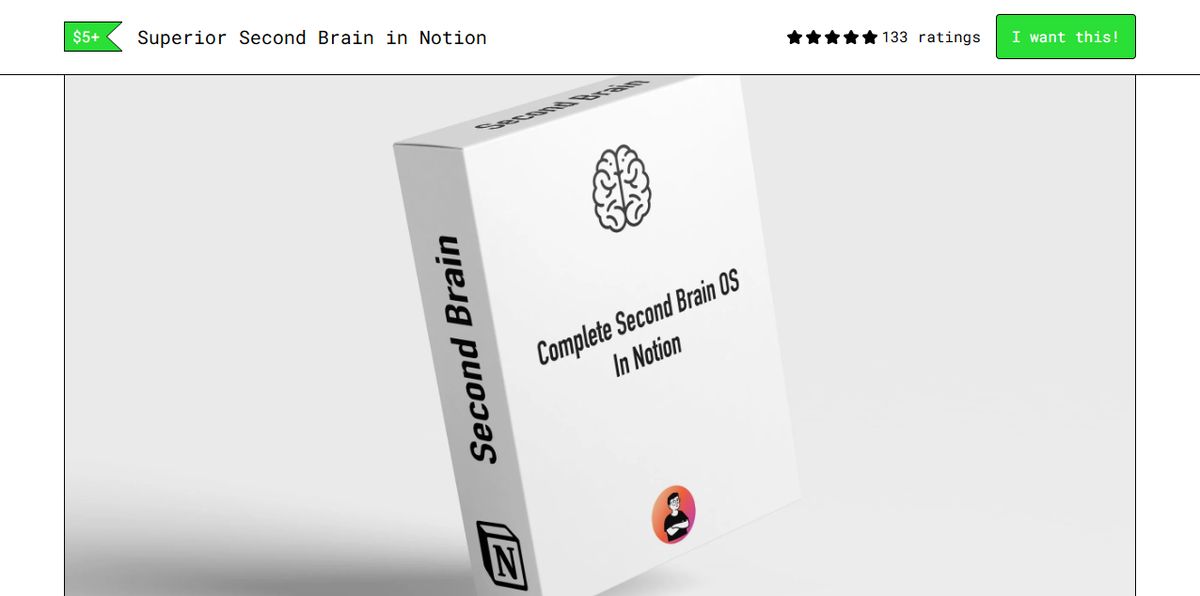
Crafted to ensure every piece of knowledge and every spark of creativity is captured and categorized efficiently. This Notion second brain template marries the robustness of the PARA and CODE systems, offering a singular dashboard for smooth access and organization across categories, projects, and ideas. With its quick-capture feature and dedicated idea database, this template stands as an unrivaled ally in your quest to never let a valuable thought slip away again.
8. Second Brain 2.0 by Ols Notion: Up Your Productivity Game
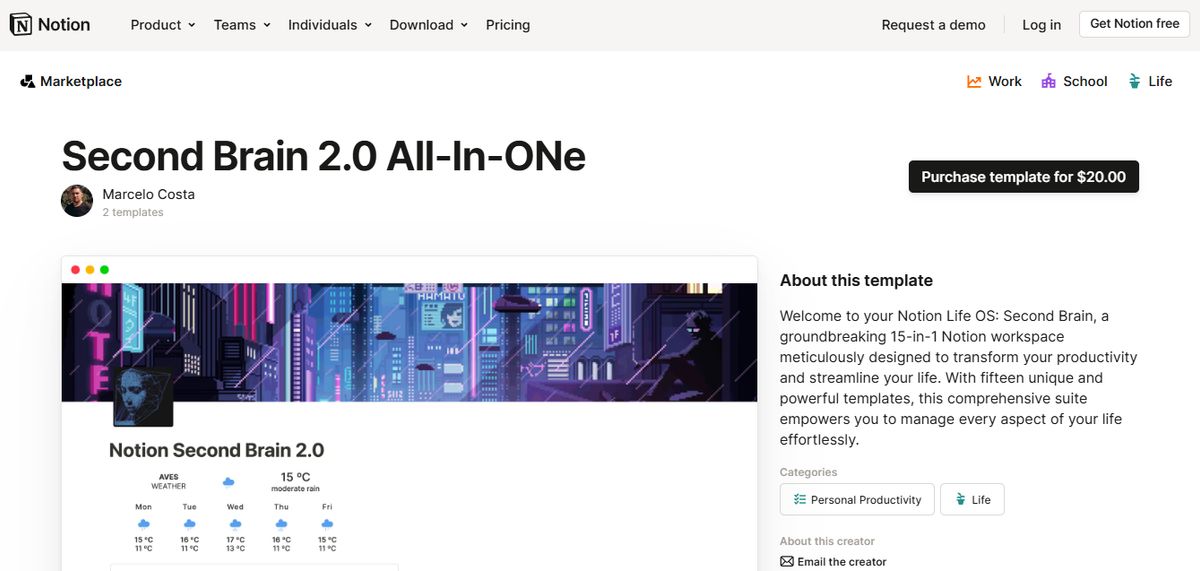
Manage, organize, and succeed with Second Brain 5.0. Up your productivity game with Second Brain 2.0, which offers premium features designed to keep structuring your life and increasing your productivity.
What's Included
Productivity Dashboard, PARA Dashboard, Tasks Manager, Projects Manager, Goals Tracker System, Resources Manager, Notes & Ideas Capture, Productive Journal, and more…
9. Notion Second Brain by Temply: Your Comprehensive Hub
This is your comprehensive hub for personal knowledge management. This Notion second brain leverages the renowned P-A-R-A and G.T.D. methods to streamline your life, from task tracking to financial oversight. Build your personalized knowledge system, manage your tasks and goals, and keep tabs on your finances, all. At the same time, enjoy added perks like a reading list, daily journal, habit tracker, meal planner, and workout tracker. Transform the way you manage your digital life with this all-encompassing solution.
10. Ultimate Brain for Notion: The Ultimate Productivity System
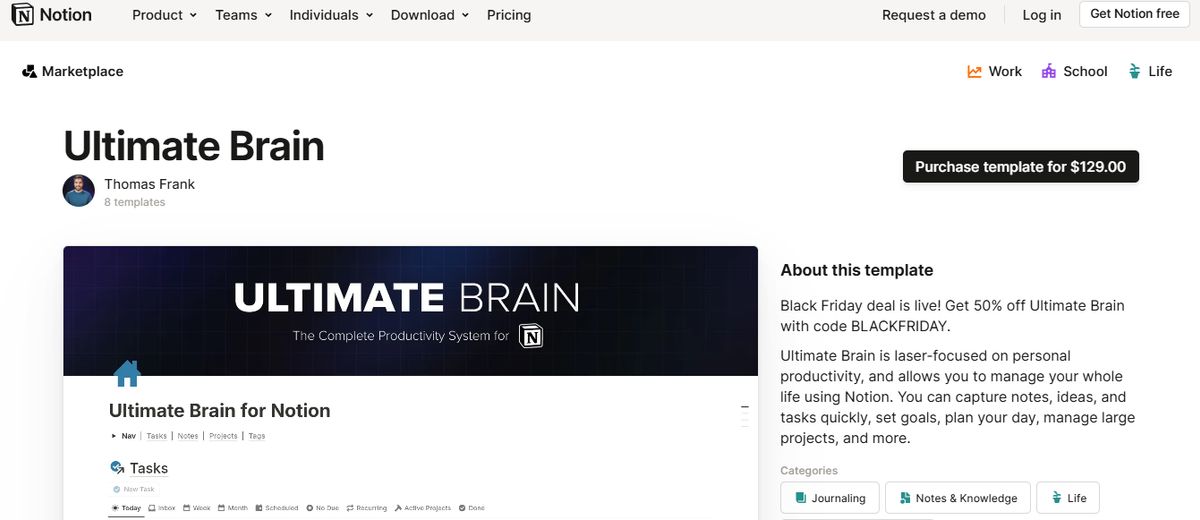
The ultimate productivity system and second brain for Notion. Ultimate Brain smoothly combines tasks, projects, notes, and goals - turning Notion into your all-in-one task manager, note-taker, and planner. Advanced features like: A My Day dashboard A Quick Capture GTD-style task capture and processing PARA-style organization Recurring tasks.
How to Use the Second Brain Notion Template

Organizing Projects and Tasks In Your Second Brain
Nothing takes up more brainpower than tracking what you need to do. Start by adding every project you have to your second brain so it can keep track of them for you. Don’t just limit this category to work, either. What are your objectives right now? What problems would you like to solve? Projects can include reorganizing your garage, learning to code, or planning a trip to Machu Picchu.
Click the New project button on the Notion template to add a new entry to the Projects database. The quick actions block contains buttons for New task, New note, and New project. You’ll notice that each project page displays related tasks and notes, so you can start plotting what you need to do (and know) to complete it. Use the rest of the page to collect important project information. The Progress property will automatically update as you complete tasks.
You can manually update the Status property from Not Started to In Progress to Completed (or Abandoned) as you work through the project. The Tasks database lets you track smaller action items, whether related to projects or not. Add tasks within projects or use the New task button on your dashboard. Make sure to add a due date to every task, but choosing a related project is optional.
Areas of Interest: Make Your Second Brain Work for You
The Areas database lets you sort your life into categories to see every related project and resource in one place. It’s like having a set of digital notebooks (or file folders) waiting to collect, organize, and present your thoughts in a way that makes sense to you. Unlike projects, areas don’t have an end date. They might be areas of work (like marketing and direct reports) or life (like fitness, family, and Spanish language).
Here are the areas that come with my Notion template, but make sure to tweak them to fit your life: In the Notion second brain template, the "Areas" database in gallery view. Click into any area, and you’ll see linked database views showing its related notes and projects. If you want more ways to organize and visualize your areas of interest, use the Tags property to give each area a label like Work or Life.
Collect Notes and Resources to Populate Your Second Brain
The "R" in the PARA method stands for Resources—which can be notes you wrote yourself or information you collected from elsewhere. These items are all stored in the Notes database, and they’ll contain highlights of what you’re reading, your comments, and links to other notes. Click New note from the Quick actions toolbar to get started. Add related tags, areas or projects, and any other information you want within the body text. Or if you’re already inside a project or location, click +New under the Notes database view.
This will automatically link that new note to the area or project you created it from. You can also add outside resources to your notes database. The Notion Web Clipper is a free browser extension that lets you capture a web page’s content (and URL) and send it to your chosen Notion database. That way, you’ll always have a record of the content as it was when you first saw it. On the dashboard, the Notes database is grouped into "notebooks" (AKA the Area they’re related to). This grouping method helps keep you organized by category, so feel free to add more Areas if you find yourself accumulating a lot of notes about a new topic.
Improve and Connect Notes
When you finish taking a note, that isn’t be the last time you’ll make changes. Develop a habit of improving something every time you visit one of your notes: Make the title more precise or more descriptive Write a summary of the content Add more context Break it down into multiple notes for organization Do some fact-checking Find more connections with other notes If you visit a note frequently, it’ll become more and more developed over time, helping you retain more information about that topic, and making it more valuable for sharing with others.
Send Completed and Outdated Items to the Archive
When I worked at a law firm, our filing cabinets were perpetually stuffed to bursting. It was so much of a chore to refile things that most attorneys kept big piles of files on their desks—and you can consider the chaos that eventually ensued. Your Notion second brain will have the same problem if you don’t have a tidy archive system. Clearing outdated notes and completed projects gives you more room to focus on what’s ahead of you.
But you can still access old resources if needed because you keep everything in your archive. The Archive view in the Notion template displays every archived task, project, area, and note. Tasks marked done, projects marked Complete or abandoned, and regions and notes marked Archived will appear in this section. If the archive gets too busy or distracting for you, click the toggle next to Archive to collapse the view.
Related Reading
- Roam Research Alternatives
- Amplenote vs Notion
- NotePlan Alternative
- Amplenote vs Obsidian
- Heptabase vs Obsidian
- Notion vs Evernote
Research 10 Times Faster with Constella
Constella reimagines note-taking with an infinite canvas that lets you capture and connect ideas effortlessly. Whether you're a researcher trying to draw connections across numerous papers or someone who wants a more intuitive way to organize your thoughts and files, Constella's AI assistant helps you build and navigate your knowledge base without the constraints of traditional folder structures.
Constella transforms how you capture, find, and connect your ideas, perfect for busy knowledge workers and researchers limited by conventional note-taking tools. Research 10 times faster with Constella's AI notes manager.
Related Reading
Want more insights like this?
Subscribe to get short productivity tips and useful summaries of new tools every week.
Want more insights like this?
Subscribe to get short productivity tips and useful summaries of new tools every week.