

Isn’t it strange how your brightest ideas sneak in just as you’re about to fall asleep? Or how the most urgent tasks pop into your head when you’re already wiped out? On those slow days, when energy is low and focus is fading, the last thing you want is a complicated note app workflow or note-taking process. Yet that’s exactly when you can’t afford to lose a single thought.
Luckily, there are simple ways to capture ideas without draining what little energy you have left. In this article, we’ll explore why our minds tend to spark creativity when we’re tired and how “smart notes” can turn those off-day moments into meaningful records. We’ll share low-effort techniques, from quick voice-to-text and auto-tagging to one-tap note apps, that let you grab ideas in seconds. Then, we’ll look at the tools and AI features that make lazy note-taking not just possible but practical.
So let’s dive in.
Smart Notes and Slow Days: What They Really Mean
On tired afternoons or just before sleep, your brain shifts into a mode that can spark insight. Neuroscience calls this the default mode network, where the mind wanders and connections form behind the scenes. As a result, you might suddenly see a solution to a problem you’ve wrestled with all day. Still, most of us skip note-taking when we’re worn out. We tell ourselves we’ll do it later. Yet “later” often never comes.
So, when we talk about smart notes, we mean quick, low-effort captures that catch ideas before they vanish, exactly what a smart notes app or second brain app is built for. These aren’t polished paragraphs or highly organized pages. Instead, they’re tags, bullet points, voice snippets, or rough sketches that lock in your thought in seconds. Slow days, on the other hand, are those moments when energy is low, focus is foggy, and even opening a full-featured note app feels like a chore.
The Lazy Note-Taker’s Toolbox: Low-Effort Capture Techniques
Here are a few simple techniques that could be used when you need to capture ideas with almost no effort:
- Screenshots: Tap once to grab a text message, a photo on your screen, or a quick sketch. Later, you can crop, label, or highlight these images. Until then, they work as instant reminders of your thoughts.
- Voice Snippets: Press a single record button to speak your idea instead of typing. Later, you can listen back or convert your words to text. It’s perfect for days when you can’t spare the energy to type.
- Quick Capture Widgets: Add a note or start a voice memo straight from your home or lock screen. No unlocking. No app menus. With just a swipe and a tap, you save fleeting insights before they vanish.
- Auto Tagging: Type a keyword like “meeting” or “idea,” and let the app add the tag for you. These tags become handy markers when you return to sort and expand your notes.
- One Tap Shortcuts: Set up a gesture or button press that opens your favorite note page instantly. One minute is all you need to capture that half-formed thought.

How Constella & Stella Help on Slow Days
Constella, as an AI second brain app, is designed for exactly these off-day moments. Its one tap capture feature floats over any screen, so you can grab text, voice, or images without leaving your current app. Meanwhile, Stella, Constella’s AI assistant, works quietly in the background:
- Instant Summaries: Stella scans your raw captures and offers a two-sentence summary—ideal for a quick glance later.
- Auto Tag Suggestions: Based on your past entries, Stella proposes relevant tags so you don’t have to think of them when you’re tired.
- Cleanup Reminders: Missed turning a voice memo into a proper note? Stella nudges you at a set time, keeping your archive organized without extra work.
By combining screenshots, voice capture, and AI-powered helpers, Constella turns low-effort note-taking into a habit you can stick with, even on the slowest days.

Best Apps for Capturing with Minimal Effort
The tools below shine when you need instant capture without extra steps. Each offers features that save taps, bypass menus, and turn your tired thoughts into lasting notes.
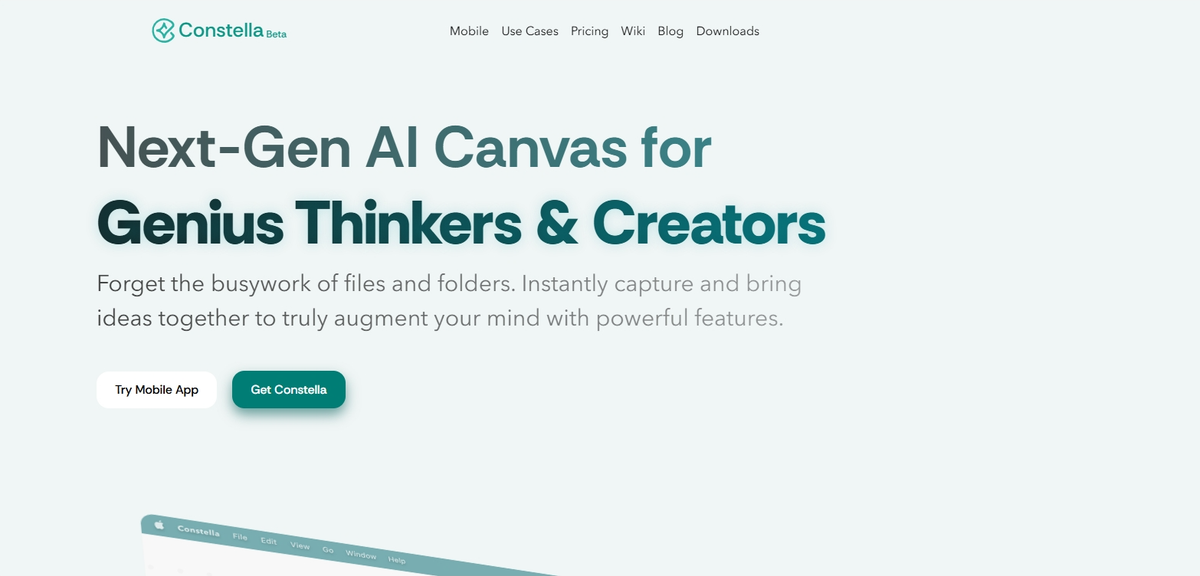
1. Constella – An All-in-one Quick Capturing App
As we mentioned above, Constella stands out as a true grab‑and‑go solution. With a single tap, you can jot text, snap a photo, record a voice memo, or sketch a thought. Its AI assistant, Stella, automatically suggests tags and groups related entries, so you spend less time sorting and more time thinking. Even on your slowest days, Stella can send gentle reminders to revisit messy captures and turn them into polished notes. Because everything syncs across devices instantly, you never miss a spark of insight, no matter how tired you are.
2. Apple Notes / Google Keep
For iPhone and Android users alike, Apple Notes and Google Keep offer simple, widget-based capture. On iOS, the “New Quick Note” gesture lets you pull up a blank page without unlocking your phone. On Android, Google Keep’s home screen widget provides one-tap access to text, checklists, or voice memos. Both apps support image insertion and basic tagging, so you can save screenshots or photos of whiteboards in seconds. Later, you can search by keyword or browse by color-coded labels, making it easy to find what you captured on an off day.
3. Voice tools like Otter, Bublup, and Whisper
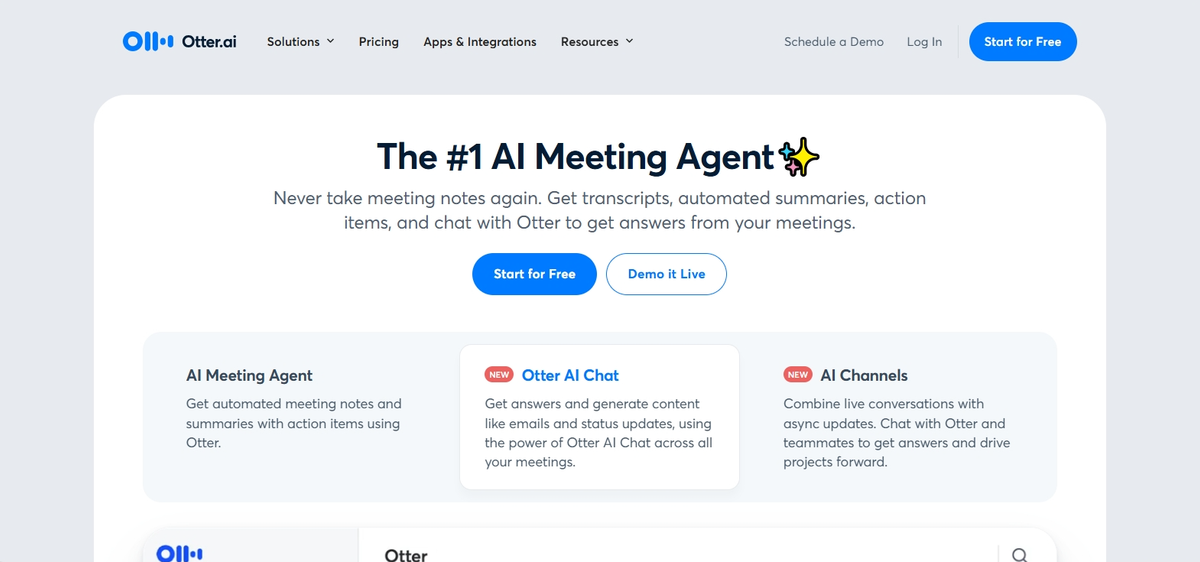
When typing feels impossible, voice tools offer a lifeline. Otter records and auto-transcribes conversations or solo ideas, tagging speakers and highlighting keywords. Bublup lets you drop audio clips into visual folders—like a digital pinboard—so your voice memos appear alongside images and links. Whisper, an open-source model, runs on-device for private speech-to-text conversion without the internet. These tools turn spoken thoughts into searchable text in moments, ensuring that even half-awake ideas get recorded accurately.
4. Notion
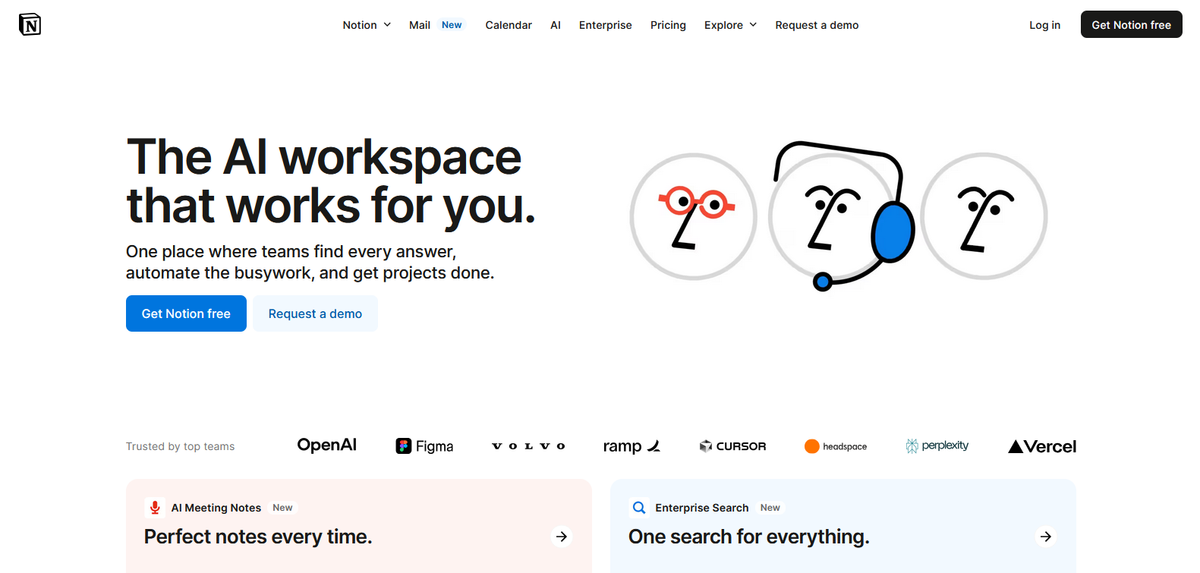
Notion’s magic lies in its customizable templates and slash commands. With a quick slash menu, you can insert a heading, a to-do item, or a code block in one keystroke. Its mobile app includes a “quick capture” button that opens a new page instantly—no navigation required. Plus, you can embed voice recordings or screenshots directly into your workspace.
5. Obsidian
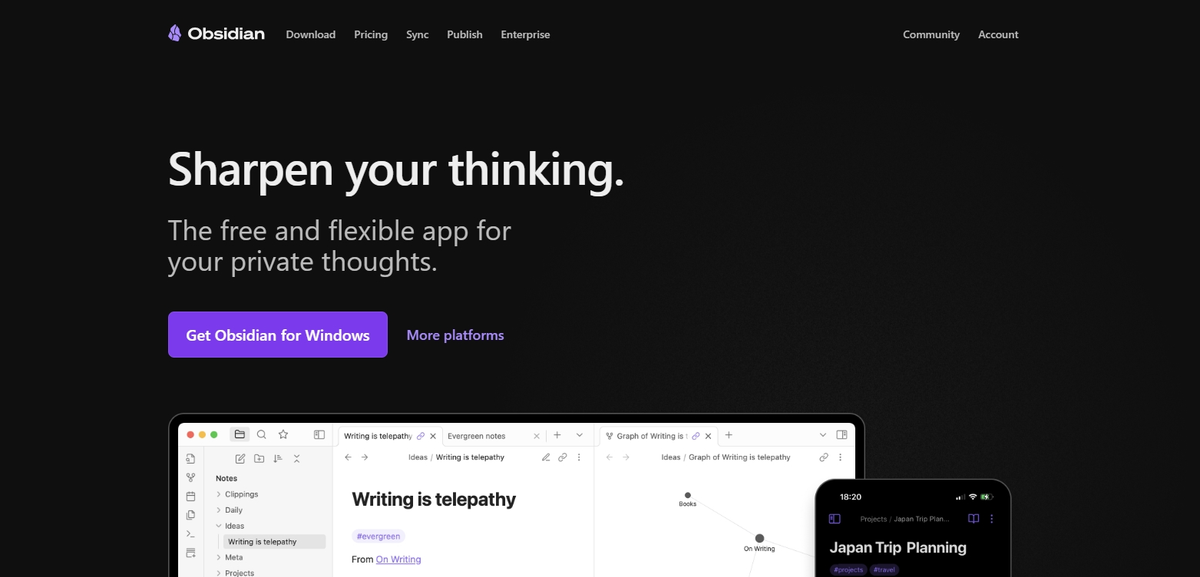
Notion acts as a visual thinking tool, while Obsidian shines as a lightweight digital journaling app. Obsidian combines markdown simplicity with powerful plugins. On both desktop and mobile, you can assign a hotkey to open a new note in seconds. A built-in audio recorder plugin captures voice snippets right inside your note file. Meanwhile, automatic backlinks turn every quick capture into a node in your personal knowledge graph.
Capture First, Clean Up Later
When you’re low on energy, the goal is simple: grab your idea before it vanishes. First, capture with whatever feels easiest—a quick voice memo, a snapped screenshot, or a bullet line in your note app. Don’t worry about neatness or full sentences.
Next, schedule a weekly review. Pick a consistent time (like Friday afternoon or Sunday morning) and revisit all your rough captures. During this review, turn scraps into clear entries: expand shorthand into full thoughts, tag with projects or dates, and link related ideas. Over time, this habit turns scattered jots into a reliable second brain.
In short, let messy capture take the lead when you’re tired, then refine later when you have fresh energy—and watch your quick notes grow into lasting insights.
Conclusion
Capturing ideas when you’re tired isn’t just possible, it’s essential. Even on slow days, a quick note or screenshot can save your best thoughts and to-dos from slipping away. In this article, we explored simple techniques—auto tagging, home screen widgets, voice to text, and more—and highlighted five apps that make lazy capture effortless, including Constella with its AI assistant Stella. We also covered the “capture first, clean up later” approach and the benefit of a weekly review habit.
Now it’s your turn: pick one tool, set up your quick capture shortcuts, and commit to a regular review. Over time, you’ll build a reliable second brain that works even when energy runs low. Good luck and happy capturing!
Want more insights like this?
Subscribe to get short productivity tips and useful summaries of new tools every week.
Want more insights like this?
Subscribe to get short productivity tips and useful summaries of new tools every week.


