
In today’s world of constant distractions and endless to-dos, note apps have become our go-to tools for capturing ideas, tasks, and memories. Over time, however, these scattered notes can reveal much more than just daily reminders. They form a rich record of our thoughts, actions, and emotions—data we can leverage to chart our own growth. By revisiting tags, timestamps, and linked ideas, we gain insight into how our mindset and habits evolve.
In this article, we’ll explore how your favorite note app—or even a dedicated second brain—can double as a personal growth tracker. First, we’ll highlight top apps that excel at logging progress. Then, we’ll dive into the specific features, such as categorizing with tags, reviewing old entries by date, and connecting related notes that turn raw information into a clear view of your journey. Finally, we’ll share practical tips for making this process a daily habit, so you stay consistent and motivated.
First, let’s look at what growth tracking is and how growth trackers work.
Why Track Your Personal Growth and What is a Growth Tracker
Tracking your personal growth brings clarity to the small steps that add up over time. When you record ideas, habits, or moments of insight, you create a timeline of progress. Looking back at those entries helps you recognize patterns—both the habits that propel you forward and the obstacles that hold you back. In turn, this awareness fuels motivation and guides smarter choices.

A growth tracker is simply a system for capturing and reviewing those records. It can be as basic as a tagged list of achievements or as detailed as linked notes that reveal evolving ideas. At its core, a growth tracker should let you log milestones, assign categories (for example, “mindset,” “skills,” or “well-being”), and revisit entries by date. Over time, these organized records become a powerful mirror, showing how far you’ve come.
Moreover, an effective tracker works alongside your daily routines. It nudges you to reflect, to tag new insights, and to revisit past notes. It might even highlight gaps—areas where you haven’t recorded progress for weeks. In this way, the tracker keeps you accountable and ensures that growth doesn’t slip through the cracks.
Now, let’s explore some note apps and second-brain tools such as Constella, Notion, and Obsidian that can help you with your growth tracking journey.
Choosing the Right Note App
Finding the right note app is the first step toward turning your daily entries into a clear growth record. Each tool brings its own strengths. Below, we’ll explore five popular options and highlight what makes them especially suited for tracking personal growth.
Constella
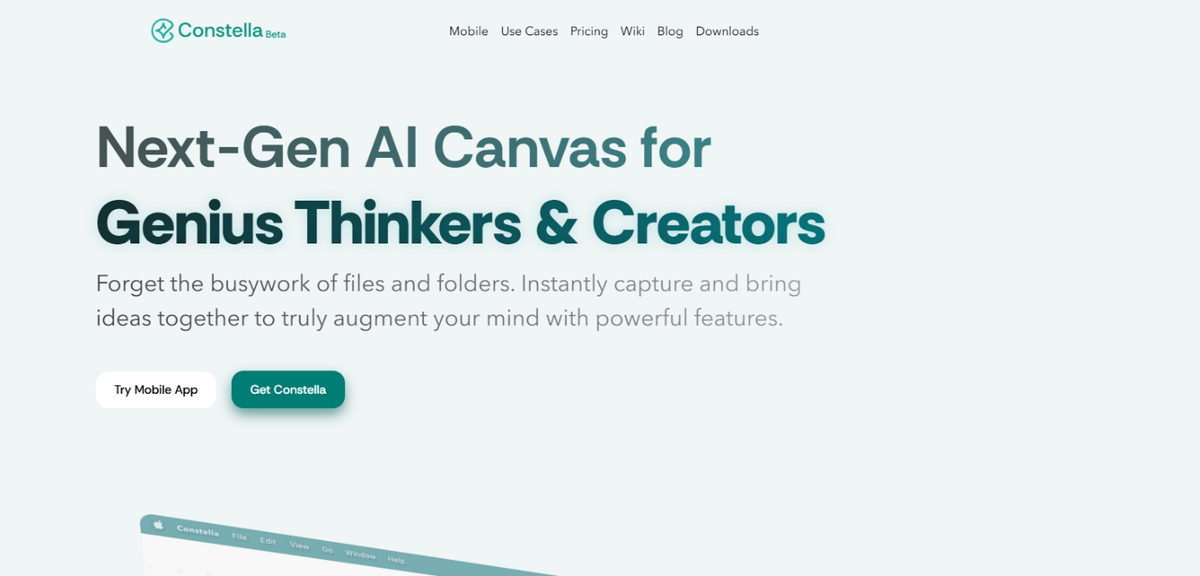
Constella shines as a modern “second brain” with features built for reflection. You can capture free-form text, attach photos, record voice clips, or sketch ideas. Its full text search and simple hashtag tagging mean you’ll never lose track of an insight or achievement. Plus, gallery and map views let you see your entries as images or location pins, giving new context to your journey. On top of that, Stella, Constella’s AI assistant, suggests related topics and creates concise summaries of longer notes. With end-to-end encryption and offline sync, your growth tracker stays private and always up to date.
Notion
Notion offers unmatched flexibility through its building block approach. You can create pages for your goals, embed habit trackers, or design a custom dashboard that highlights progress charts. Notion’s database tables and linked databases let you tag entries by theme, such as “mindset” or “skills,” and filter them by date or status. And because everything lives in one workspace, you can link a daily journal entry to a project plan or reading list, weaving your growth narrative together.

Obsidian
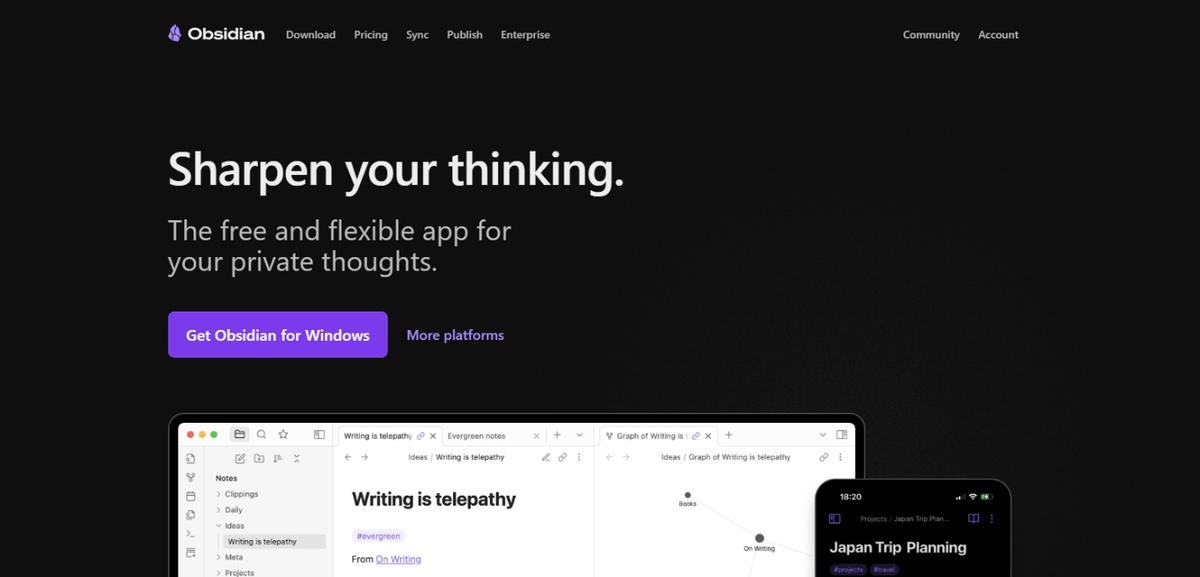
Obsidian puts bi-directional linking at the heart of your system. As you take notes, you build a network of ideas that reveals connections over time. Tags and folders help you group entries by topic, while the graph view gives a visual map of how concepts evolve. Plugins extend Obsidian’s power—calendar plugins can remind you to journal, and data view plugins let you query notes as if they were in a database. If you value deep reflection through interconnected ideas, Obsidian turns your vault into a living archive of growth.
Reflect.app
The Reflect app specializes in guided reflection. Each entry prompts you with questions that encourage deeper self-awareness—“What did I learn today?” or “How did I overcome a challenge?” You can link an entry to previous reflections, creating a threaded conversation with yourself. Reflect’s focus on context means it surfaces related notes whenever you start typing, helping you see how themes recur. It also integrates with your calendar and to-do lists, so you can tie progress notes to actual events and tasks.

Logseq
Logseq combines outline-based note-taking with journaling, making it easy to capture daily thoughts alongside long-term plans. Its block reference system lets you pull any bullet point into multiple pages, so an insight tagged “confidence” can appear in both your morning journal and your monthly review. If you prefer a minimalist interface with powerful linking and task management, Logseq is designed for building a growth-oriented knowledge base.

Each of these apps can become your personal growth tracker, no matter which app you choose.
How to use Constella as a Growth Tracker
Begin by opening a fresh note in Constella and thinking of the growth areas you want to track—whether that’s “mindset,” “skills,” or “well-being” (creating tags that match your growth areas). When you add a new note, simply type a hashtag (for example, #skill) to classify that entry. Over time, these tags let you pull up all notes in one category, making it easy to see how often you’ve worked on each area.
Next, make the most of timestamps. Constella automatically stamps every entry with date and time. To track progress, write a brief check-in at the end of each week or month. Then, filter by date to view only those summary entries. In this way, you’ll watch your mindset shift or skills improve as the calendar moves forward.
After that, link related ideas to deepen your reflections. When you notice a pattern, for example, a challenge you faced several times, add a link from one note to another. You can type @ and select the earlier entry, creating a direct path between thoughts. As your linked network grows, you’ll uncover connections you might otherwise overlook.
Then, schedule regular reviews. Use Constella’s reminders to prompt you every Sunday or month end. When you sit down, open your tagged entries and follow their links. Read through past notes, and write a quick summary of key insights or next steps. These summaries act as mini-reports on your journey.

Finally, explore other helpful features. The gallery view shows your photo-based entries at a glance, reminding you of visual milestones, like a completed project or a memorable moment. Meanwhile, Stella, the AI assistant, can suggest related tags or summarize long entries into bullet points. By combining tags, timestamps, links, and periodic reviews, Constella becomes more than a note app—it turns into a living record of your personal growth.
Tips for Maintaining Consistency
Maintaining consistency is the key to turning your note app into a true growth tracker. Below are practical tips to keep you on track:
- Set Reminders: Use your app’s notification or calendar integration to nudge you at a fixed time each day. A gentle alert makes it harder to skip a check-in.
- Establish a Multistep Habit: Start with a quick brain dump (Capture), then group entries by tag or project (Organize), and finish by writing one sentence about progress (Reflect). Revisit that summary monthly to see patterns (Track).
- Leverage Templates: Create a daily template with prompts like “Today’s wins” or “Next steps.” This structure speeds up entry and keeps you focused.
- Pair with Another Habit: Tie your note routine to an existing habit—perhaps after your morning coffee or before you close your laptop. Linking it to something you already do reduces friction.
- Review and Adjust: Once a week, glance at your tagged and linked entries. If you notice gaps or too many uncategorized notes, tweak your system to stay balanced.
With these steps, note-taking becomes a seamless part of your day rather than an added task. Over time, you’ll build a habit that not only captures thoughts but also reveals your growth.
Conclusion
In the end, personal growth matters because it shows us where we’ve been and where we can go next. Note apps like Constella make this journey clear by capturing our ideas, tagging key moments, and linking insights over time. In this article, we explored why tracking growth matters, compared top note apps, and walked through setting up Constella as your growth tracker. We also shared habits to keep you consistent.
Now it’s your turn: pick an app, build your habit, and start mapping your progress. Good luck, and here’s to your continued growth!
Want more insights like this?
Subscribe to get short productivity tips and useful summaries of new tools every week.
Want more insights like this?
Subscribe to get short productivity tips and useful summaries of new tools every week.


