constellafor Even G2

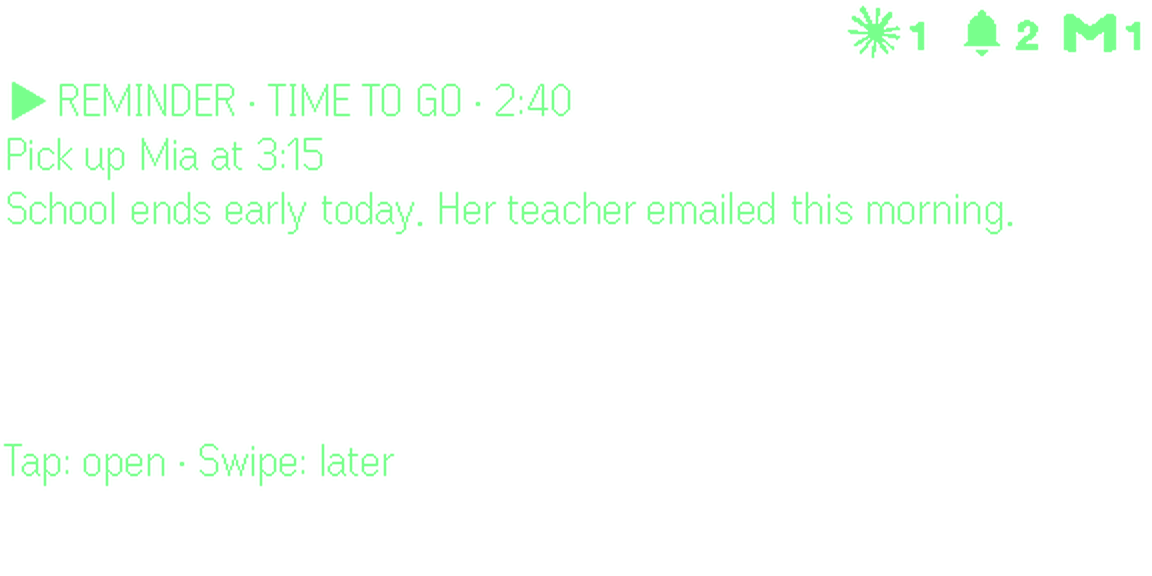
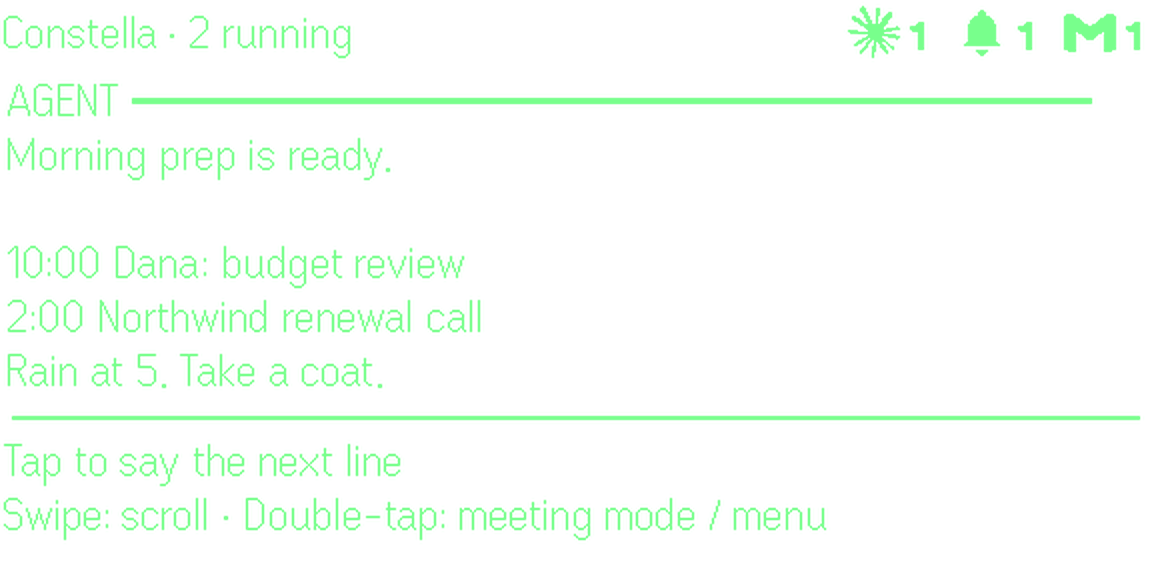
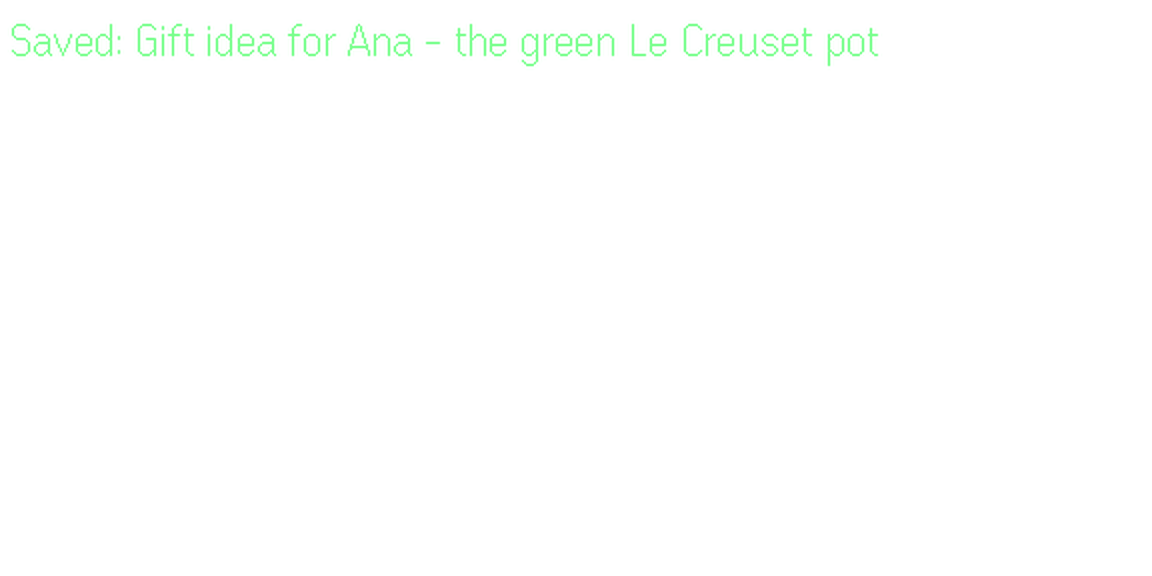
A reminder on the lens: pick up Mia at 3:15, school ends early today.

Supercharge your Even G2.

Constella is an app you add from Even Hub. It shows only the alerts that need you, lets you answer by voice, remembers your email, notes and meetings, and runs your AI agents.
Look up, not down.

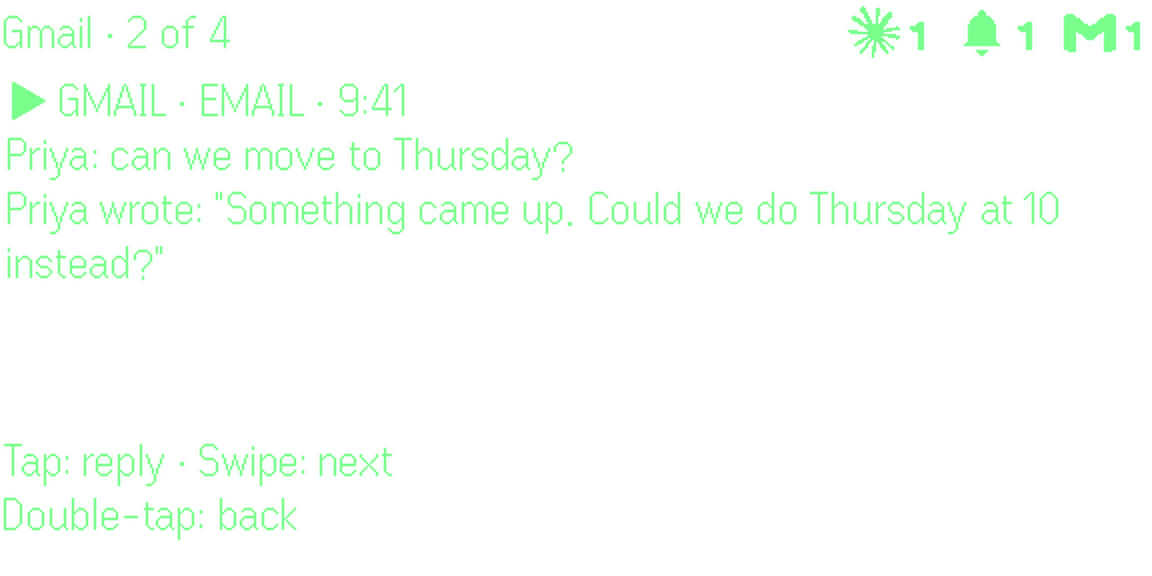
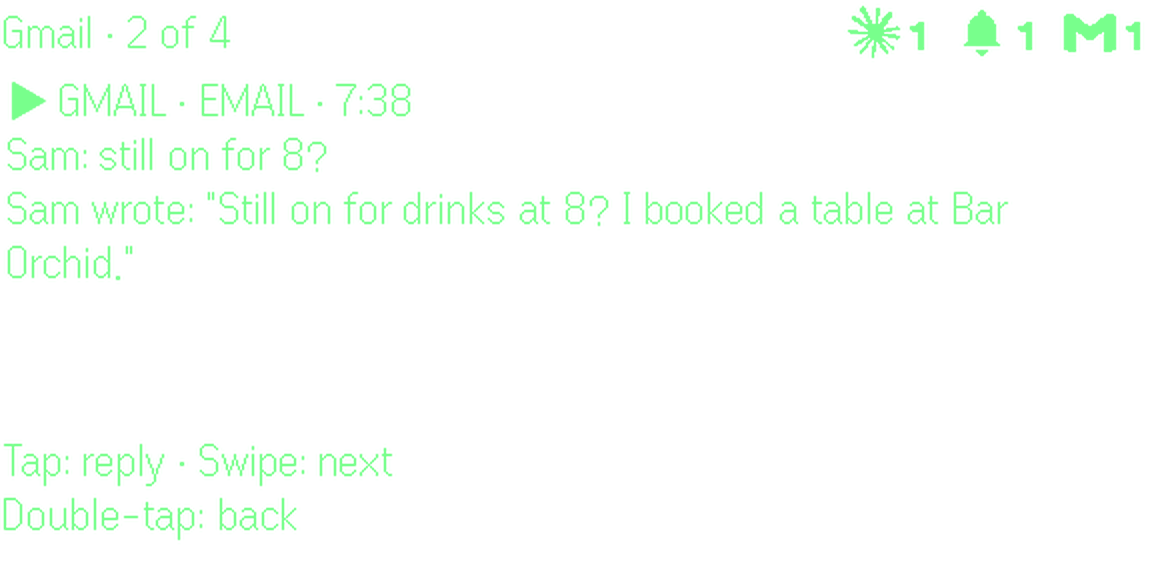
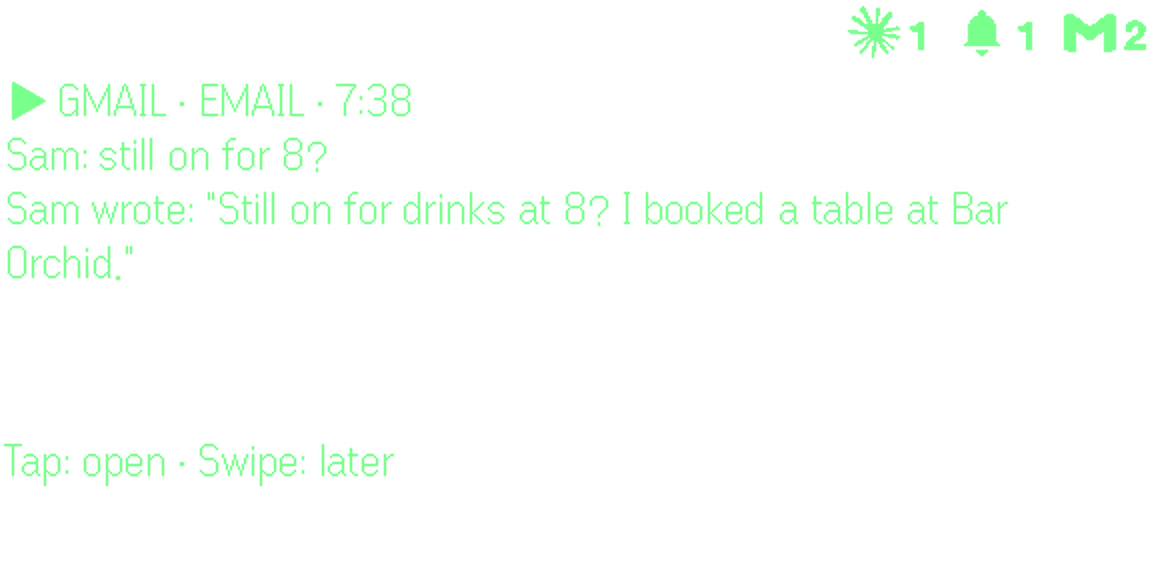
It arrives: An email that needs you comes up on the lens.
  1. It arrivesAn email that needs you comes up on the lens.
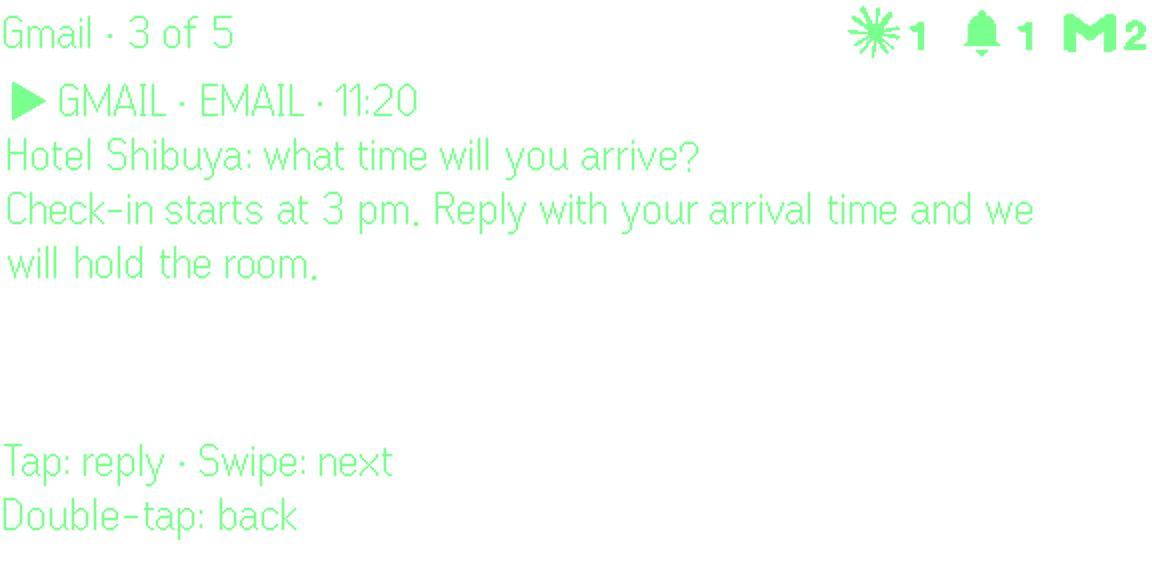
  2. TapOpen it and read the whole thing, not one line.
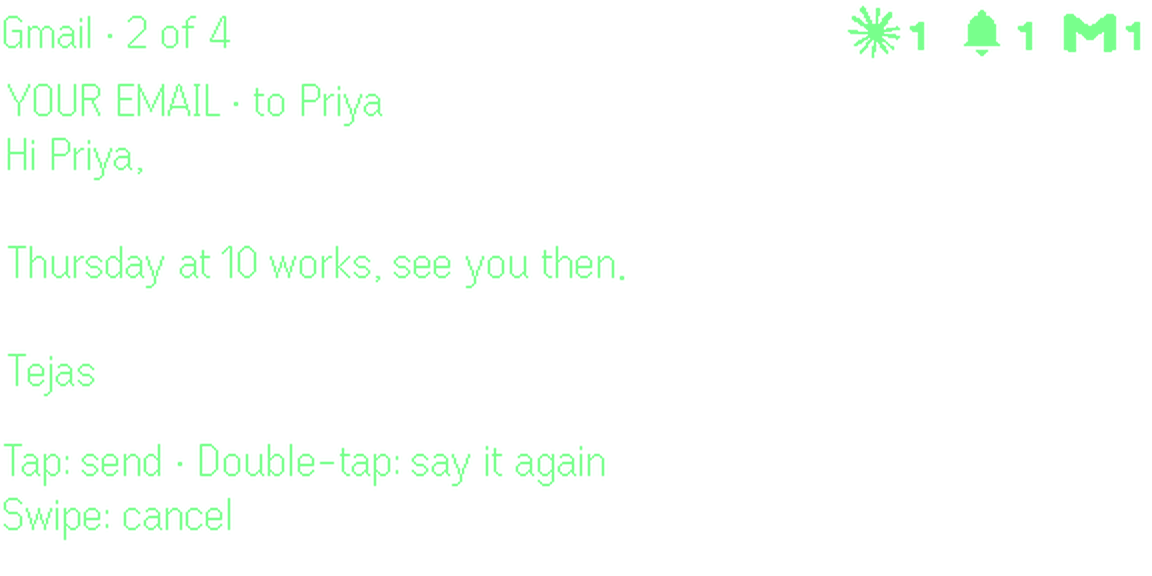
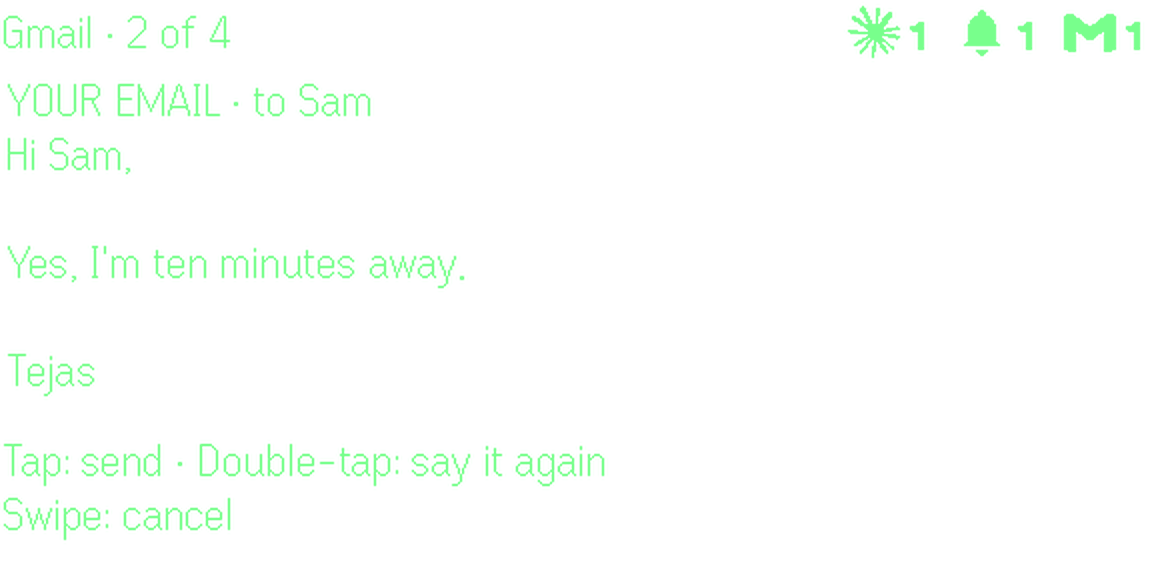
  3. Tap, then talkSay your answer. It is written as your email.
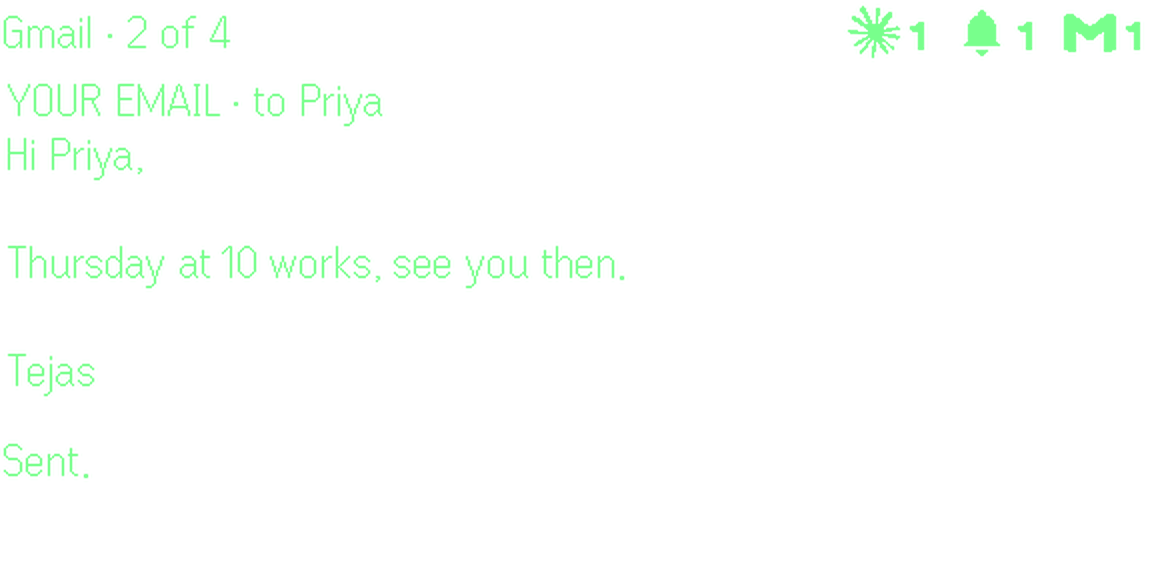
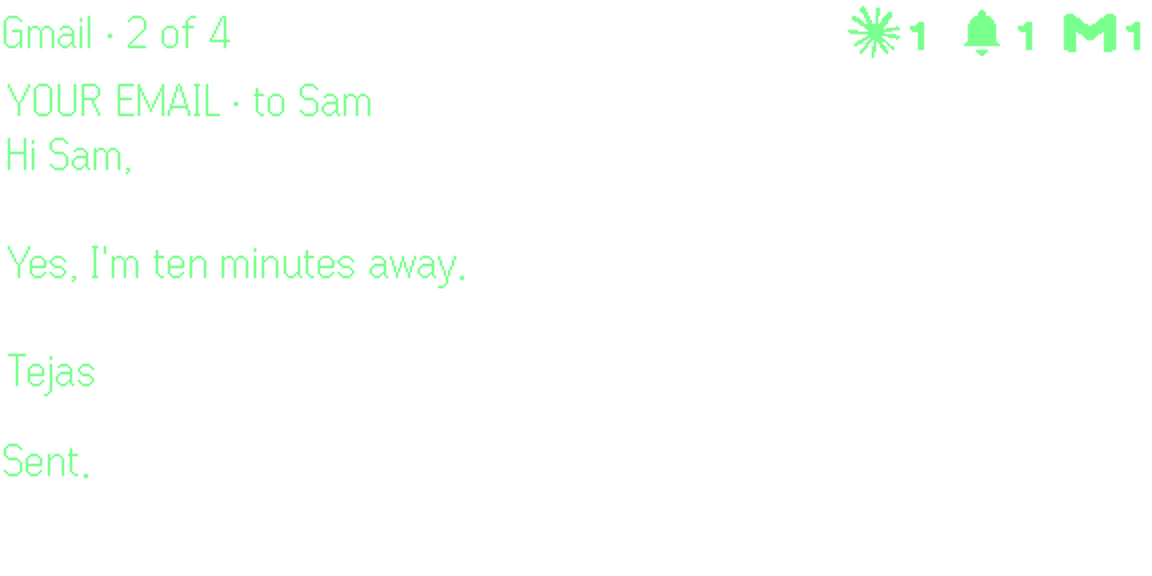
  4. TapSent. Your phone never came out.

Four things it adds to your G2

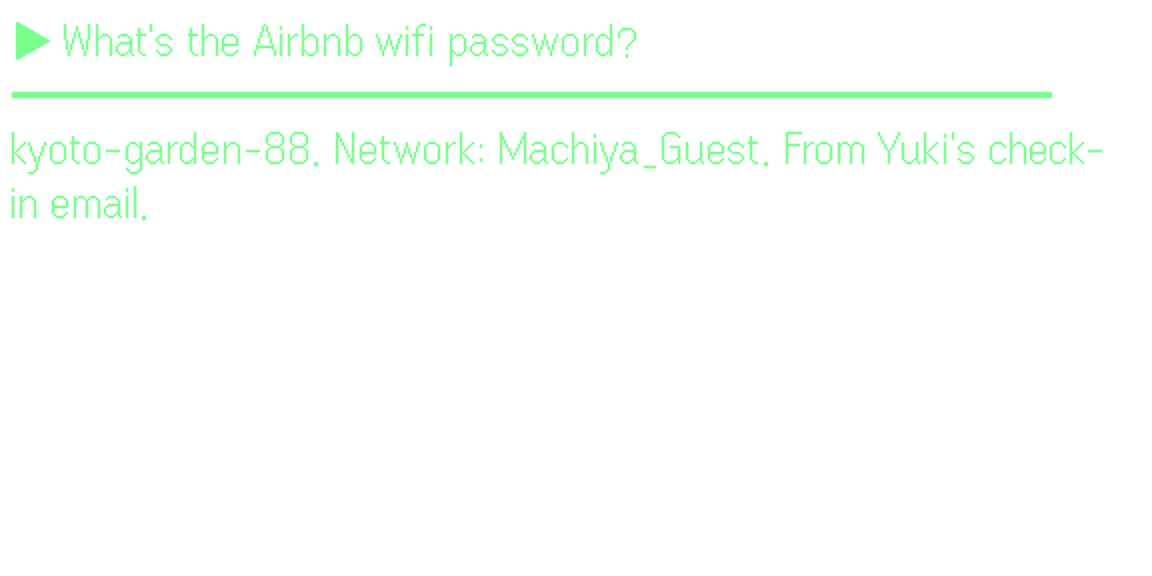
An email from Hotel Shibuya asking what time you will arrive.

Alerts and replies

Only what needs you reaches the lens. Answer it by voice.

See the steps

Your memory

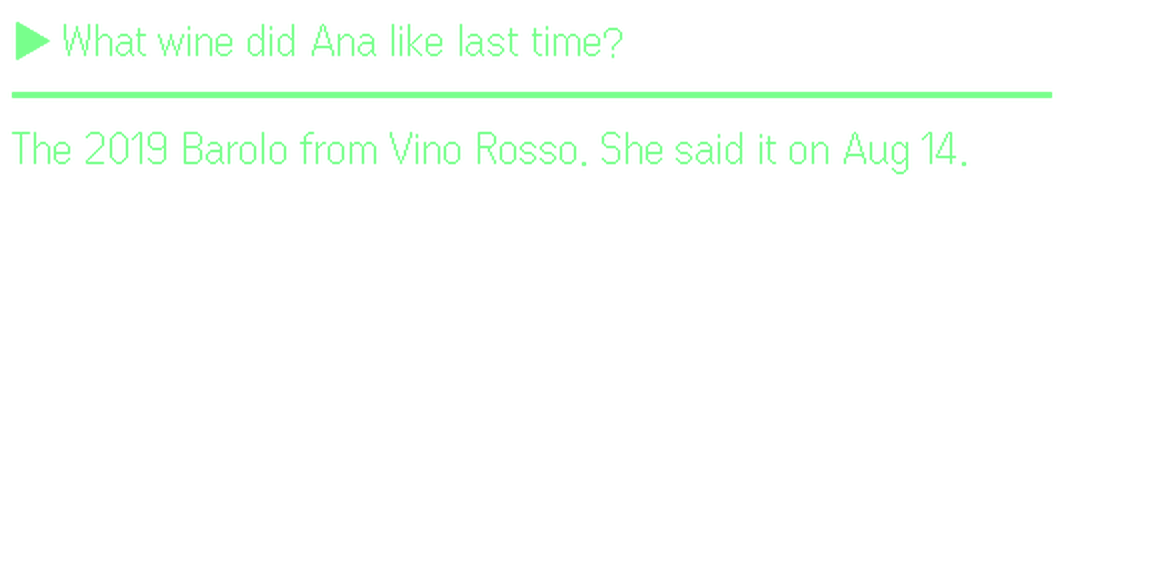
Ask about anything in your email, calendar, notes and past meetings.

See the steps

Meetings

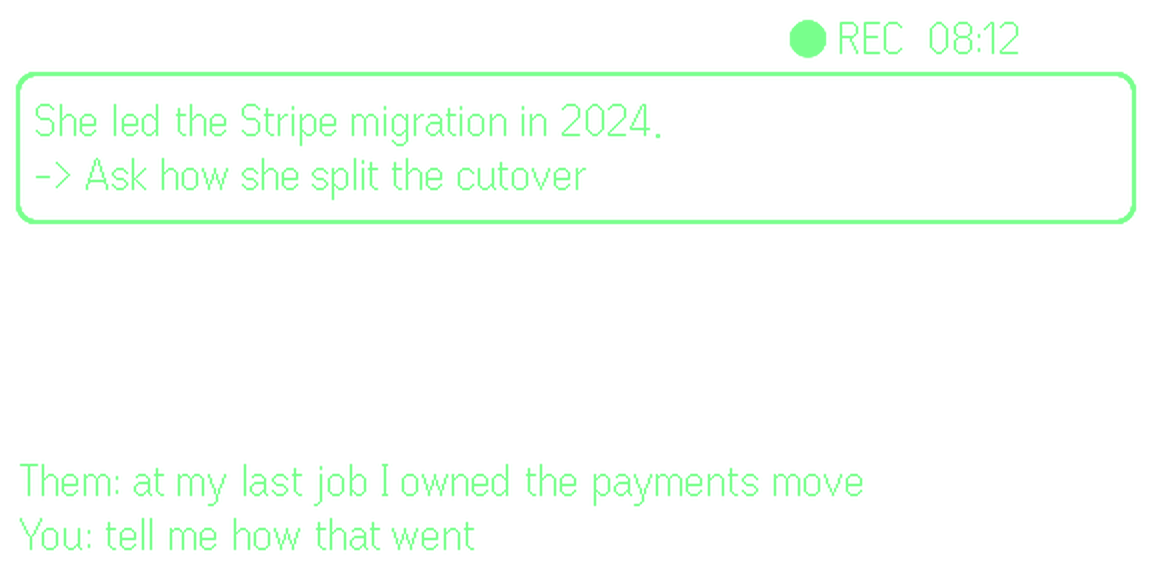
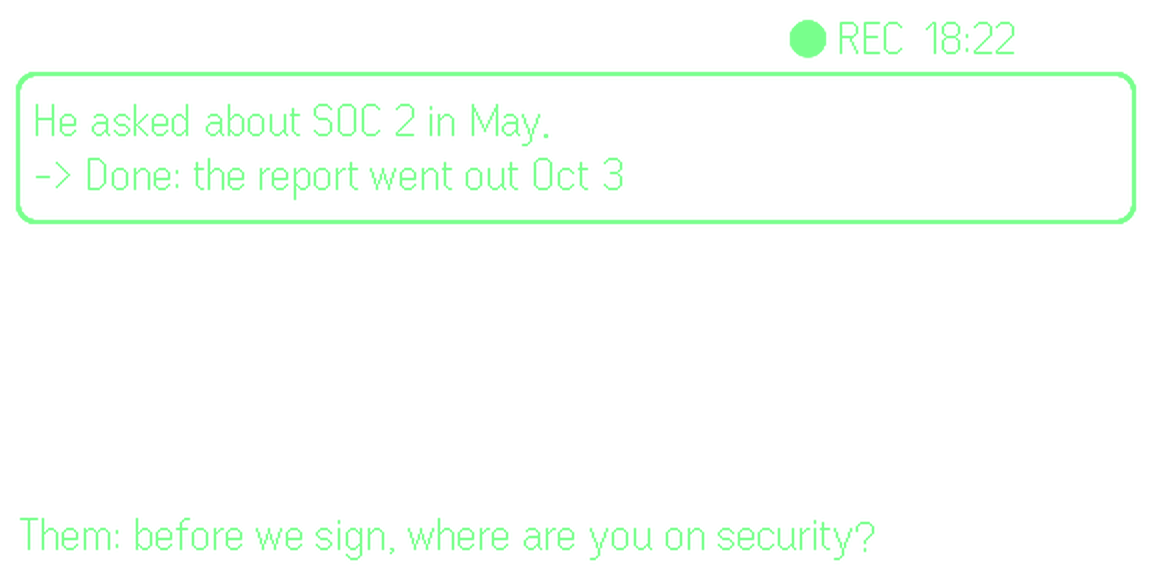
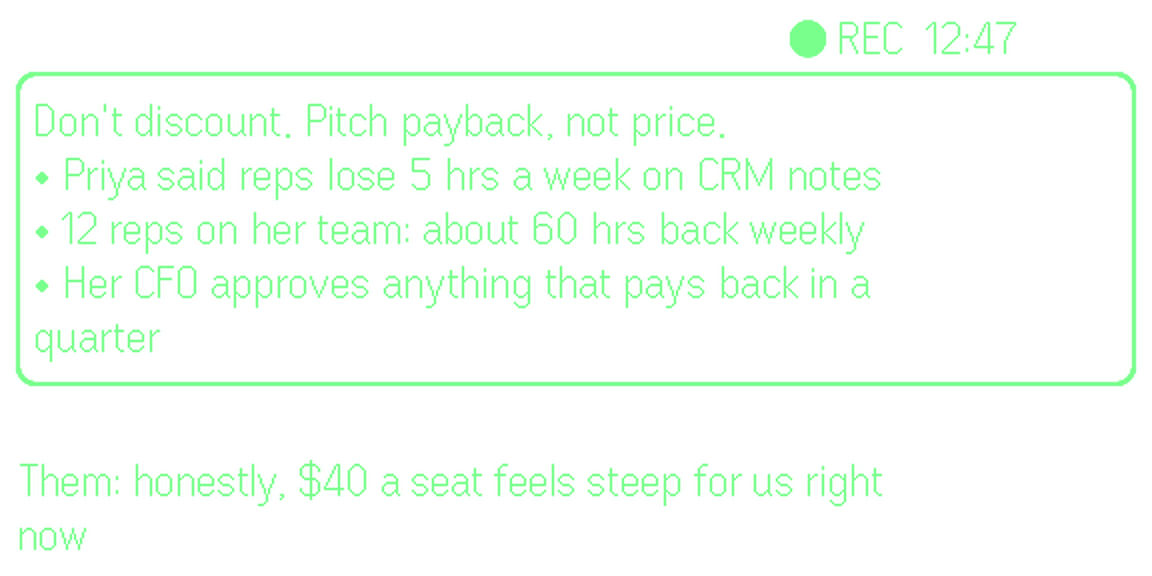
Live cues from your own history with the person, while you talk.

See the steps

Agent mode

Say a job. Your agents do it on a computer that stays on, and report back.

  • OpenClaw
  • Claude Code
  • Codex
  • Hermes
See the steps

Alerts and replies

Only what needs you reaches the lens. Answer it by voice.
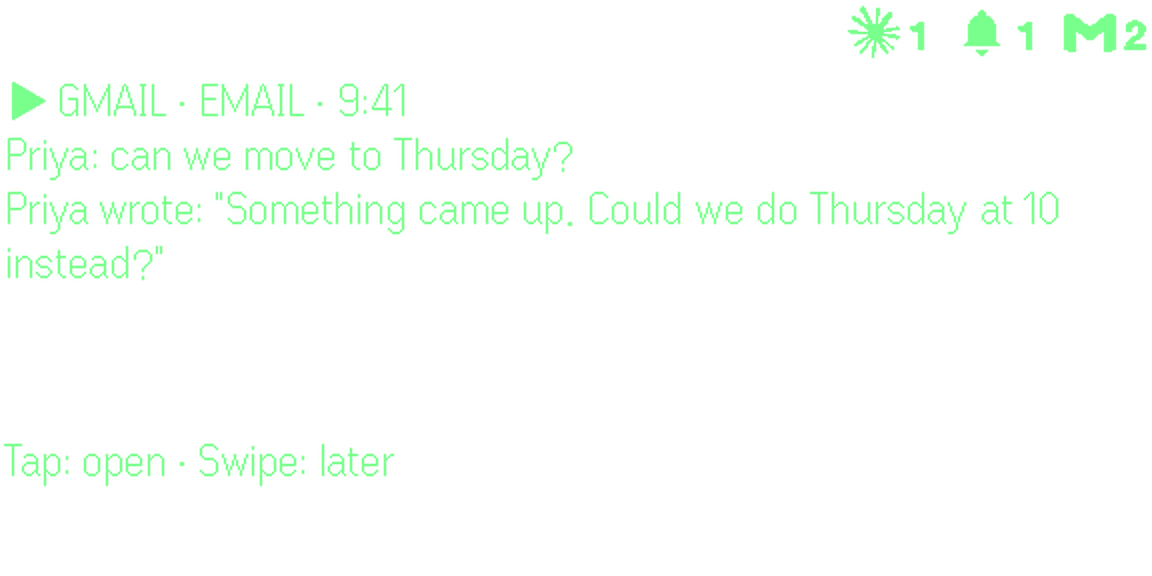
  1. It arrivesConstella reads new email first. One that needs you comes up at the top of the lens. Leave it, and it folds into a small logo in the corner.It arrives: Constella reads new email first. One that needs you comes up at the top of the lens. Leave it, and it folds into a small logo in the corner.
  2. TapOpen it. You see the whole message: who wrote, and what they asked.Tap: Open it. You see the whole message: who wrote, and what they asked.
  3. Tap, then talkSay your answer in your own words. Tap when you are done. It is written as your email, in your style.Tap, then talk: Say your answer in your own words. Tap when you are done. It is written as your email, in your style.
  4. TapSend it. Double-tap to say it again, or swipe to cancel.Tap: Send it. Double-tap to say it again, or swipe to cancel.

Use it when

  • Your inbox is busy and only a few emails matter
  • You are walking, hands full, and one of them comes in
  • Your calendar double-books you, or it is time to leave
It arrives: Constella reads new email first. One that needs you comes up at the top of the lens. Leave it, and it folds into a small logo in the corner.

The same, in other places

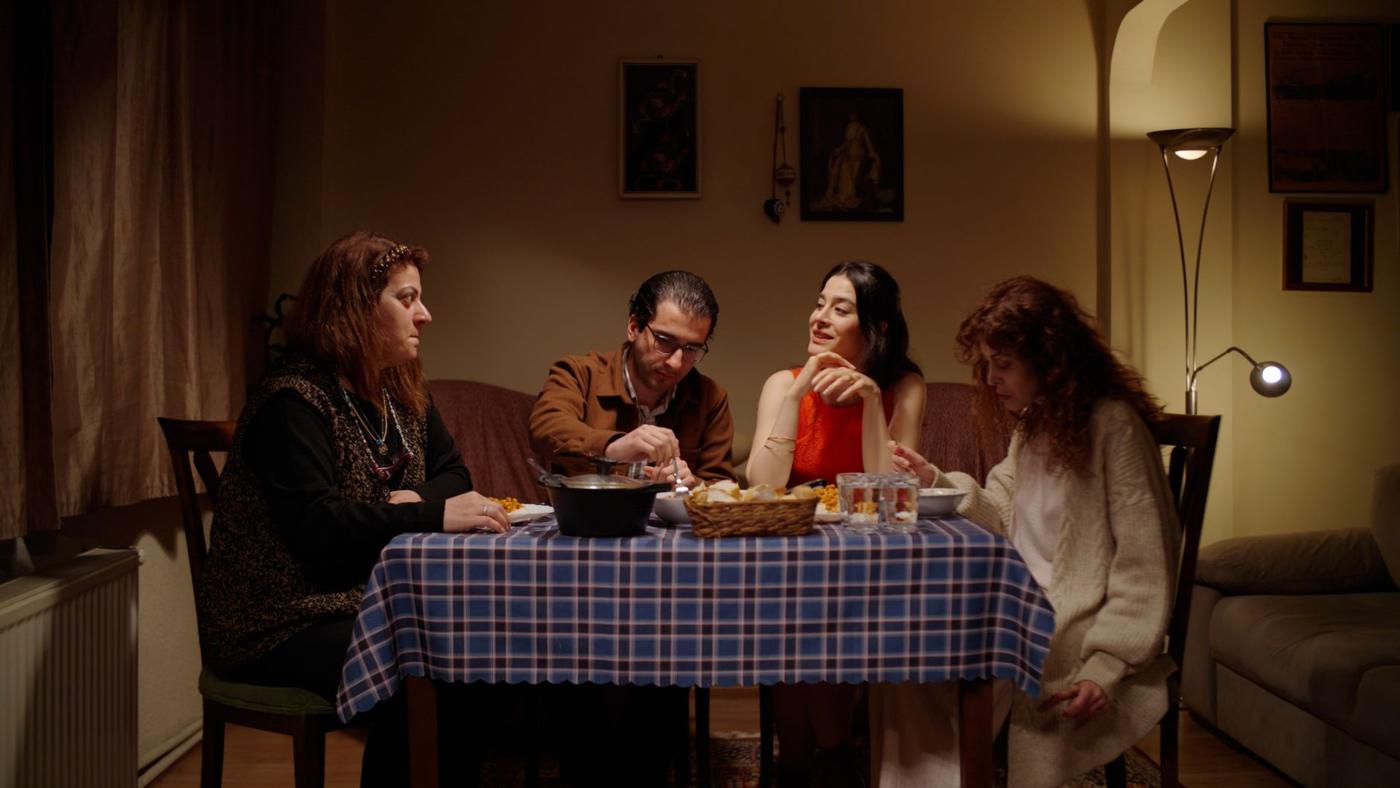
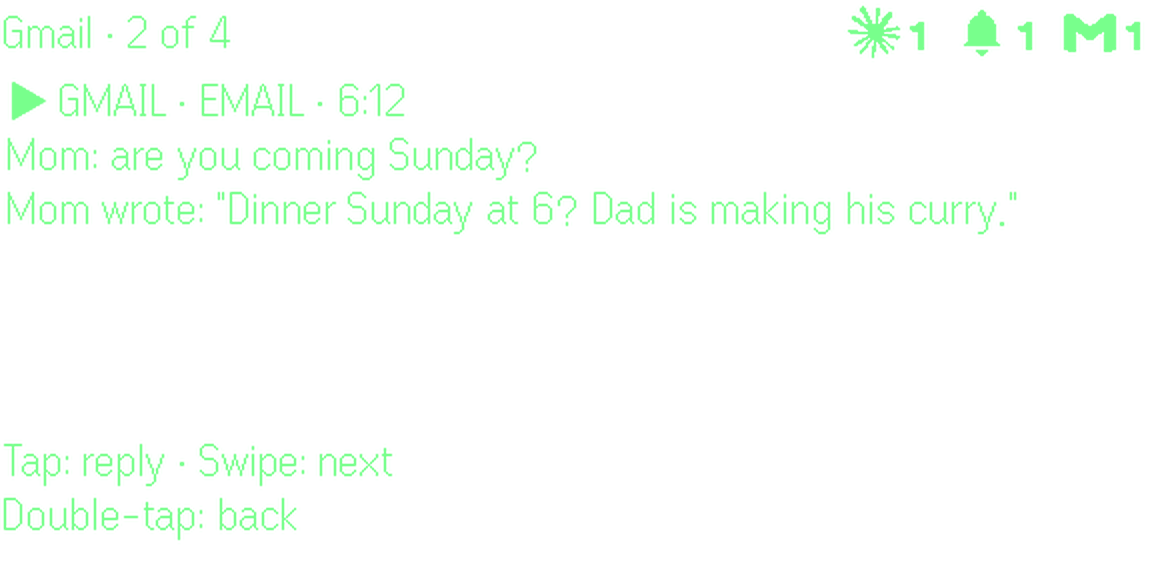
At home: dinner on Sunday?
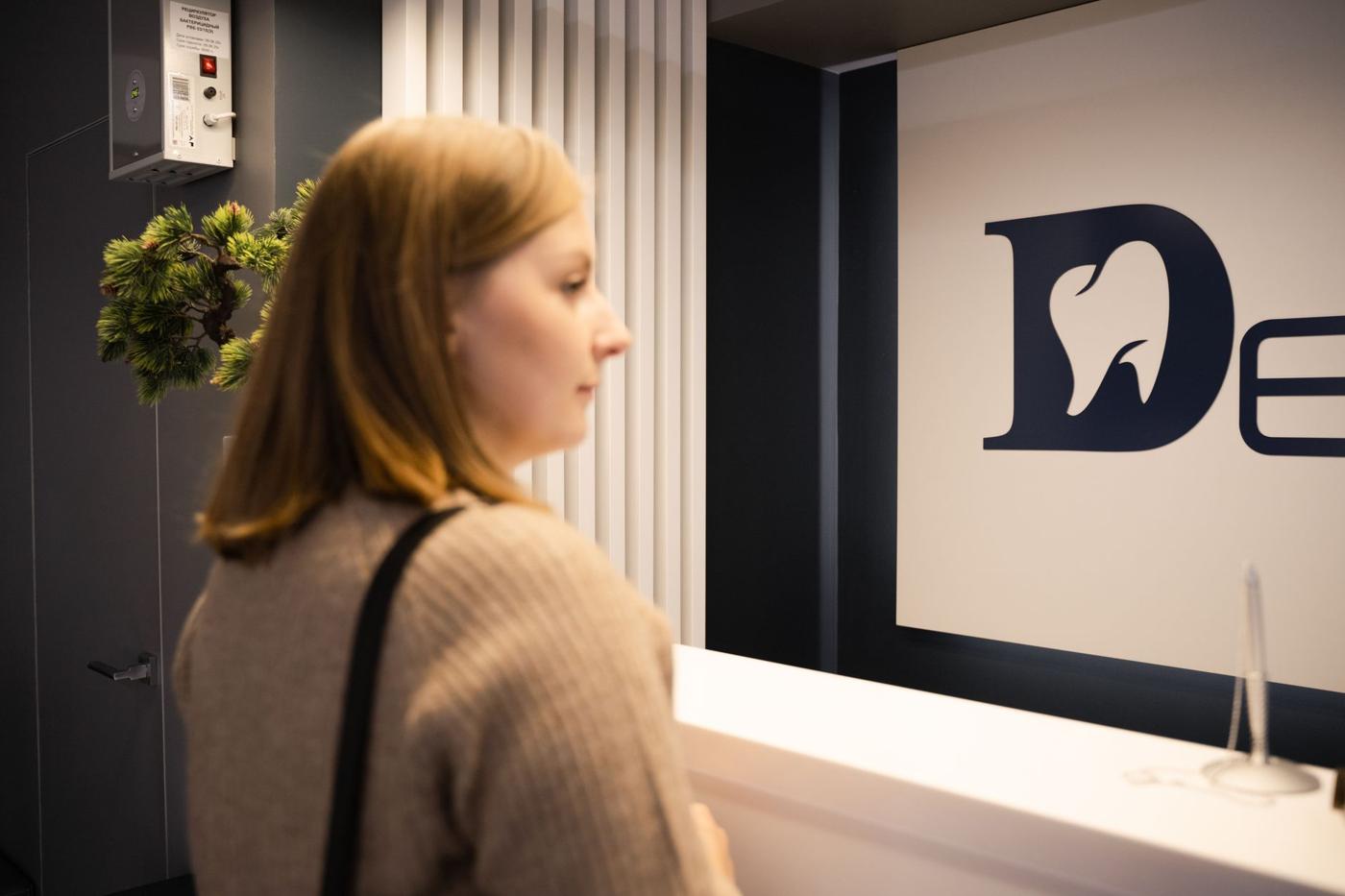
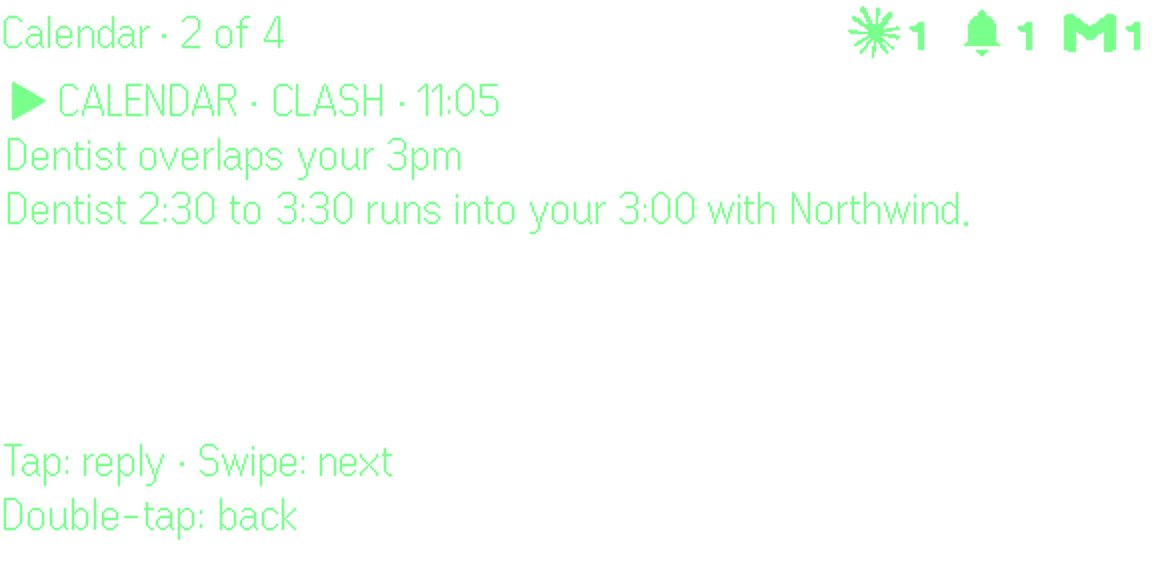
Your calendar double-booked you
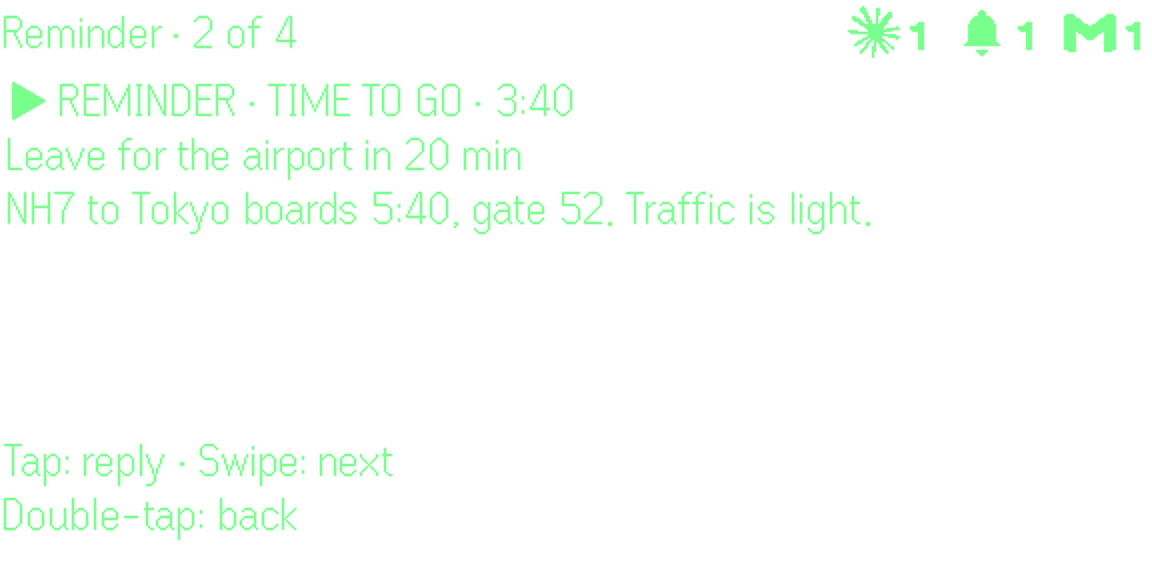
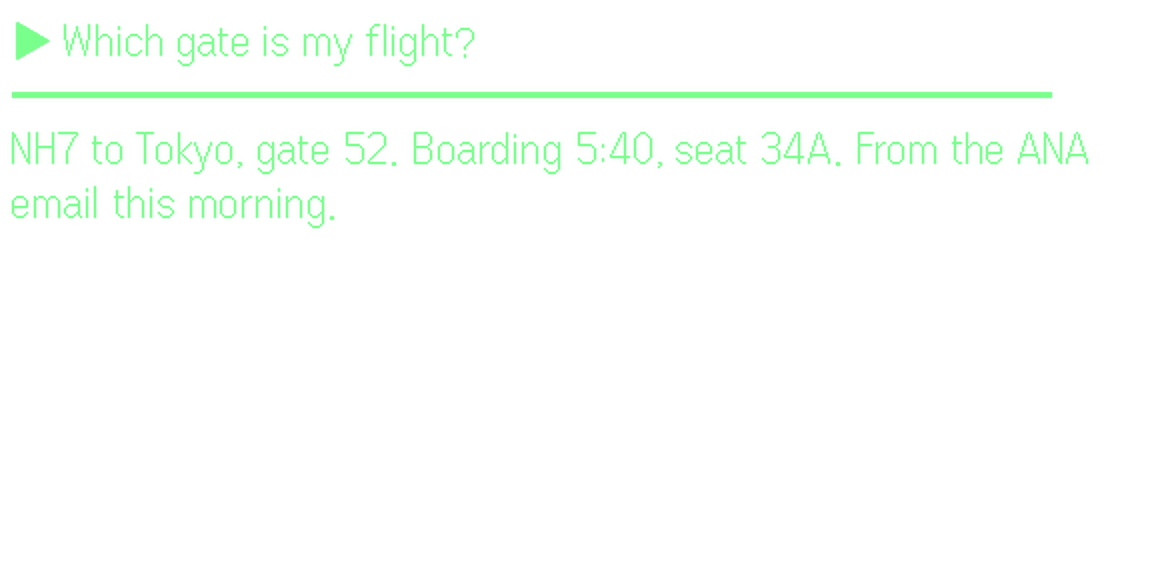
Time to leave for the airport
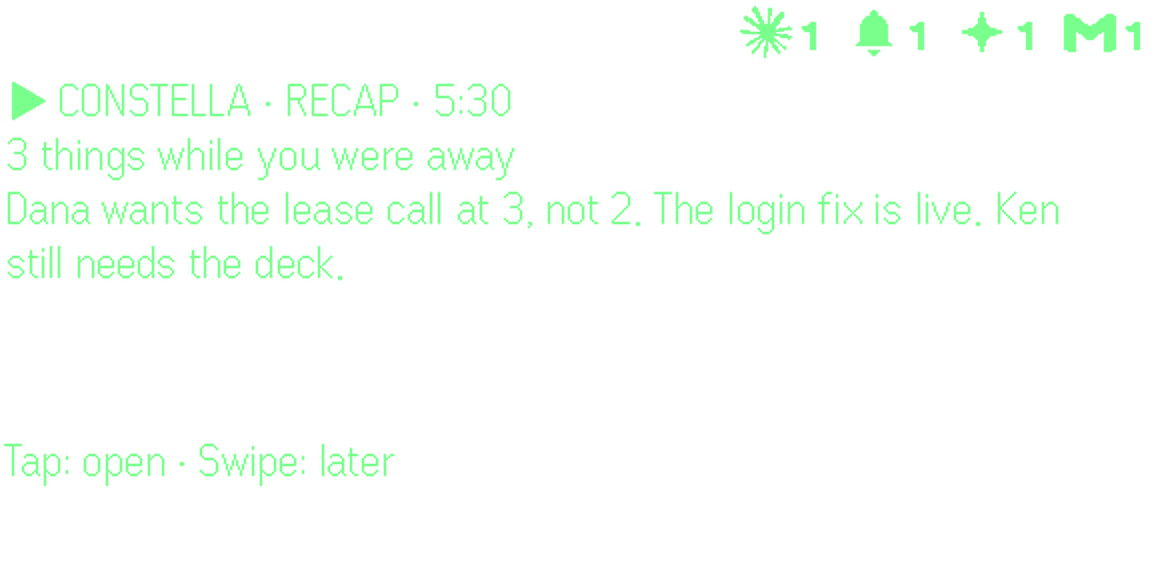
Back from a flight: what you missed

How your memory is built

Even AI knows the world. Constella knows your world: it connects the apps you already use and links your email, notes and meetings into one memory. Then you just ask.

GmailiMessageGoogle CalendarGoogle DriveNotionApple NotesSlackGitHubLinearObsidianG2 meetingsNotes you sayYour memory

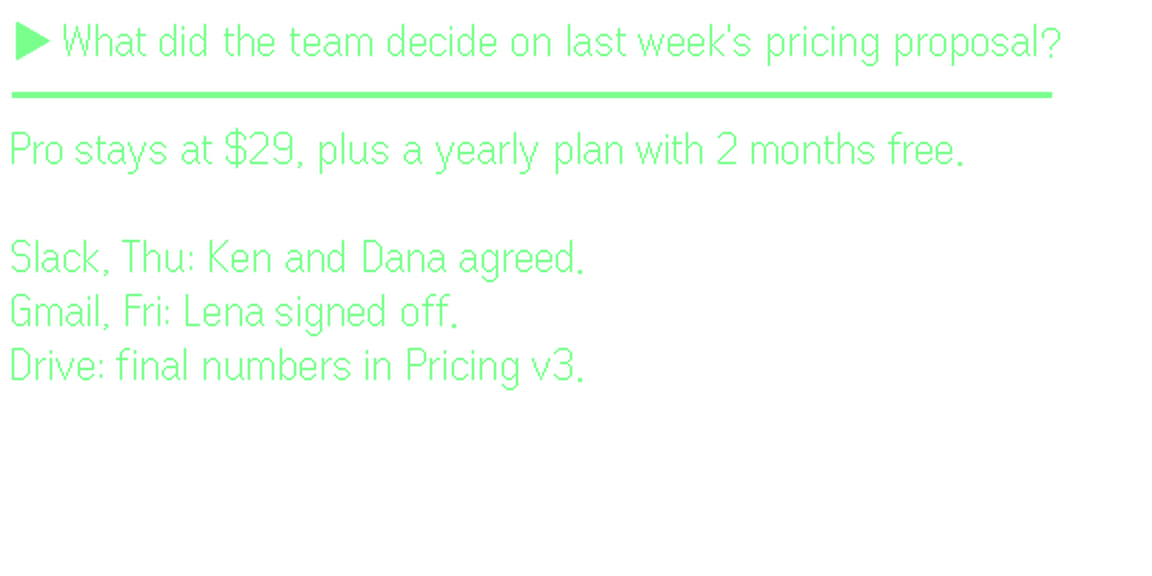
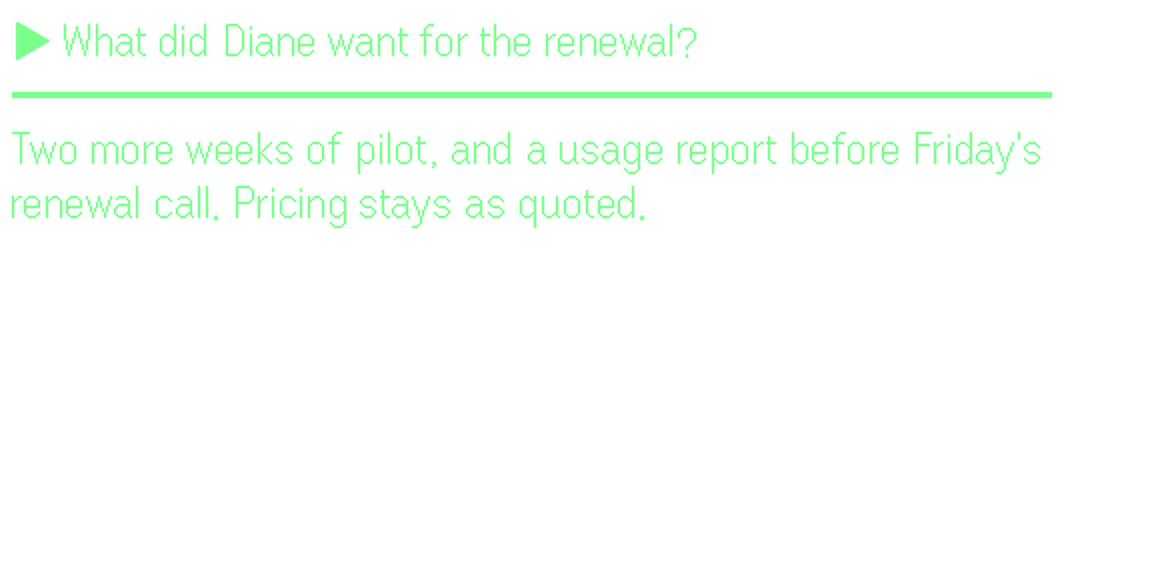
“What did the team decide on last week’s pricing proposal?”

Pieced together from Slack, Gmail and Drive
  1. ConnectGmail, Calendar, Drive, Notion, Slack and more keep in sync on their own.
  2. LinkEvery email, note and meeting joins one brain. People, places and dates connect.
  3. AskAsk out loud. The answer comes to your lens, with where it came from.

Not a text file. A brain.

Most assistants remember with a few markdown files. Constella gives yours an AI brain.

Default memory

Basic. Markdown files. No AI brain.

  • Knows only what was typed into it
  • Finds exact words, not what you meant
  • Never sees your email, calendar or meetings
  • Grows into a pile nobody reads

Constella memory

Your apps, linked into one AI brain.

  • Syncs your apps on its own
  • Links people, places and dates
  • Finds things by meaning, in any words
  • Answers on your lens, with the source

Your memory

Ask about anything in your email, calendar, notes and past meetings.

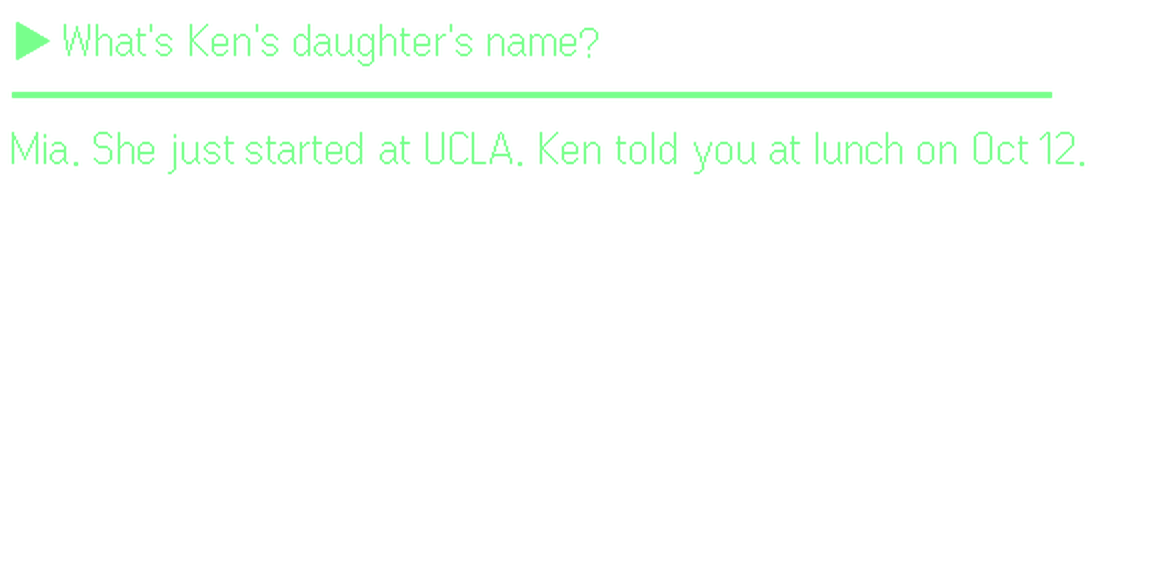
What’s Ken’s daughter’s name?

How

  1. TapOn the Home screen, tap and ask out loud.
  2. TalkThe answer comes from your notes, email and past meetings.
  3. Tap, then talkOr save a thought in one sentence. It goes into the same memory.

Use it when

  • A name is on the tip of your tongue
  • The booking email is buried and you are at the gate
  • A call starts in a minute: what did they want last time?

Meetings

Live cues from your own history with the person, while you talk.
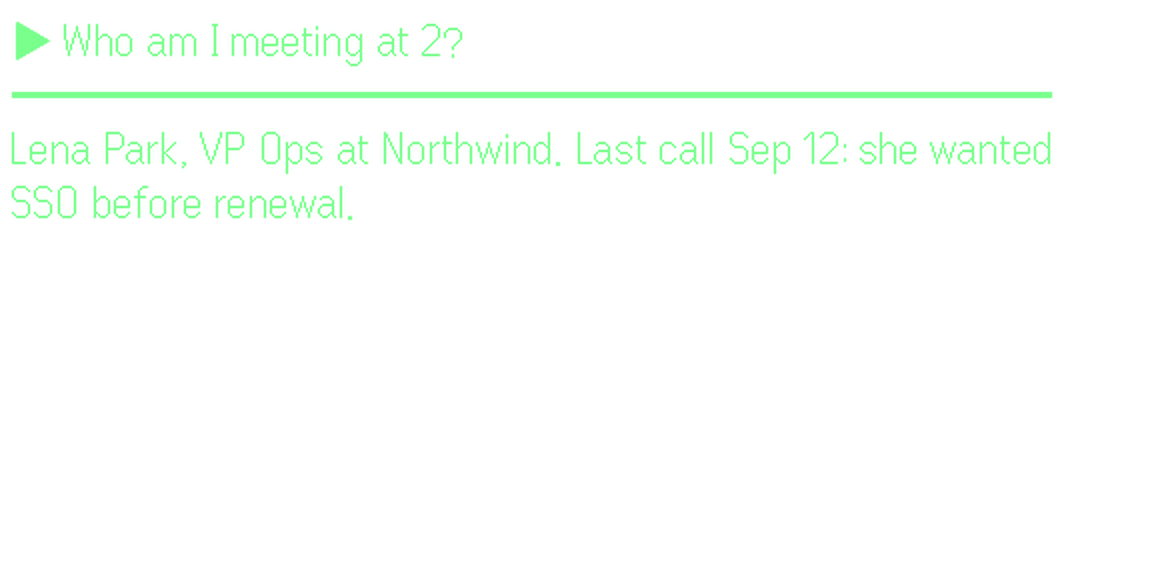
Tap, then ask: “Who am I meeting at 2?” Who they are, and what they wanted last time.

Use it when

  • A sales call where they push back on price
  • An interview, a 1:1 or an investor update
  • A doctor visit where last time’s advice matters

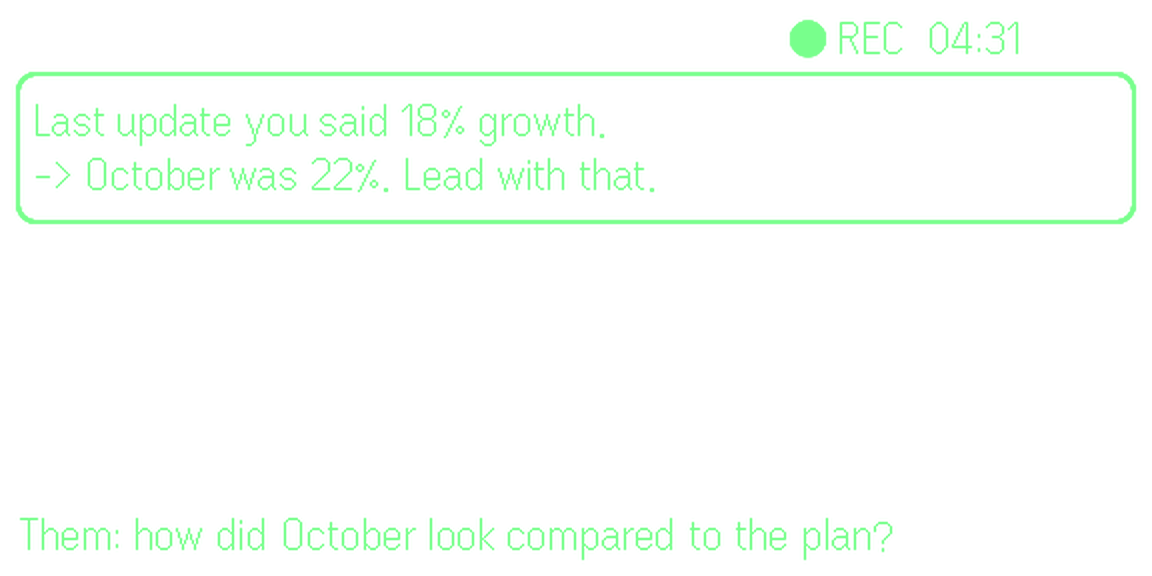
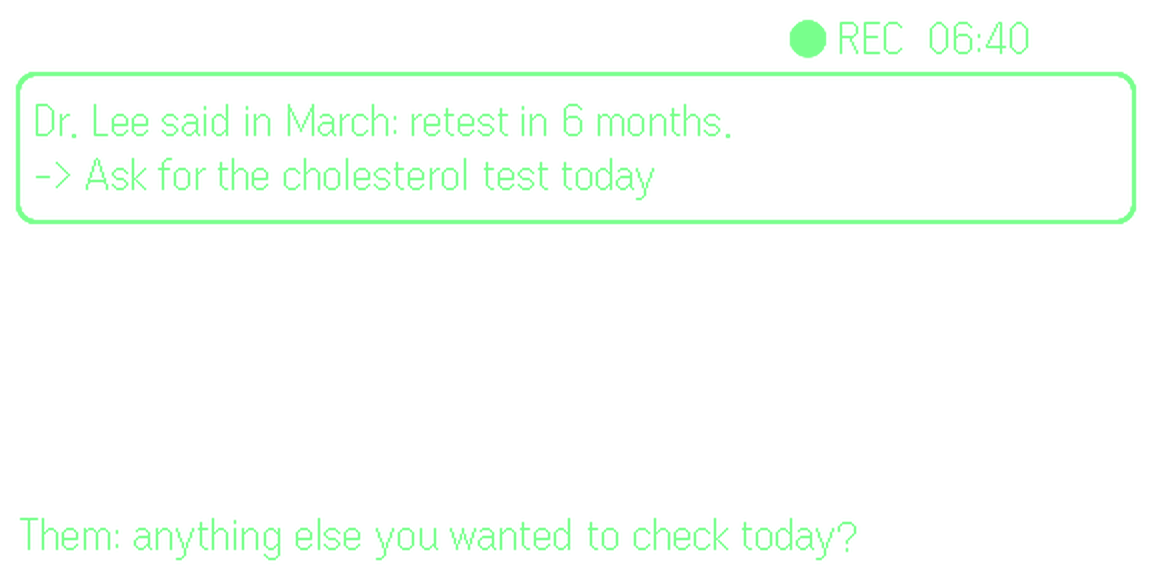
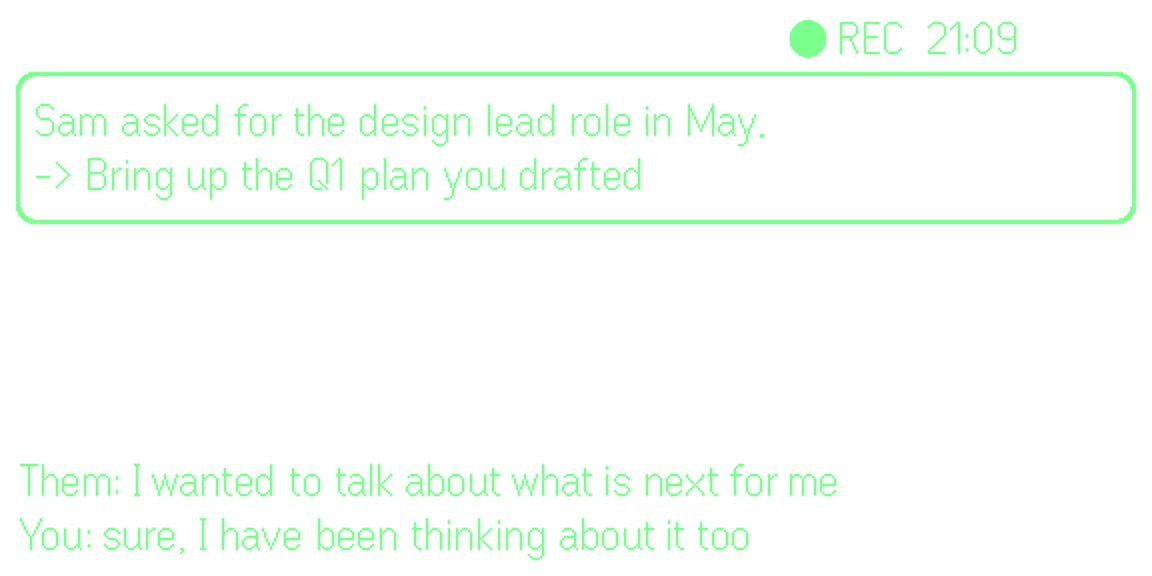
The same, in other rooms

Hiring: what she did before
Investor update: the newer number
Doctor: what to ask for today
1:1: what they asked for in May
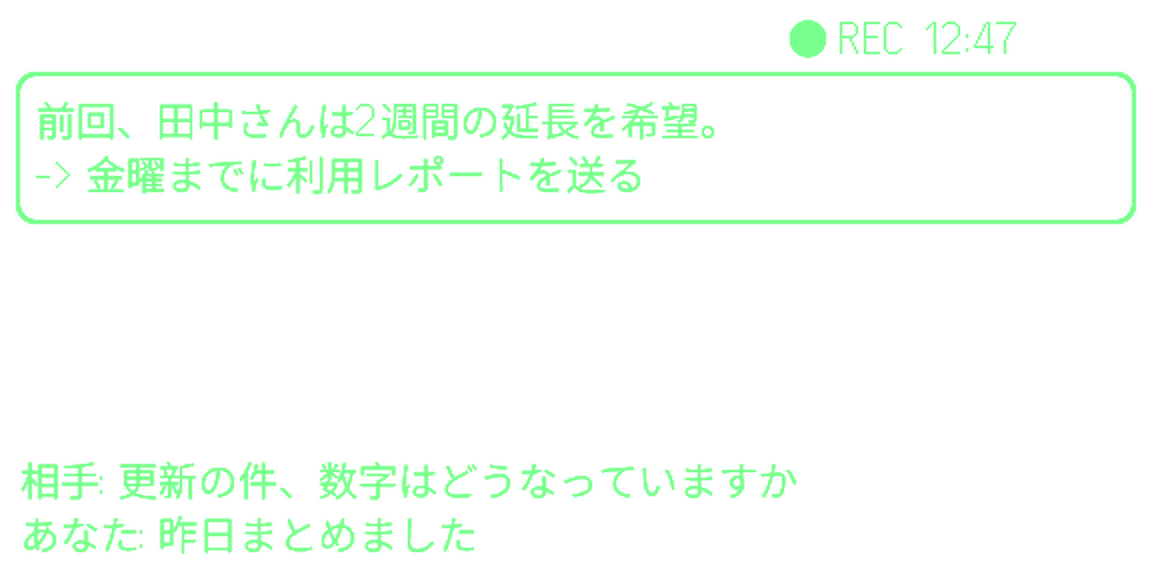
A meeting in Japanese
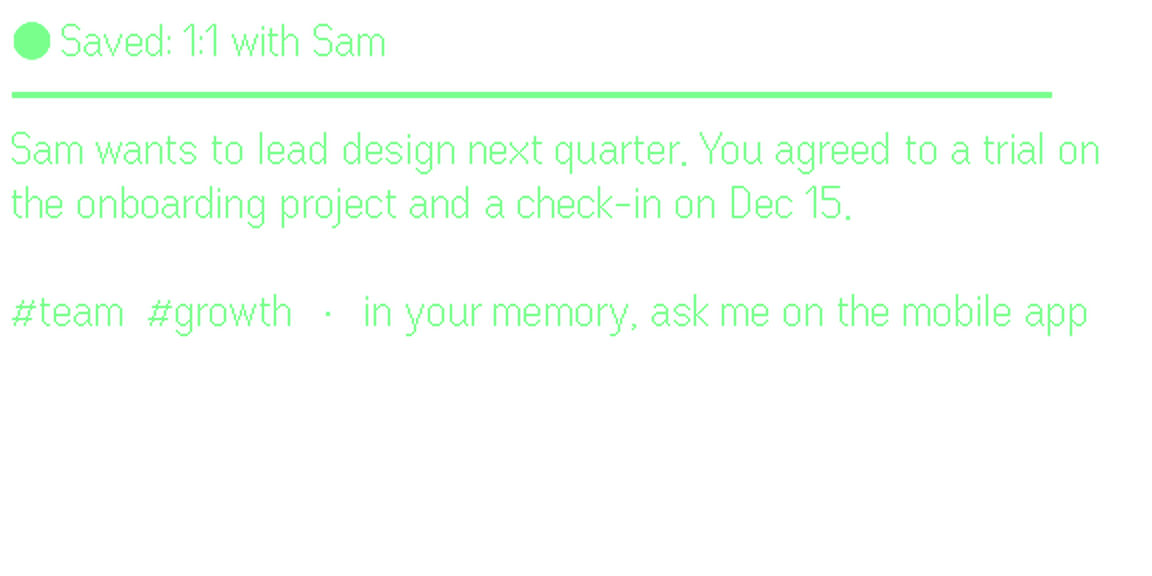
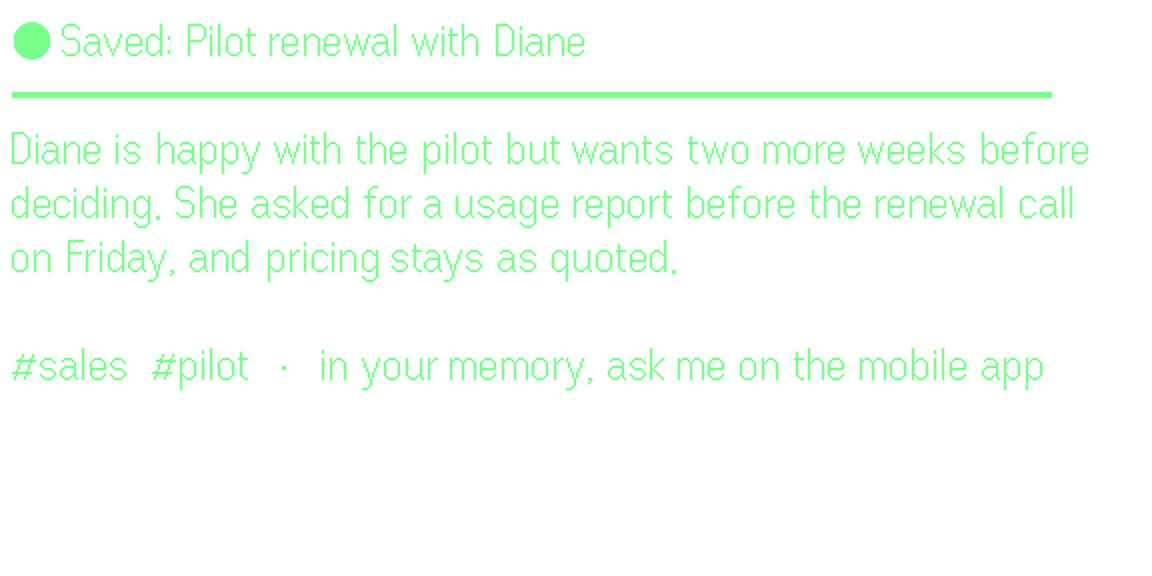
Saved after the 1:1
Saved after the 1:1

Agent mode

Say a job. Your agents do it on a computer that stays on, and report back.

HermesOpenClawClaude CodeCodex
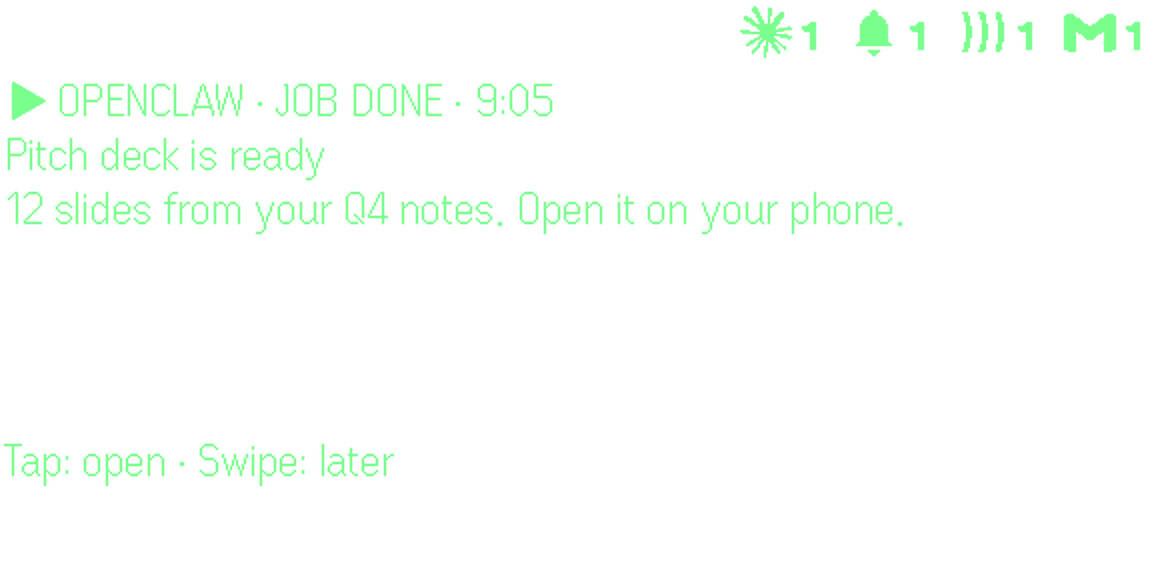
  • A pitch deck from your Q4 notes

    OpenClaw: A pitch deck from your Q4 notes

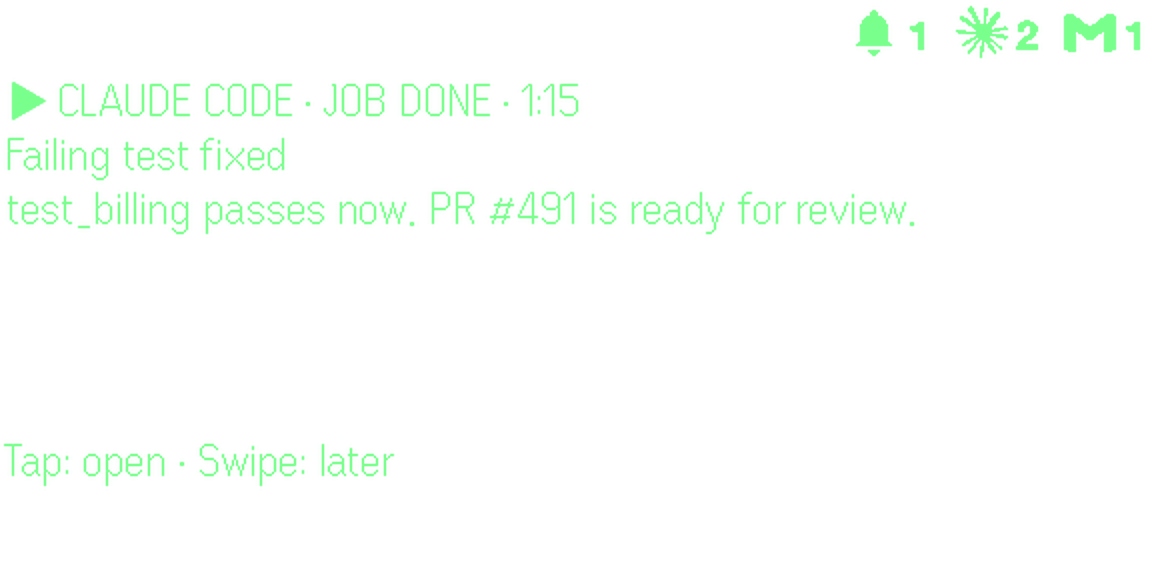
  • A failing test, fixed

    Claude Code: A failing test, fixed

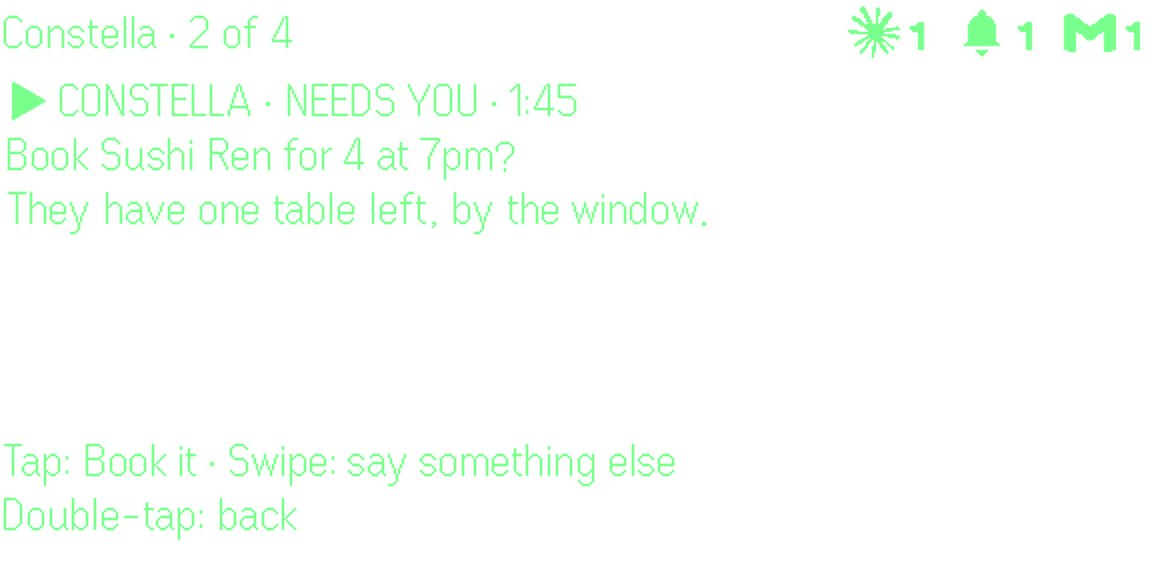
  • A table for 4, after your yes

    Constella: A table for 4, after your yes
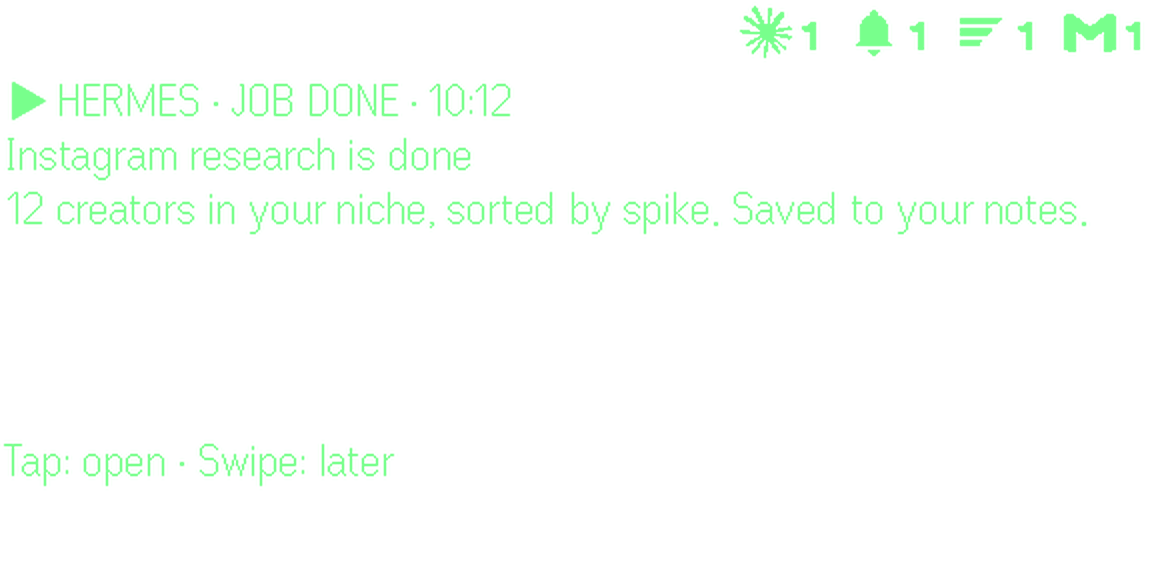
  • Instagram research, done

    Hermes: Instagram research, done

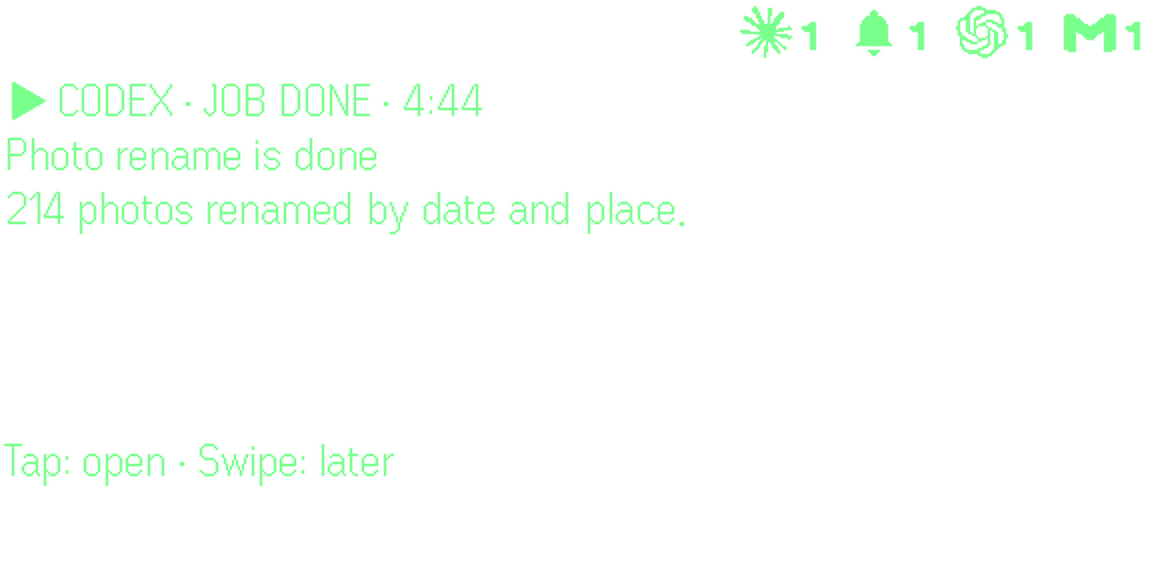
  • 214 photos renamed

    Codex: 214 photos renamed

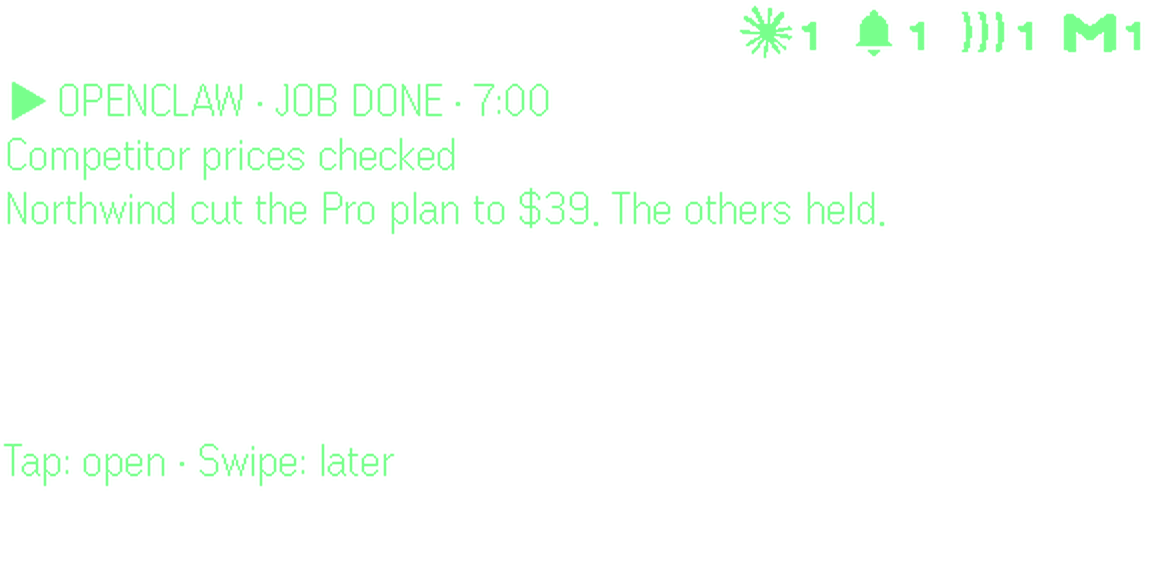
  • Competitor prices, every morning

    OpenClaw: Competitor prices, every morning
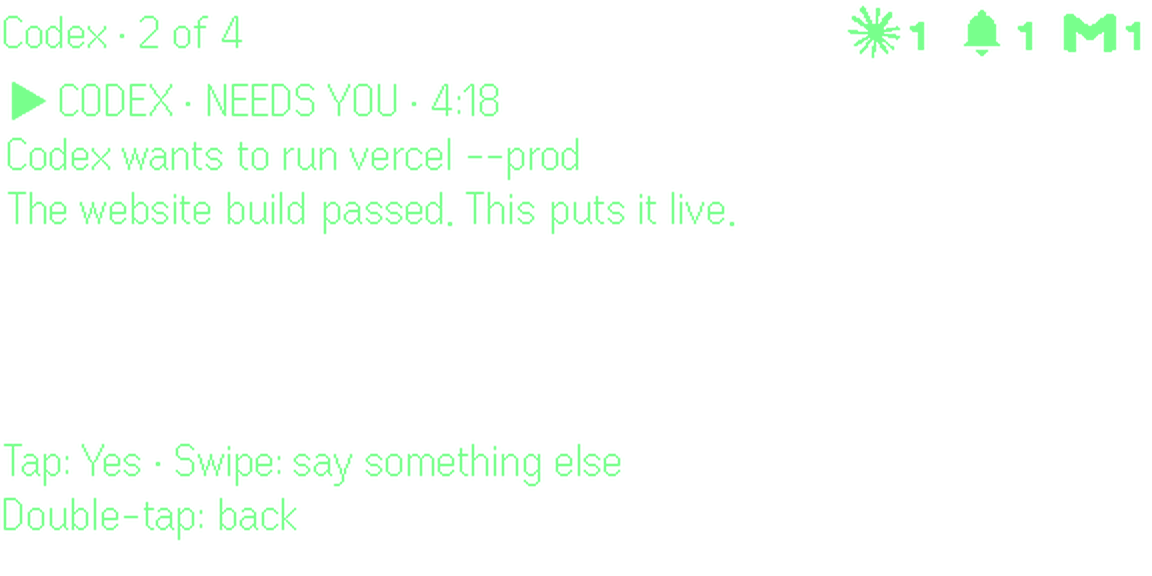
  • Asks before it goes live

    Codex: Asks before it goes live

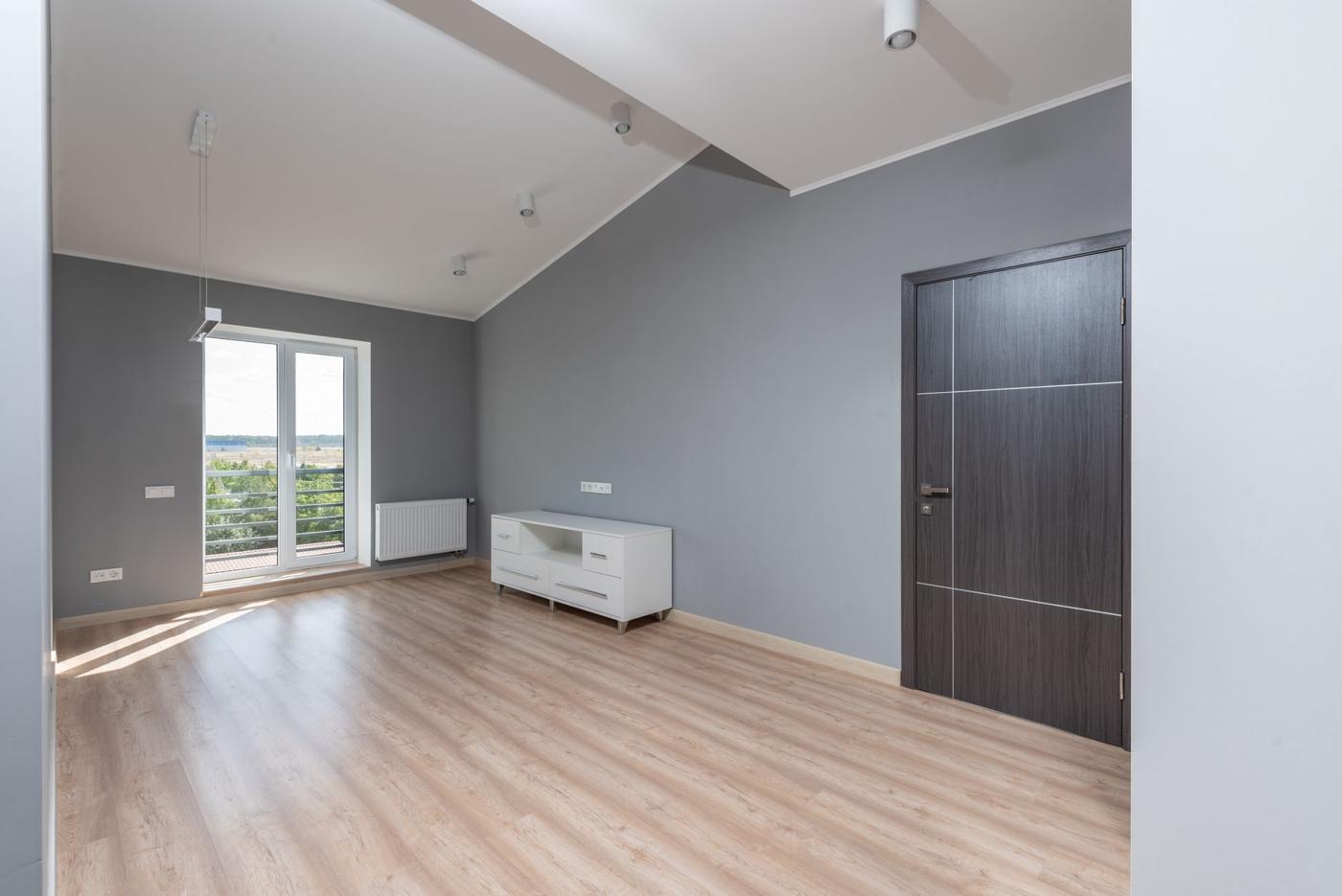
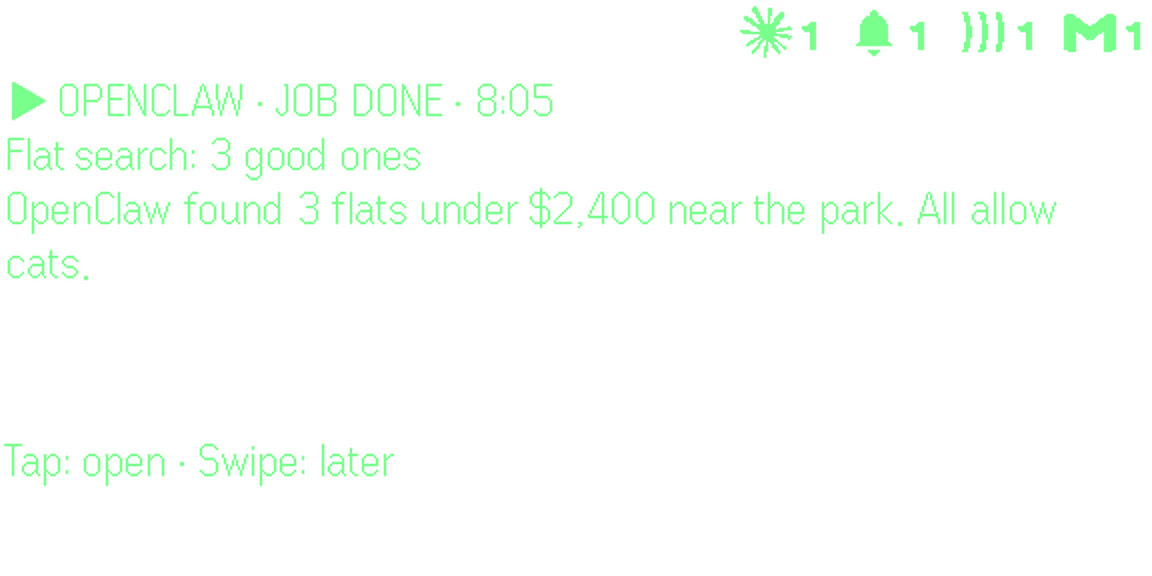
  • A flat search, done

    OpenClaw: A flat search, done

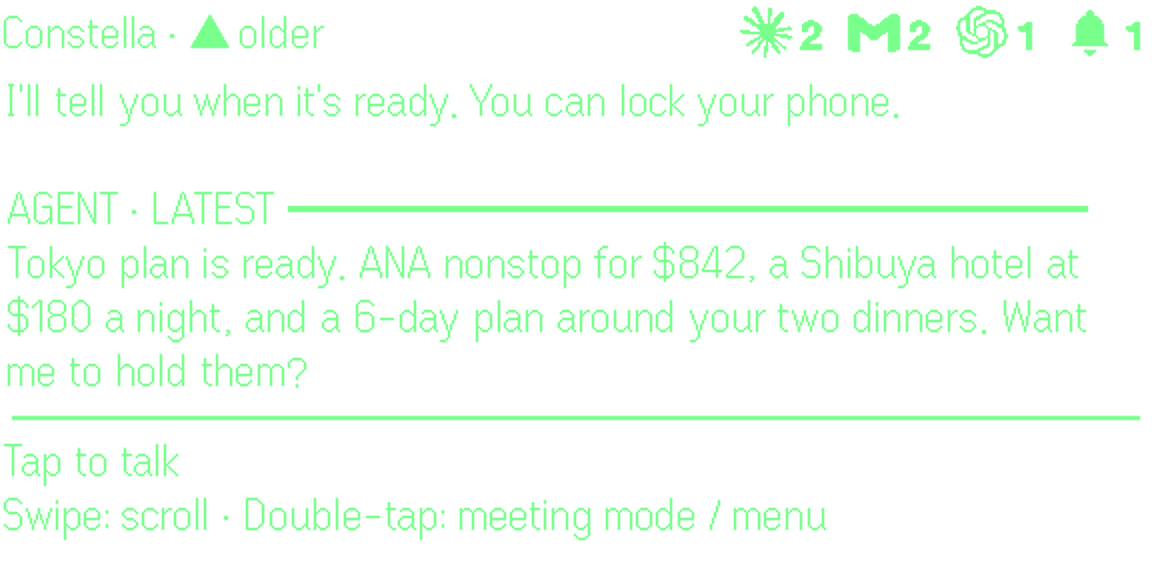
  • A Tokyo trip, planned

    OpenClaw: A Tokyo trip, planned

How

  1. Tap, then talk“Plan my Tokyo trip next month.” You can lock your phone.
  2. LaterThe result comes back to the lens when it is ready.
  3. It asksWhen an agent needs your yes, it asks on the lens first.
  4. TapOne tap says yes. Swipe to say something else.

Use it when

  • A trip needs planning and you are nowhere near a laptop
  • Code needs fixing while you are away from your desk
  • Something should wait for your yes before it happens

Two ways to run them

OpenClaw

Done for you, full agent + computer.

No hassle. Set up for you.

We set up your own cloud computer with OpenClaw on it. It keeps working while your phone is locked, and Claude Code and Codex can sign in there too.

  • Nothing to install or keep running
  • Works while your phone is locked
  • Jobs on a schedule, results on your lens

Cloud Computer · $39.99 / month · 3 days free

Get the app
HermesOpenClawClaude CodeCodex

Already have agents? Connect them.

Run Claude Code, Codex, OpenClaw and Hermes on your own Mac, or connect your own OpenClaw, Hermes or OpenAI-compatible agent.

  • Your machine does the work
  • Results and questions still come to the lens

Bring your own · Free · no card needed

One ordinary day

Seven things reached the lens. Each one was answered by voice or one tap, phone in pocket.

  1. 8:05OpenClawFlat search done: 3 good ones“Book viewings for Saturday.”
  2. 9:41GmailPriya: can we move to Thursday?“Thursday at 10 works, see you then.”
  3. 11:05CalendarDentist overlaps your 3pm“Move the dentist to Thursday morning.”
  4. 12:30MemoryAt lunch, a name you forgot“What’s Ken’s daughter’s name?” Mia.
  5. 1:45ConstellaBook Sushi Ren for 4 at 7pm?One tap. Booked.
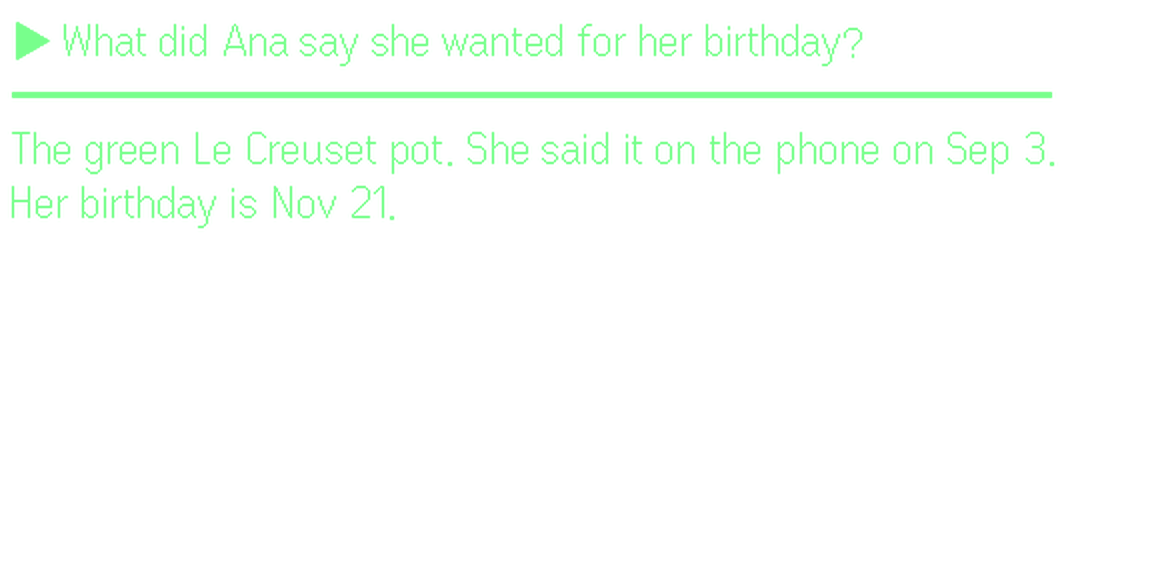
  6. 3:40ReminderLeave for the airport in 20 min“Email Ana my flight times.”
  7. 5:30Recap3 things while you were away“Tell Dana 3 is fine.”

Three gestures run the whole app.

All on the right side of your G2. The lens always shows the next one at the bottom.

Where you areTapSwipeDouble-tap
HomeTalk to ConstellaOpen the newest alertMenu and meetings
An alert comes upOpen itLater–
An open alertReply by voiceNext oneBack home
Your replySendCancelSay it again
MenuChooseMoveClose

Private. Fully.

Your memory holds your email, your meetings and your thoughts. It should only ever work for you.

No one reads it
Your memory is private to your account. We are not reading your email, notes or meetings.
Never sold
We do not sell, trade or rent your information. No ads, no data deals, no shady business.
Never trains AI
Not our models, not anyone’s. The AI providers we use work on zero-retention terms.
Listens only when you ask
Even G2 has no camera. The mic is on only when you tap to talk or start a meeting.
Yours to take or erase
Export everything, or delete it for good, any time.
Open source, for trust.Don’t take our word for it. Constella’s app is open source: read every line of how your memory is stored and searched.github.com/Constella-OS/constella-desktopAudit the code here →

Tejas Sharma, founder of Constella

Made with passion and love.

I built Constella to be the memory I wanted for myself. I would never trust a memory that worked for someone else, so yours never will.

Tejas SharmaFounder, Constella

Plans

Install free from Even Hub. Pick a plan in the app when you want an agent working for you.

Web

$19.99 / month

14 days free

An agent that works on the web for you.

  • Bookings, shopping, research and routine tasks
  • Reminders, morning briefings and email follow-ups
  • Your memory, kept in sync with your apps

Computer

$39.99 / month

3 days free

Your own cloud computer that keeps working.

  • Keeps going while your phone is locked
  • Runs scheduled jobs and reports back
  • Everything in Web

My Own

Free

No card needed

Bring the agents you already use.

  • Claude Code, Codex, Hermes and OpenClaw on your Mac
  • Or your own cloud agents

Questions

I already have an Even G2. What does this add?

Four things. It picks which alerts reach your lens, instead of showing them all. It lets you answer email by voice. It answers questions from your own email, calendar, notes and meetings. And it runs AI agents that do jobs and report back to the lens.

Does it replace the Even app or Even AI?

No. Constella is an app inside Even Hub, next to everything your G2 already does. Open it from the glasses menu and leave it on.

Which apps does it connect to?

Gmail, Google Calendar, Google Drive, Notion, Slack, GitHub, Linear and Obsidian. They keep in sync on their own.

Do I still need my phone?

Yes, in your pocket. Even G2 apps run through the Even app on your phone. Constella means you rarely need to take it out.

Can it send things without me?

No. A reply is written out on the lens first, and nothing goes until you tap send. Agents ask before bookings and other big steps.

Which apps show up on the lens?

Important Gmail email, Slack messages, Google Calendar clashes, reminders, and finished jobs from Claude Code, Codex, OpenClaw, Hermes and browser errands. You can say what counts in your own words, and set quiet hours.

Does it work in Japanese?

Yes. Speak Japanese, ask in Japanese, and meeting cues come back in Japanese.

Is there a camera?

No. Even G2 has no camera. Constella listens only when you tap to talk or start a meeting.

Free on Even Hub. Set up in a minute.

  1. On your phone, open the Even app and go to the Even Hub tab.
  2. Search for Constella and install it.
  3. Sign in with the 6-digit code we email you. Your glasses link on their own.

No G2 yet? Get the glasses and Constella together.
Available wherever you go