

In today’s world of overflowing information and never-ending to-dos, we rely on tools and approaches like note-taking, diaries, and second-brain apps to keep our minds on track. Yet not all tools serve us equally well. The way you design your notes—how they’re arranged, which colors you choose, and how you structure each page—reaches right into your brain’s connections. So, well-designed notes can turn random thoughts into powerful memory sparks, while awkward layouts may fail to bring back all parts of your ideas or memories.
In this article, we will discuss how memory recall works and why we often forget information over time. More importantly, we will look at how thoughtful note design, using structure, visual cues, and smart organization, can help trigger forgotten memories, from flexible layouts and tagging to spaced repetition and AI summaries.
Finally, we’ll introduce a modern note app built around these principles and show you how its features and functionalities bring your memories back to life.
But first, let’s go back to where it all began: the problem of forgetting.
Why We Forget and Why It Matters
You jot down a brilliant idea in the middle of the day. The next morning, it’s gone. You know you had it, but no matter how hard you try, it won’t come back. This happens more than we think. Forgotten thoughts cost us creativity, missed opportunities, and hours of wasted effort trying to retrace mental steps.
Forgetting is not a flaw in our brain, but also a built-in feature. Our minds are wired to filter, not to store everything. The brain constantly decides what’s worth keeping and what can fade. If something isn’t reinforced or revisited, it gets pushed aside to make room for new inputs.
But here’s the key: most of what we forget isn’t actually erased. It’s just misplaced and buried under layers of newer information. These memories still exist, just harder to reach.
That’s where note design comes in. Well-structured notes don’t just store information; they act as mental signposts. With the right layout, tags, and visual cues, you can recreate the path to those hidden ideas. You don’t just remember, you’ll restore the original clarity and the way it first sparked in your mind. That’s the real power of thoughtful note design.
What Is Memory Recall?
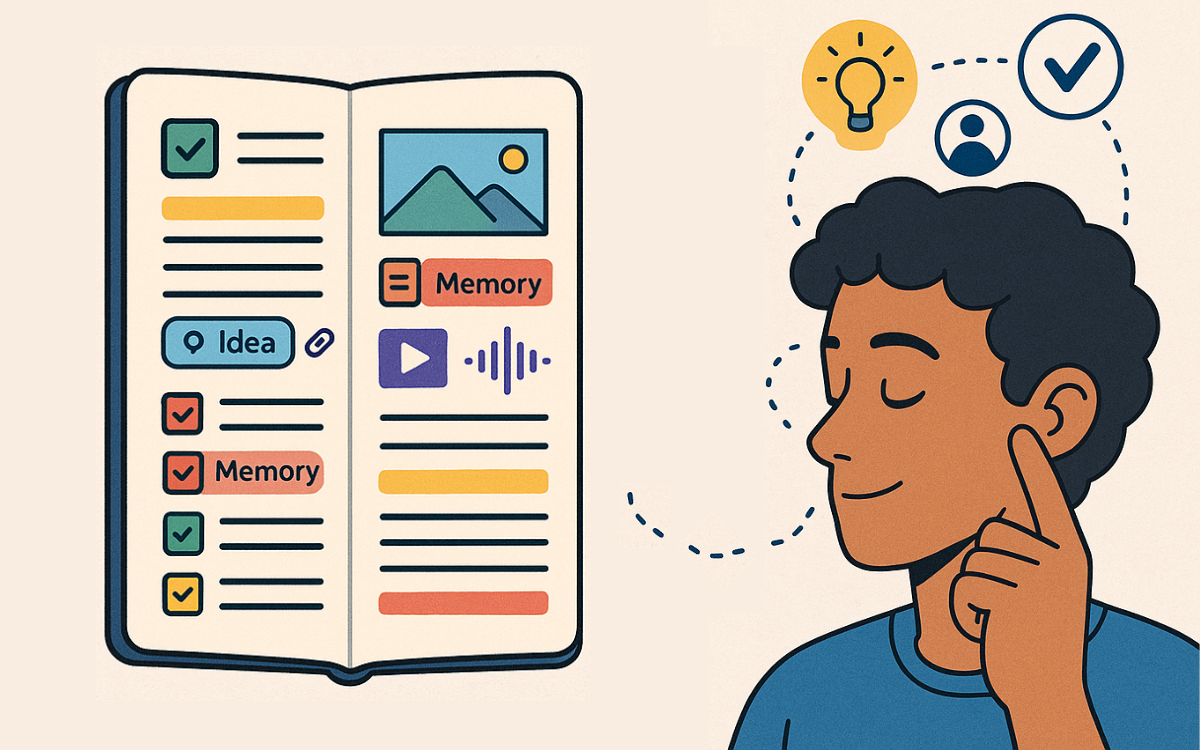
Memory recall is your brain’s act of digging up stored information. When you try to remember a friend’s phone number or a clever insight from last week’s meeting, your mind searches through neural pathways until it finds the right detail. This process is active retrieval, not just spotting something familiar. That differs from recognition, where you see a photo and say, “Oh, I know that person.” Recall asks you to bring something to mind without a prompt or help.
This is where cues and context come in. A simple color highlight or a linked keyword in your notes acts like a breadcrumb trail. These cues trigger associations and guide your mind back to the full idea. Good note design uses context like headings, tags, and visual markers to recreate the situation in which you first learned something. In the following sections, we’ll see how these design aspects and elements work together to spark those memory cues.
How Smart Note Design Improves Memory Recall
Modern note and second-brain apps do more than store text. They surface buried ideas through intentional design. A well-crafted layout guides your eye and mind, turning raw thoughts into clear memory triggers. When you open a note, you should instantly see the key points—no hunting through walls of text. Below, we’ll explore three key design choices that turn simple note pages into active memory partners.
Smart Cues: Visual and Contextual Signals
Visual cues act like signposts for your brain. A bold heading, a colored sidebar, or an icon beside a list item instantly draws your eye and primes your mind to remember. For example:
- Highlight bars beside important points to speed up scanning and reinforce what matters.
- Color coding for themes, such as red for urgent tasks and green for ideas, helps you recognize and remember faster.
- Contextual snippets, such as a short excerpt of related content, remind you of where and why you wrote something.
Together, these signals reduce mental effort. You don’t search; you simply recognize your own markers. With each glance, your brain rebuilds the full context, almost as if you’d never left.
Links, Tags, and the Power of Connections
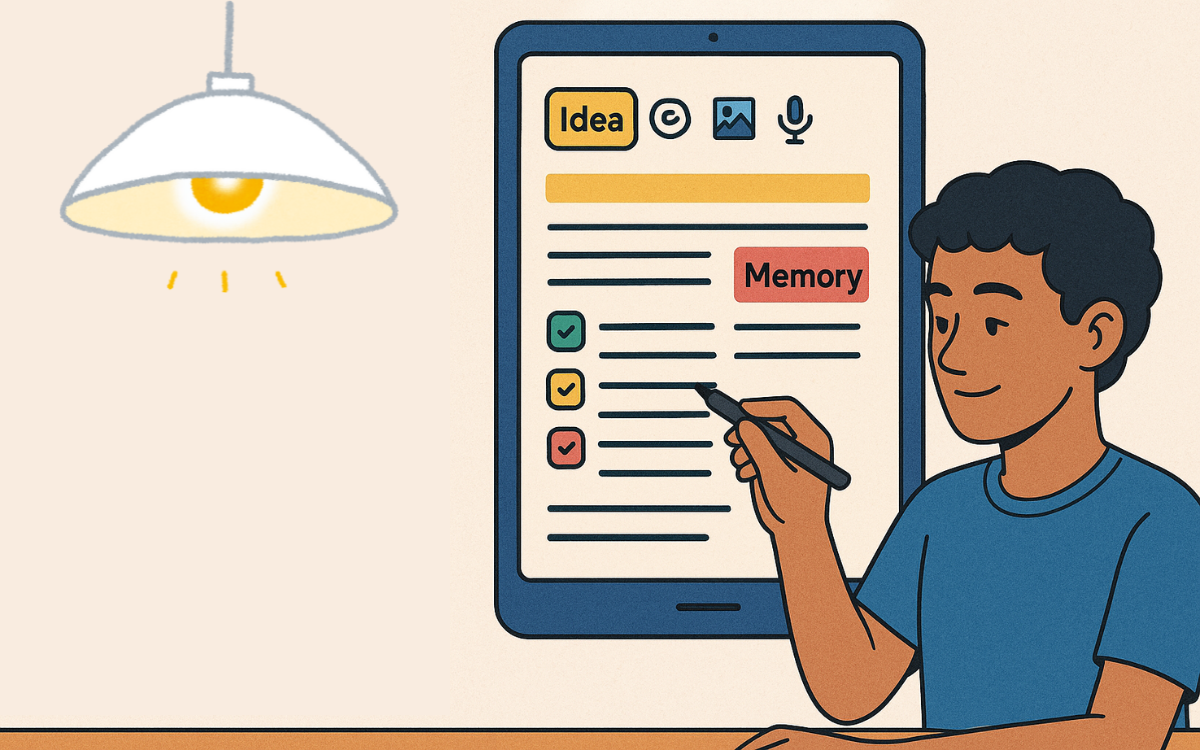
Beyond visuals, connections in your notes mirror the brain’s own network. Backlinks, tags, and knowledge graphs create pathways between ideas. When you tag a meeting note with “marketing,” every other note under that tag becomes a potential spark. Backlinks (automatic links between related pages) turn scattered notes into a web you can stroll.
Knowledge graphs can even take it further: they map relationships visually, showing clusters of ideas and how they link. When you revisit one node, the entire network lights up in your mind. You discover insights you’ve forgotten, simply by following the map you built.
Daily Reviews and Automatic Reminders
Consistent review is key to memory. Modern apps embed daily notes and spaced repetition reminders right where you write. A gentle notification nudges you to skim yesterday’s ideas. A “Today’s Review” panel displays past entries from the same date or with the same tagged topics.
This repetition solidifies memories. Each review session acts like a mini-retrieval practice, strengthening neural pathways. Over time, what was once new becomes second nature. And if you miss a day, built-in reminders get you back on track, so no idea fades away unnoticed.
Together, these tools turn your notes into a living, breathing memory assistant. But there’s more. A new trend—AI assistance—is taking things even further. In the next section, we’ll explore how an AI-powered solution enhances these designs, suggesting what to review, automatically tagging content, and even summarizing complex threads.
Constella: All-in-one AI-powered Note Tool
Constella brings together note-taking, journaling, and second-brain features in one app. At its core is an AI assistant, Stella, which helps you shape notes with a standard design that follows the note design concepts discussed in this article, bringing forgotten ideas back to life when you revisit them.
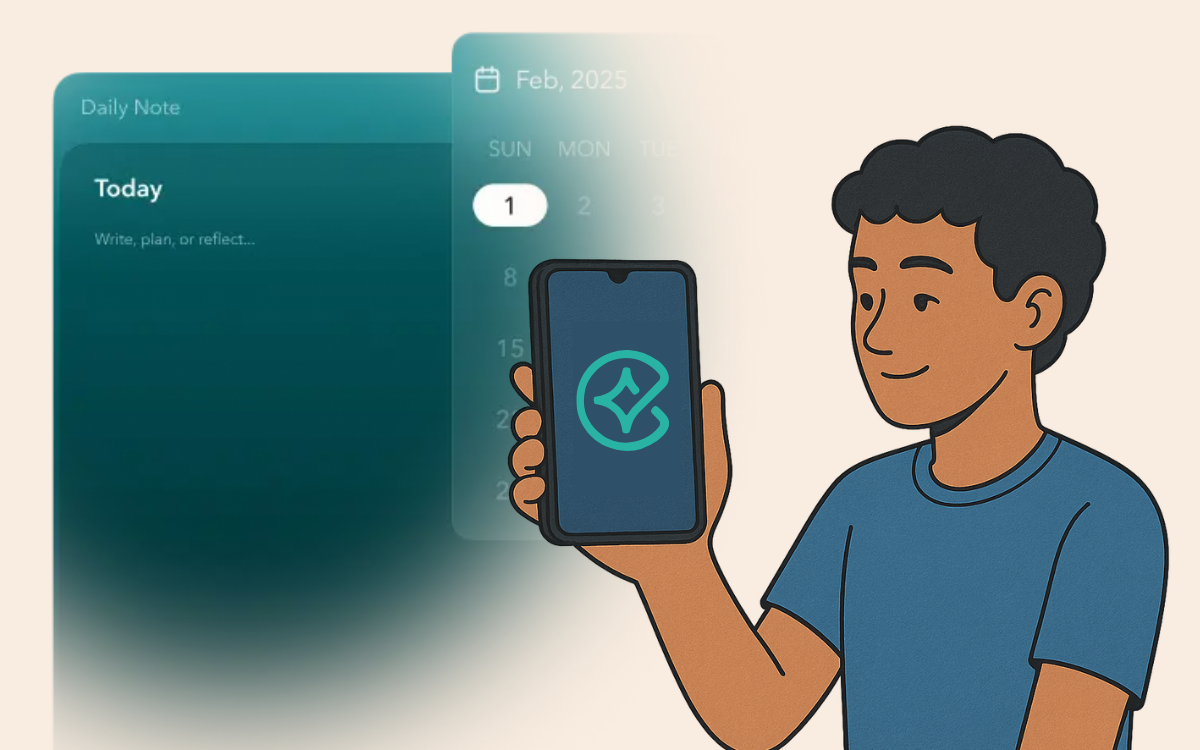
First, flexible entry options let you mix text, photos, voice clips, and sketches in any order. You choose the layout and design. Then, your brain sees familiar patterns, so recall feels natural. Next, full-text search and quick filters surface past notes in seconds. Type a keyword or tap a tag, and Constella brings related pages to the front, just as we discussed under visual cues.
Constella’s smart tagging, on the other hand, learns from your entries. As you write about something like “project launch,” Stella suggests matching tags and backlinks that each becomes a memory bridge, linking scattered thoughts into a clear web. The built-in knowledge graph then maps these connections and finally shows clusters of related ideas at a glance.
Furthermore, for regular reinforcement, Constella adds daily notes and spaced-repetition reminders right in your sidebar. For example, a gentle alert may invite you to review last week’s highlights or dive back into a long-buried brainstorm. This constant loop of review and writing strengthens your memory pathways and gives you a better user experience.
Finally, AI-powered summaries, topic suggestions, and contextual snippets make every note feel alive. Stella can condense a lengthy meeting note into bullet points or remind you of the key takeaways when you revisit a page.
In this way, Constella covers each design aspect from visual cues to connections and timed reviews, bringing your memories back with more clarity and speed.
Conclusion
In this article, we’ve seen how forgetting is part of our brain’s filtering system and how recall relies on strong cues, context, and repetition. Thoughtful note design, from flexible layouts and visual highlights to smart links and timed reminders, turns scattered jottings into reliable memory triggers. We also explored Constella, an AI-powered app that brings these concepts to life with flexible entry options, smart tagging, daily reviews, and on-demand summaries.
Now it’s your turn. Apply these note design principles and start building your own second brain. Whether you begin with simple color-coded notes or dive in with Constella’s AI features, you’ll be able to capture ideas clearly, find them fast, and keep your most important memories within easy reach.
Want more insights like this?
Subscribe to get short productivity tips and useful summaries of new tools every week.
Want more insights like this?
Subscribe to get short productivity tips and useful summaries of new tools every week.


