
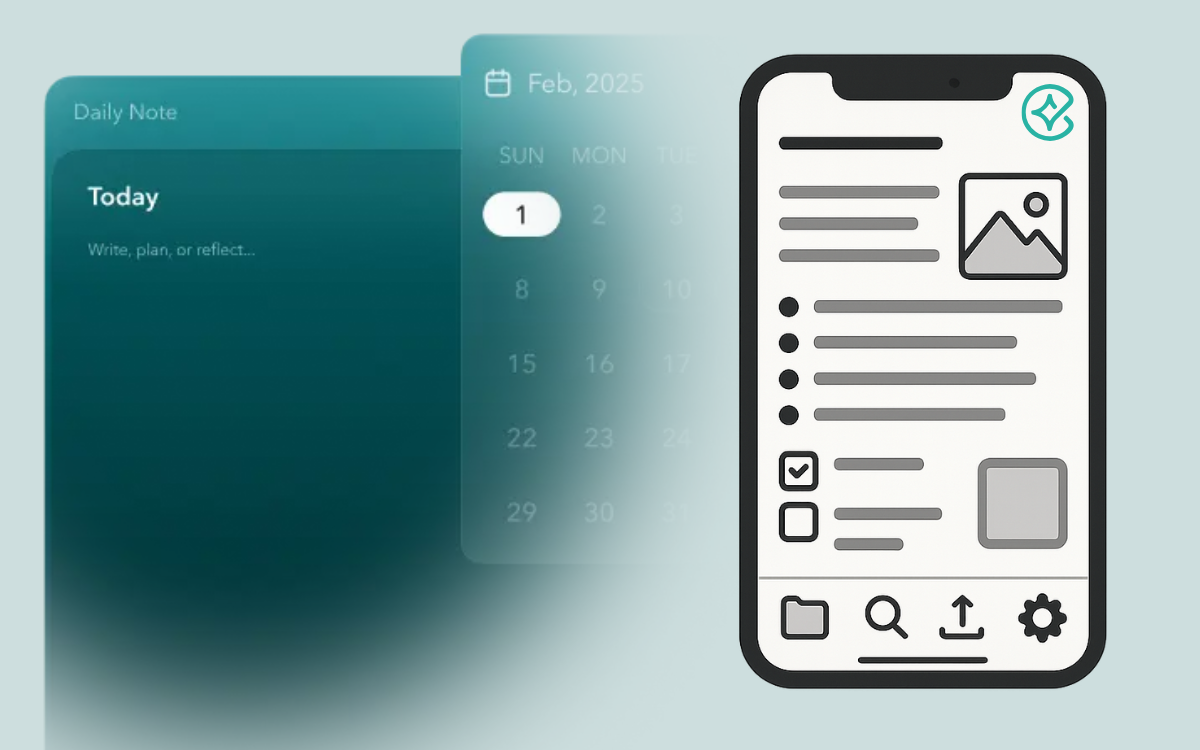
Note apps are digital tools and great solutions for capturing tasks, ideas, and other information. They let you jot down a meeting summary, a shopping list, or a personal reflection in one place. These tools make it easy to find or remember what you need when you need it.
We use note-taking apps for both work and personal life to organize and manage various tasks, such as planning projects, saving links, tracking habits, and storing reminders. In this article, we’ll examine whether it makes sense to keep work and personal notes in separate apps or combine everything into one. You’ll also see the advantages and disadvantages of each approach, explore real-world use cases, and discover how Constella helps manage this choice.
So, is one app enough, or do you need two? Let’s explore where this concern began and why it still matters today.
One App or Two? Why It Matters?
Digital note-taking tools have exploded in popularity. From meeting summaries and project plans to shopping lists and personal reflections, we rely on these apps to capture every thought. At the same time, work and personal life no longer follow neat schedules. Emails arrive late at night, and grocery ideas pop into our heads at the office. Boundaries blur!
That blurred line brings up questions about using one app for everything or separate apps for work and private notes. For example, people worry about security and privacy when personal thoughts mix with company data. Others find it hard to switch mental gears when a single app holds both meeting agendas and weekend plans. Furthermore, productivity and focus suffer if notifications or irrelevant notes distract us. And, of course, everyone has their own way of organizing—some prefer simple lists, while others build elaborate tag systems, and so on.
Modern note apps now promise the best of both worlds. They offer locked folders, custom views, and domain-specific templates. But the core dilemma remains: what setup helps you stay secure, focused, and organized?
Advantages and Disadvantages of Using Separate Apps
Using two separate apps can feel like a neat solution when you want to keep work and personal life apart. It’s straightforward: one app holds your meeting notes, project plans, and to-do lists; the other stores shopping lists, journal entries, and hobby ideas. But is that split actually helpful? Let’s look at the upsides and downsides. Keeping work and personal notes in different tools offers clear benefits:
- Mental clarity and reduced distractions: When you open your work app, you see only tasks and meeting agendas. No weekend plans or family reminders to pull your focus away.
- Security and privacy separation: Sensitive company data stays behind a secure login. Personal thoughts, photos, and private details live in a separate, perhaps more relaxed app.
- Tailored tools for different contexts: You might use a sleek, team-oriented tool at work and a flexible, free-form app for personal notes. Each environment fits its purpose.
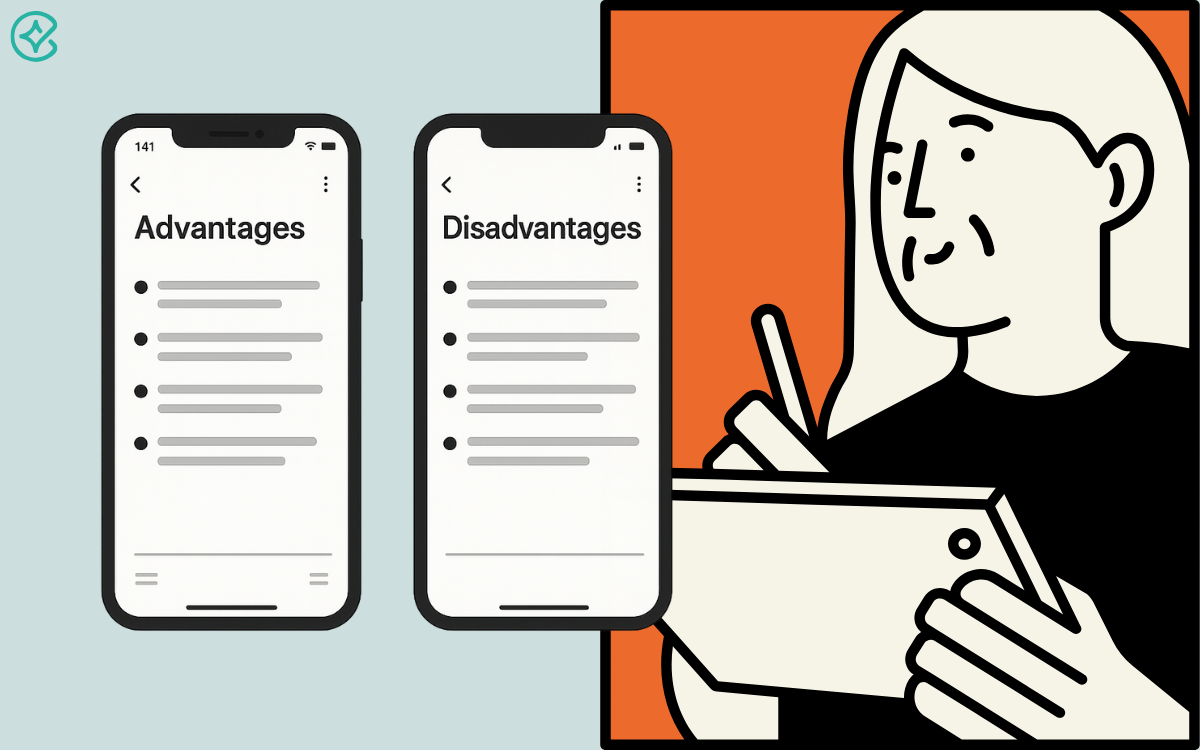
But, on the other hand, that clear split has its own costs:
- Friction in workflow and context switching: Jumping between two apps can slow you down, and copying ideas from one place to another adds extra steps.
- Harder to track ideas that overlap: What if a work project sparks a personal side gig? When notes live in different places, it’s easy to lose connections.
Finally, splitting apps makes sense for focus and security, but it can also add friction and extra work.
Advantages and Disadvantages of Using a Unified App for Everything
Using a single app for all your notes means everything lives in one place. No more jumping between tools or hunting for the right notebook. But is that simplicity worth the trade-offs? Let’s explore the main benefits:
- Centralized search and tagging: One search bar finds any note, whether it’s a project brief or grocery list. Tags also work across both domains so that you can see work plans and personal ideas in one view.
- Less tool switching and smoother workflow: You stay in one interface. No extra clicks or loading times.
- Simpler backup and access: Back up one database instead of two. Sync settings, export options, and mobile apps all focus on a single vault. You know exactly where your data lives.
But putting all your eggs in one basket can create new challenges, too:
- Potential for distraction or mixing contexts: A personal reminder might pop up in the middle of a deadline. Or a work notification could break your weekend flow. So, context-specific focus becomes harder.
- Security risks of all data in one place: If your account is compromised, both personal memories and sensitive company info are at risk. Separate logins or encryption layers can’t help when everything shares one key.
- Requires strong internal organization to stay clean: Without folders, tags, or consistent naming schemes, your note list turns into a jumble. The very simplicity that drew you in can become chaos if you don’t maintain strict order.
In conclusion, combining work and personal notes into one app offers speed and simplicity. Yet it demands discipline, clear tagging, and robust security. So in the next section, we’ll look at how the Constella app tackles these dilemmas.
Real-World Use Cases and Examples with Constella
Different people have different note-taking needs. A freelancer may juggle client briefs and creative ideas. A student tracks lectures, assignments, and personal goals. A corporate employee keeps meeting minutes, project plans, and weekend plans in mind. Each profile shows unique challenges and preferences.
Take the freelance designer who tried two apps. In her work app, she sketched logos and stored client feedback. In her personal app, she kept track of her travel plans and recipes. Switching between them felt tedious, and she lost inspiration when a personal idea sparked a new design. A college student used a unified app but struggled to separate study materials from weekend plans. Every time he searched “draft,” he saw both essay ideas and party invites! That distraction made him miss deadlines.
Constella bridges these approaches without forcing one rigid system. While it doesn’t use separate locked workspaces, it allows users to create their own structure using tags, sections, and filtered views. For example, the designer can group work notes under a “Clients” section and tag ideas with labels like “inspiration” or “deadline” to reuse them across contexts. Likewise, the student can set up views like “Courses” and “Life” using custom filters and pinned tags. When a class project sparks a club event idea, connecting those notes takes just a few clicks.
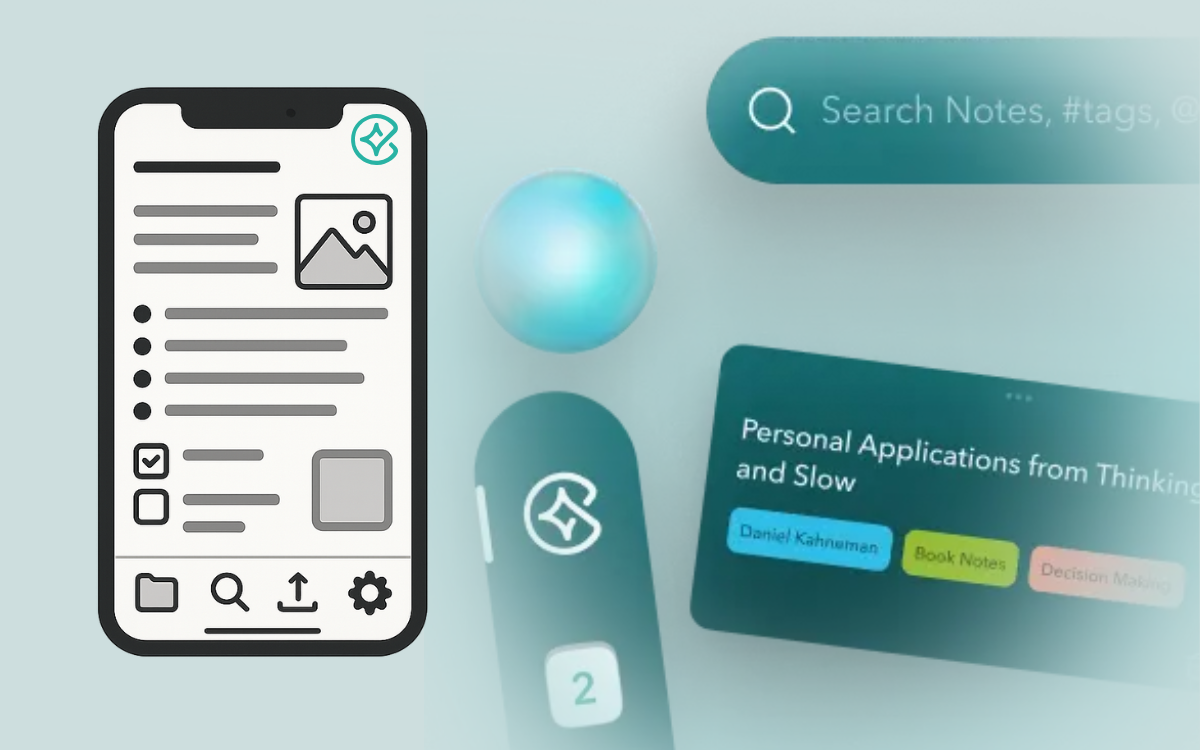
At the corporate level, team members can share specific notes or views using link-based sharing, while still keeping their own areas private. Additionally, Constella’s secure AI interactions and global search make it easy to find what matters without digging. Whether you lean toward separation or prefer an integrated flow, Constella stays flexible. That means less copying and pasting, fewer distractions, and more focus on the work—or the weekend—that matters.
Conclusion
In the end, there is no single right answer. Your choice depends on how you work and what you value. If you need strict focus and privacy, keeping work and personal notes in separate apps makes sense. You’ll avoid distractions and protect sensitive information. If you prefer simplicity and a smooth flow, a unified app can save time and reduce friction.
For many, a hybrid approach works best. Use one app but create clear folders or tags for “Work” and “Life.” With Constella, you can split these spaces inside the same app, and that way, you get simplicity and ease without giving up separation.
Now it’s your turn to experiment. Try different setups for a week and see which feels most natural. Adjust as you learn more about your own habits and then settle into a note-taking rhythm that truly supports your needs.
Want more insights like this?
Subscribe to get short productivity tips and useful summaries of new tools every week.
Want more insights like this?
Subscribe to get short productivity tips and useful summaries of new tools every week.


