

Students often struggle to develop and organize complex ideas in subjects like science, math, physics, and philosophy. The challenge comes from both the depth of each topic and the way our minds need to process and remember multiple layers of information. Trying to hold abstract concepts in your head can feel like juggling too many balls at once.
Fortunately, visual notes offer a simple solution: they allow you to sketch relationships, map out steps, and link ideas in a clear and memorable way. Visual note apps build on this by giving you digital space to draw diagrams, tag key points, and rearrange your thoughts with a tap.
In this article, we’ll explore how visual note apps help students break down tricky topics, spot connections at a glance, and lock ideas into long-term memory. Now, let’s start with where the issue began.
The Problem with Organizing Complex Ideas
When you first learn a new concept, your brain kicks into gear by linking bits of information across different regions. In technical terms, neurons fire together to form a network that represents that idea. However, these networks can get tangled when you try to hold too many details at once. As a result, your mind may freeze or skip important steps because it can’t easily follow the chain of connections you’re building.
Next, your mind organizes ideas by grouping related thoughts and filing them away in memory. Yet, without a clear structure, those groups can overlap or drift apart. For example, you might recall a formula in math but forget why it applies to a physics problem. Similarly, in philosophy, you can list an argument’s main point but lose sight of its counterarguments. Over time, this jumble of facts and logic makes it hard to retrieve the right piece of information when you need it most.
Fortunately, visual thinking offers a way out. By turning abstract ideas into diagrams, maps, or sketches, visual thinking taps into our natural ability to process images faster than text. In other words, the picture you draw becomes a mental shortcut, helping you spot connections and remember sequences more clearly. Later in this article, we’ll explore how visual note apps let you build these shortcuts on your screen, so you can keep your ideas organized, accessible, and ready to develop, no matter how complex the subject.

What Is a Visual Note App and How Does It Help?
A visual note app is a digital workspace that lets you capture thoughts using shapes, lines, images, and text on an open canvas. Instead of typing everything in a linear list, you can sketch mind maps, drag and drop sticky notes, embed photos or videos, and draw arrows to show relationships. These capabilities do more than just record information: they help you develop and shape complex ideas by letting you rearrange concepts, test different links, and add new details without losing sight of the big picture.
Popular options include Miro for collaborative whiteboarding, MindMeister for structured mind maps, Milanote for creative mood boards, and Notion with simple canvas blocks. Another rising star is Constella, with features like flexible visual boards, tagging and connection options, AI-powered suggestions, and more.
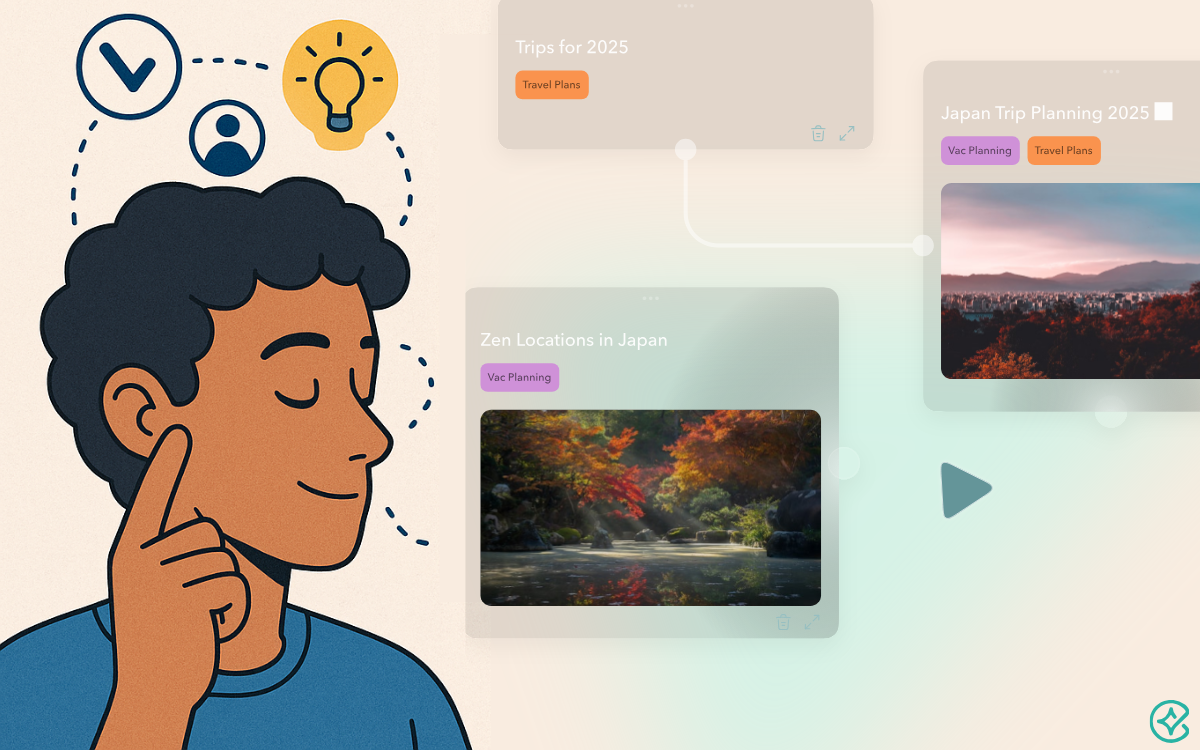
Later in this article, we’ll take a closer look at Constella and how it supports deep visual thinking. But now, let’s explore practical tactics for using these tools in some specific academic subjects.
Practical Tactics for Different Subjects
In each subject, visual note apps bring your ideas into focus by turning abstract concepts into clear visual elements. Whether you’re juggling symbols in math or weighing arguments in philosophy, these tools help you break down complexity and build understanding step by step.
- Math: In math, proofs and formulas often feel like a wall of symbols. However, by using visual notes, you can lay out each step in a clear and organized flowchart. For instance, draw boxes for assumptions, arrows for logical steps, and color highlights for key formulas. This way, you see how each piece leads to the next, and you can spot gaps or shortcuts at a glance.
- Science: Science topics—from cell biology to thermodynamics—rely on processes and causes. Visual apps enable you to sketch process flows, label each stage, and link cause-and-effect pairs. For example, map out the water cycle with icons for evaporation, condensation, and precipitation. Then, add notes on energy changes or related equations. This diagram becomes a living study guide you can expand or simplify as needed.
- Philosophy: Philosophy demands you juggle arguments, counterpoints, and thinkers. Here, a visual board shines: place each main argument in its own node, draw arrows to opposing views, and tag key philosophers. You might group Socratic methods on one side and utilitarian views on another. Consequently, you track how ideas clash and evolve, making essay planning or exam review far more intuitive.
In short, visual note apps guide you through organizing and developing ideas in any field. By sketching relationships and pathways, you turn scattered thoughts into a structured map, ready for deeper study and clear explanations.
Next, we’ll dive into a case study showing how Constella brings all these methods together in one powerful visual workspace.
Case Study: Building a Visual Map in Constella
Constella offers several key features that make organizing complex ideas both simple and powerful. First, its Infinite Visual Graph turns every note into a node on a web of connections. So formulas, concepts, and quotes all live on one canvas you can zoom and pan freely. AI Powered Smart Search lets you find notes by context or idea rather than exact keywords—no more hunting through folders for the right term. In addition, Instant Capture with Backlinking means that as you type or sketch, related notes surface automatically, helping you spot links you might otherwise miss. Meanwhile, Seamless Device Sync & Offline Mode keeps your graph up to date across laptop, tablet, and phone—even when you lose internet, your changes queue up and sync later. Finally, Markdown Export & Privacy ensure you own your data: all notes export in clean Markdown, stored locally in encrypted buckets for cloud sync.
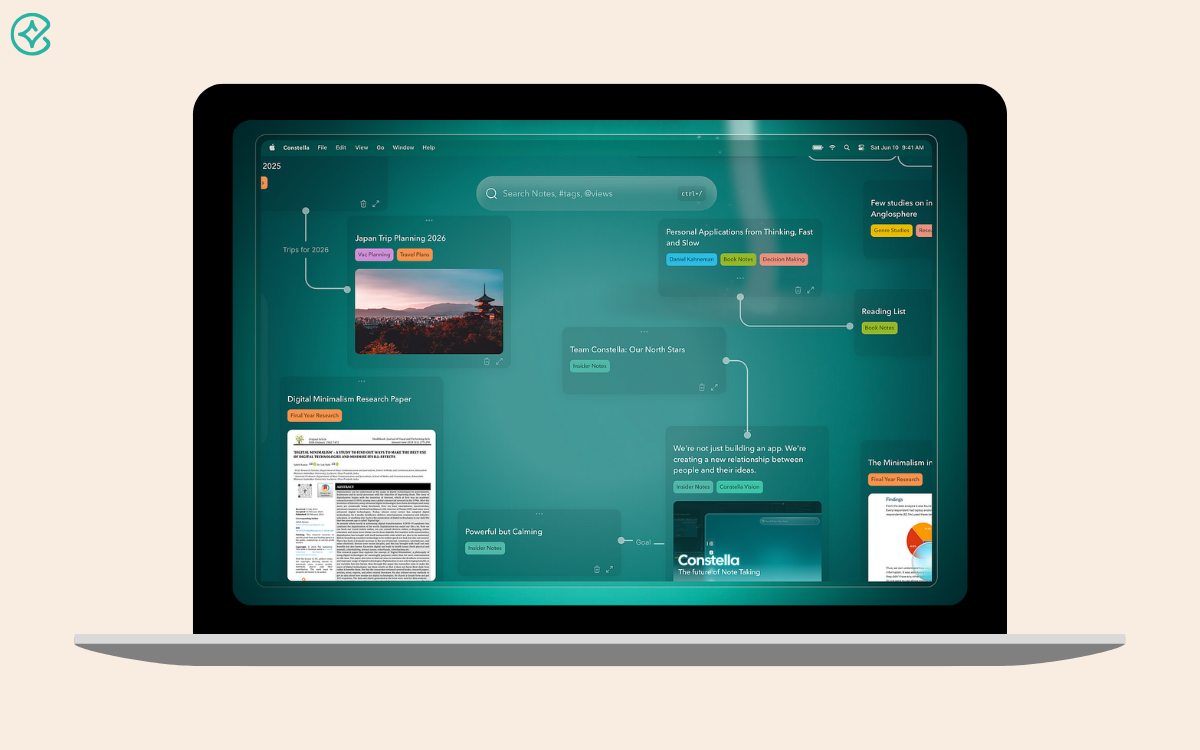
Together, these features let students visually develop and shape ideas without getting lost in text. You can map a physics derivation, link it to lab observations, then tag it to a historical theory—all on the same graph. Because Constella learns from your patterns, it nudges you toward fresh connections and saves time on organization so you can focus on deep thinking. For any student tackling complex subjects, Constella’s blend of visual mapping, AI assistance, and reliable syncing makes it an ideal choice for clear, creative note-taking.
Conclusion
Throughout this article, we saw how our brains build and file complex concepts, why plain text falls short, and how visual thinking—sketches, maps, and diagrams—brings clarity. Then, we explored what visual note tools offer, from infinite canvases to AI-driven links, and walked through practical tactics for math, science, and philosophy. Finally, our Constella case study showed how real features—graph layouts, smart search, and seamless sync—help you shape and grow your ideas without getting lost.
Now, take the next step: choose a visual note app, start your own map, and turn abstract thoughts into living diagrams. As you practice, you’ll find patterns faster, remember more, and build deeper understanding. Good luck on your visual note journey, and enjoy the clarity it brings.
Want more insights like this?
Subscribe to get short productivity tips and useful summaries of new tools every week.
Want more insights like this?
Subscribe to get short productivity tips and useful summaries of new tools every week.


